1
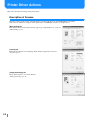
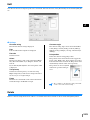
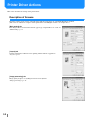
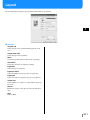
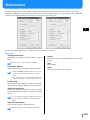
Layout
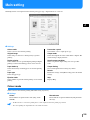
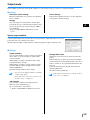
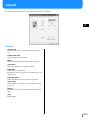
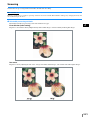
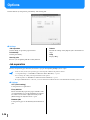
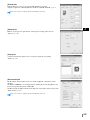
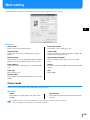
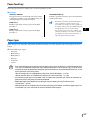
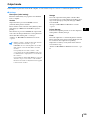
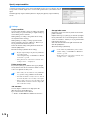
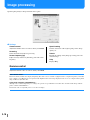
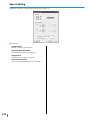
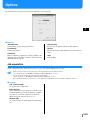
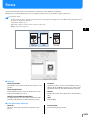
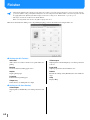
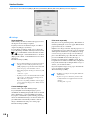
Sets the enlargementreduction ratio in printing and the method of pagination.
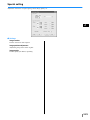
~ Settings
Original size
Selects the paper size specified with the application software.
Output paper size
Selects the paper size for printing.
Zoom
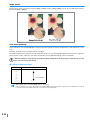
Sets the image enlargementreduction ratio in printing.
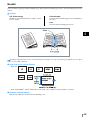
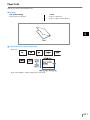
Orientation
Selects the orientation of original for printing.
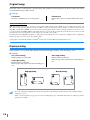
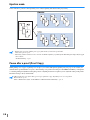
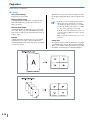
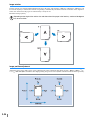
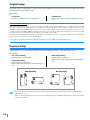
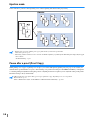
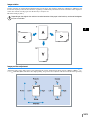
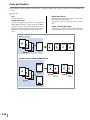
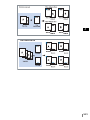
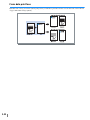
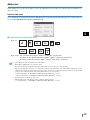
Pagination
Selects the type of pagination.
Depending on the type of pagination, detailed settings to be
displayed vary.
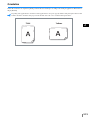
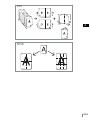
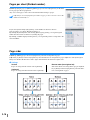
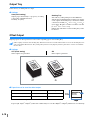
Pages per sheet
Selects the number of pages per sheet for pagination.
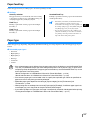
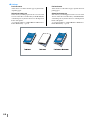
Output face
Selects whether or not prints are output with the first page
face down.
Default
Returns the settings on the [Layout] tab to the default settings.
Help
Displays Help.
2-11




![1 Click the [OK] button.](http://vs1.manualzilla.com/store/data/005894494_1-d1f52ee6fd3b2146a5f252d3f1858c3b-150x150.png)

![4 Haga clic en el botón [Siguiente].](http://vs1.manualzilla.com/store/data/006302360_1-bfeeab568eca6d90d29143bdf4061d20-150x150.png)
![[4] para - Riso.com](http://vs1.manualzilla.com/store/data/006041379_1-f987c63d0f56da21f929a771461d5686-150x150.png)
![2 Haga clic en el botón [Aceptar].](http://vs1.manualzilla.com/store/data/006292855_1-18424f3b5bf7ebf043fd2e6aa576beb6-150x150.png)