1
Chapter 5: Using Automake
95
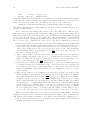
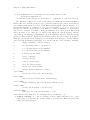
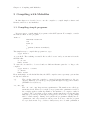
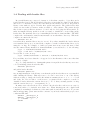
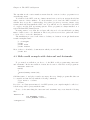
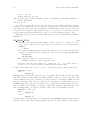
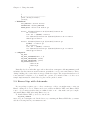
Then run the following commands:
% touch NEWS README AUTHORS ChangeLog
% aclocal
% autoconf
% automake -a
% ./configure
% make
% make distcheck
# make install
FIXME: Discussion
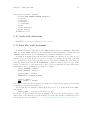
5.10 Guile with Automake
FIXME: Do you want to volunteer for this section?
5.11 Data files with Automake
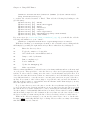
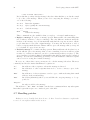
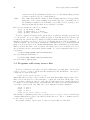
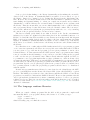
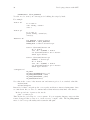
To install data files, you should use the ‘DATA’ primitive instead of ‘SCRIPTS’. The main
difference is that ‘DATA’ will allow you to install files in data installation locations, whereas
‘SCRIPTS’ will only allow you to install files in executable installation locations.
Normally it is assumed that the files listed in ‘DATA’ are written by you and are not
generated by a program, therefore they are not cleaned by default. If you want your data
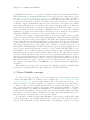
to be generated by a program, you must provide a target for building the data, and you
must also mention the data file in ‘CLEANFILES’ so that it’s cleaned when you type ‘make
clean’. You should of course include the source for the program and the appropriate lines
in ‘Makefile.am’ for building the program. For example:
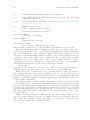
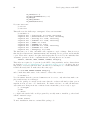
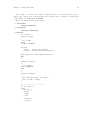
noinst_PROGRAMS = mkdata
mkdata_SOURCES = mkdata.cc
pkgdata_DATA = thedata
CLEANFILES = $(pkgdata_DATA)
thedata: mkdata
hTABi ./mkdata > thedata
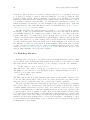
Note that because the data generation program is a one-time-use program, we don’t want
to install it so we list in in ‘noinst_*’.
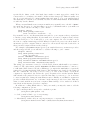
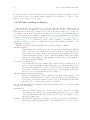
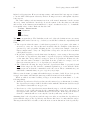
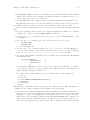
If your data files are written by hand, then all you need to do is list them in the ‘DATA’
assignment:
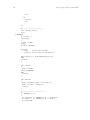
pkgdata_DATA = foo1.dat foo2.dat foo3.dat
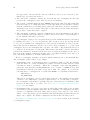
In general, you should install data files in ‘pkgdata’. However, if your data files are configuration files or files that the program modifies as it runs, they should be installed in other
directories. For more details See Section 5.3 [Installation standard directories], page 82.