1
Chapter 4: The GNU build system
65
4.5 Using configuration headers
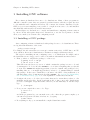
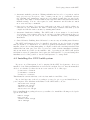
If you inspect the output of ‘make’ while compiling the hello world example, you will
see that the generated Makefile is passing ‘-D’ flags to the compiler that define the macros
PACKAGE and VERSION. These macros are assigned the arguments that are passed to the
AM_INIT_AUTOMAKE command in ‘configure.in’. One of the ways in which ‘configure’
customizes your source code to a specific platform is by getting such C preprocessors defined.
The definition is requested by appropriate commands in the ‘configure.in’. The AM_INIT_
AUTOMAKE command is one such command.
The GNU build system by default implements C preprocessor macro definitions by passing ‘-D’ flags to the compiler. When there is too many of these flags, we have two problems:
the ‘make’ output becomes hard to read, and more importantly we are running the risk of
hitting the buffer limits of braindead Unix implementations of ‘make’. To work around this
problem, you can ask Autoconf to use another approach in which all macros are defined in a
special header file that is included in all the sources. This header file is called a configuration
header.
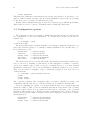
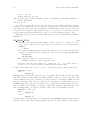
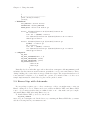
A hello world program using this technique looks like this
‘configure.in’
AC_INIT(hello.c)
AM_CONFIG_HEADER(config.h)
AM_INIT_AUTOMAKE(hello,0.1)
AC_PROG_CC
AC_PROG_INSTALL
AC_OUTPUT(Makefile)
‘Makefile.am’
bin_PROGRAMS = hello
hello_SOURCES = hello.c
‘hello.c’
#ifdef HAVE_CONFIG_H
#include <config.h>
#endif
#include <stdio.h>
main()
{
printf("Howdy, pardner!\n");
}
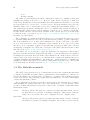
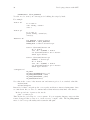
To request the use of a configuration header we use the AM_CONFIG_HEADER command. The
configuration header must be installed conditionally with the following three lines:
#if HAVE_CONFIG_H
#include <config.h>
#endif
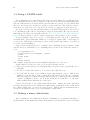
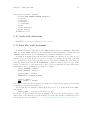
It is important that ‘config.h’ is the first thing that gets included. Now autoconfiscate
the source code by typing: