1
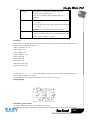
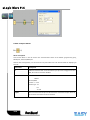
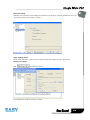
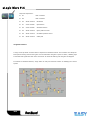
Parameters
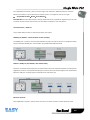
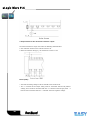
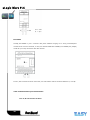
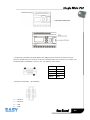
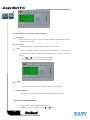
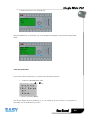
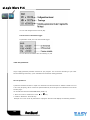
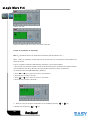
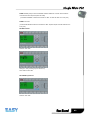
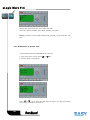
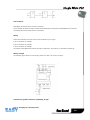
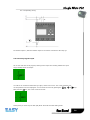
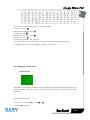
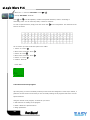
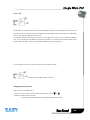
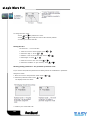
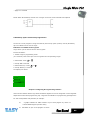
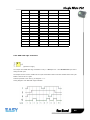
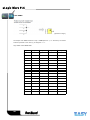
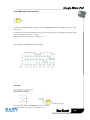
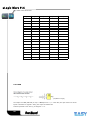
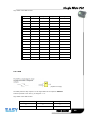
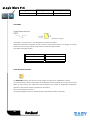
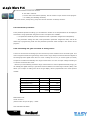
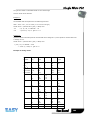
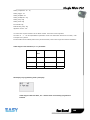
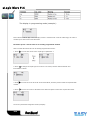
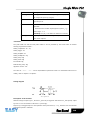
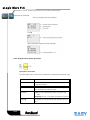
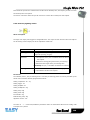
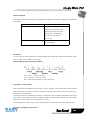
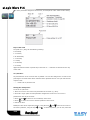
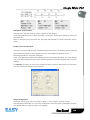
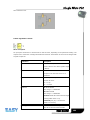
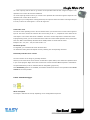
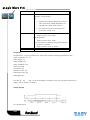
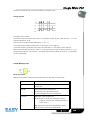
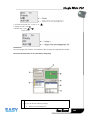
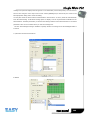
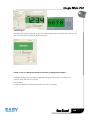
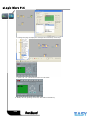
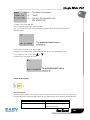
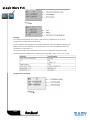
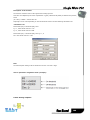
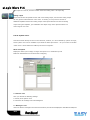
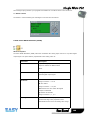
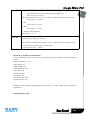
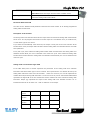
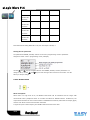
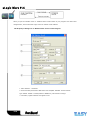
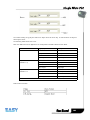
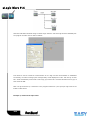
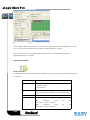
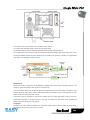
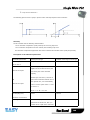
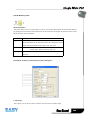
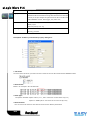
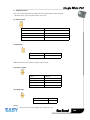
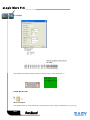
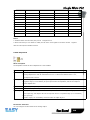
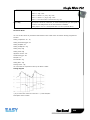
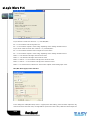
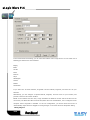
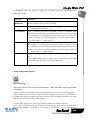
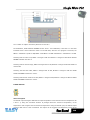
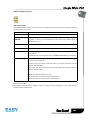
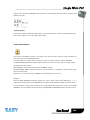
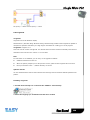
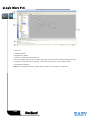
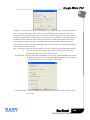
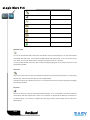
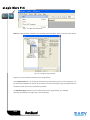
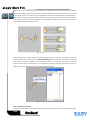
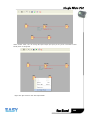
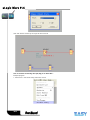
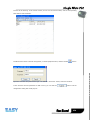
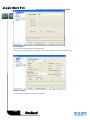
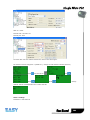
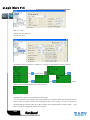
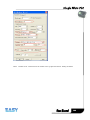
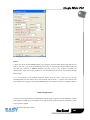
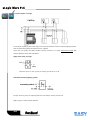
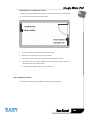
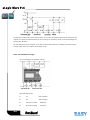
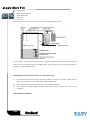
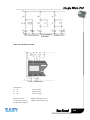
Having connected at least one input, you can configure the value of the output in the truth table, in the
Parameters window.
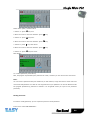
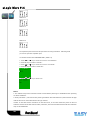
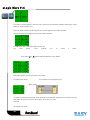
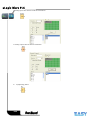
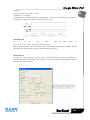
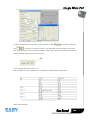
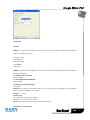
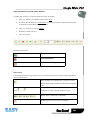
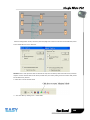
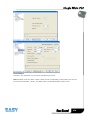
The output values can be 0 for the Inactive state, and 1 for the Active state(Double click to change the
0 or 1 ).
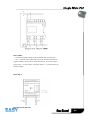
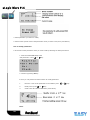
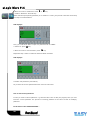
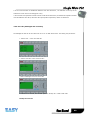
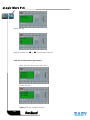
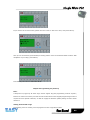
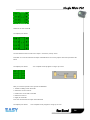
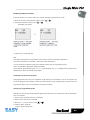
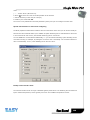
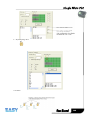
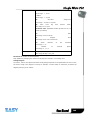
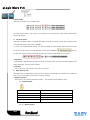
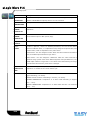
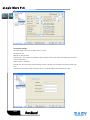
By selecting the Output ON if result is TRUE option, the output takes the value configured in the truth
table.
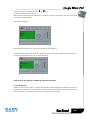
By selecting the Output OFF if result is TRUE option, the output takes the inverse value of the value
configured in the truth table.
6.4 Basics on special functions
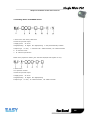
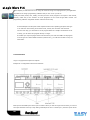
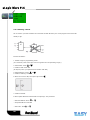
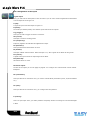
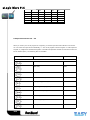
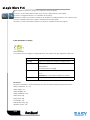
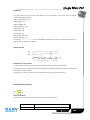
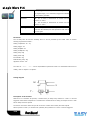
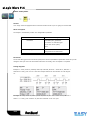
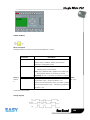
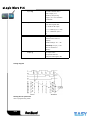
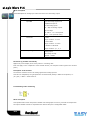
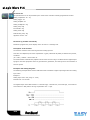
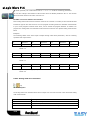
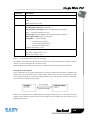
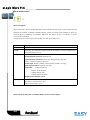
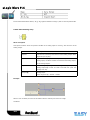
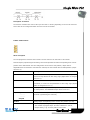
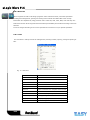
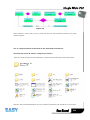
Because of their different input designation, you can see right away that there is a difference between the
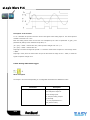
special functions and basic functions. SFs contain timer functions, retentive functions and various
parameter assignment options, which allow you to adapt the circuit program to suit your own
requirements.
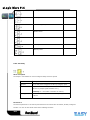
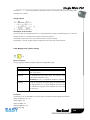
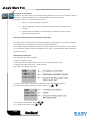
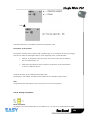
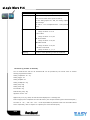
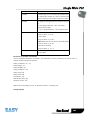
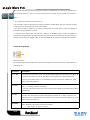
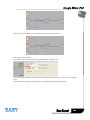
This section provides you with a brief overview of input designations and with some particular
background information on SFs. The SFs in particular are described in Chapter7.5
100