1
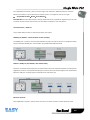
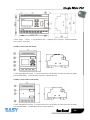
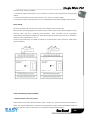
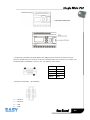
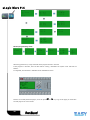
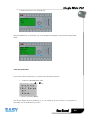
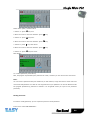
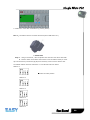
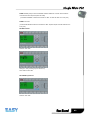
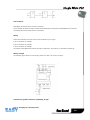
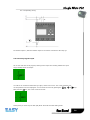
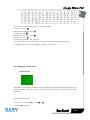
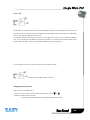
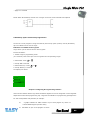
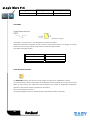
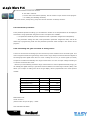
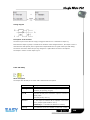
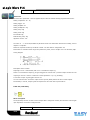
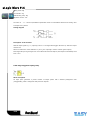
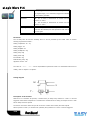
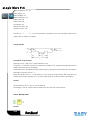
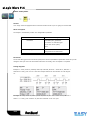
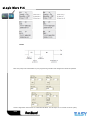
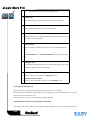
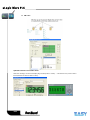
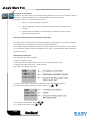
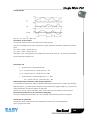
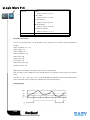
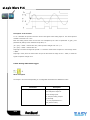
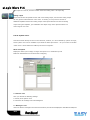
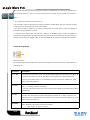
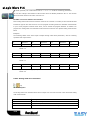
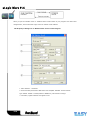
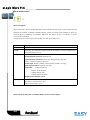
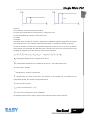
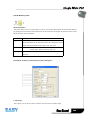
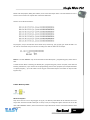
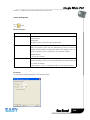
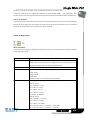
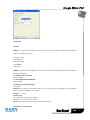
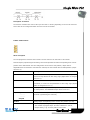
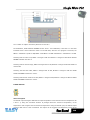
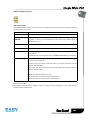
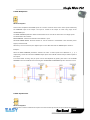
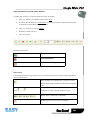
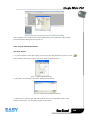
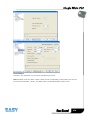
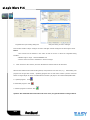
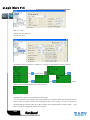
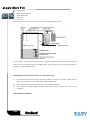
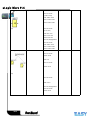
To change the time value:
● Press
and
to position the cursor.
● Press
and
to modify the value at the relevant position.
● Confirm your entries with OK.
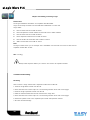
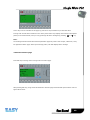
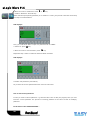
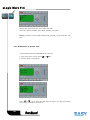
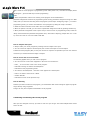
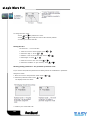
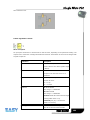
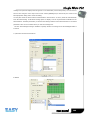
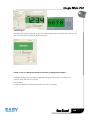
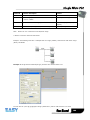
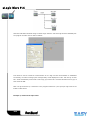
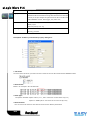
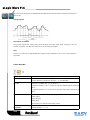
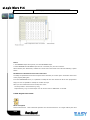
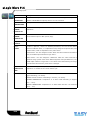
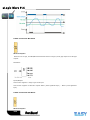
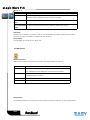
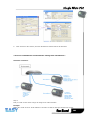
Setting the time
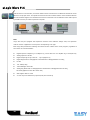
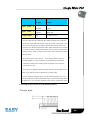
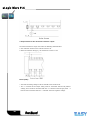
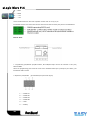
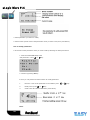
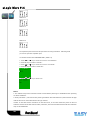
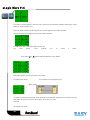
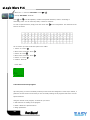
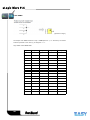
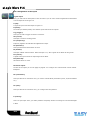
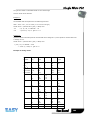
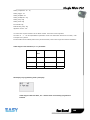
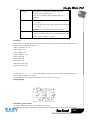
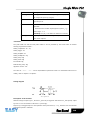
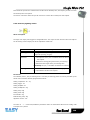
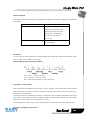
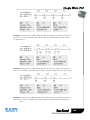
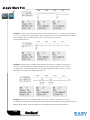
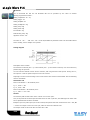
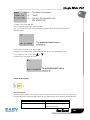
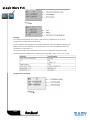
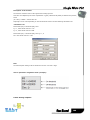
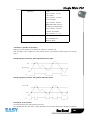
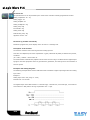
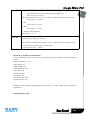
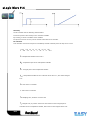
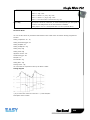
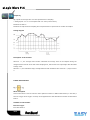
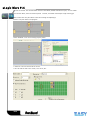
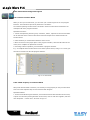
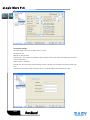
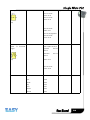
Set the time T = 12:00 minutes:
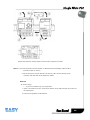
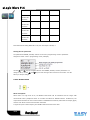
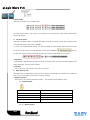
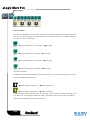
1. Move the cursor to the first digit: Press
2. Select the digit '1': Press
or
or
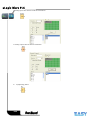
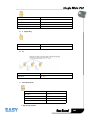
3. Shift the cursor to the second digit: Press
4. Select digit '2': Press
or
or
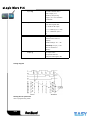
5. Move the cursor to the unit: Press
or
6. Select the timebase 'm' (for minutes): Press
or
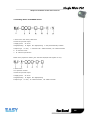
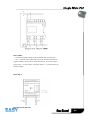
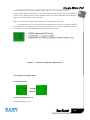
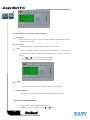
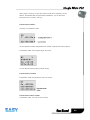
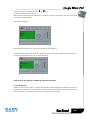
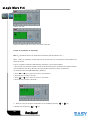
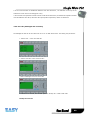
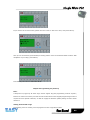
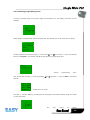
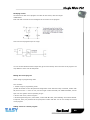
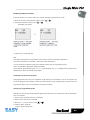
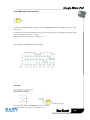
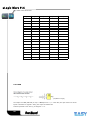
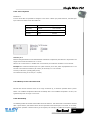
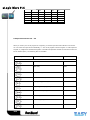
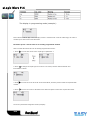
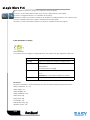
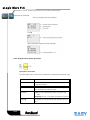
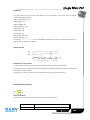
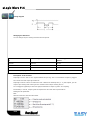
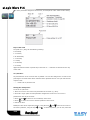
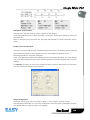
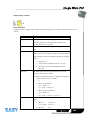
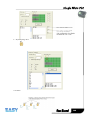
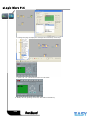
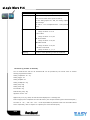
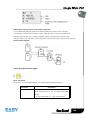
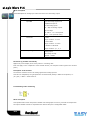
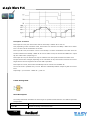
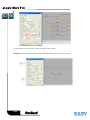
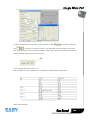
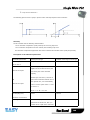
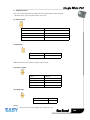
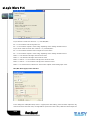
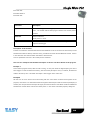
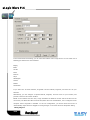
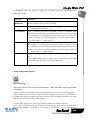
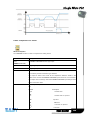
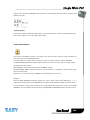
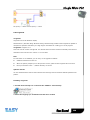
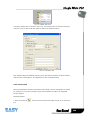
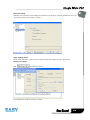
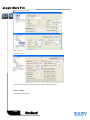
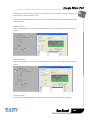
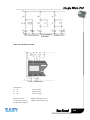
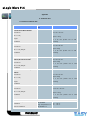
Showing/hiding parameters - the parameter protection mode
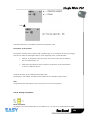
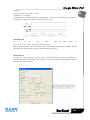
If you want to show/hide the parameter and allow/prevent its modification in parameter
assignment mode:
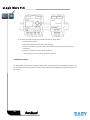
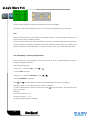
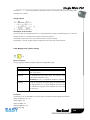
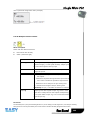
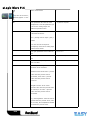
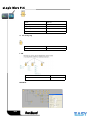
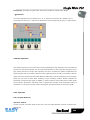
1. Move the cursor to the protection mode: Press
2. Select the protection mode: Press
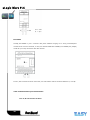
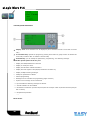
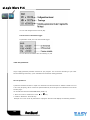
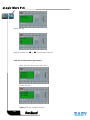
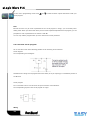
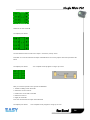
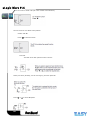
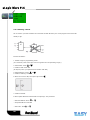
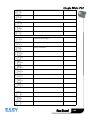
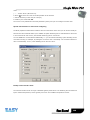
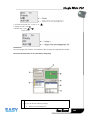
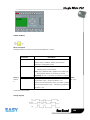
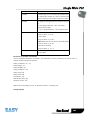
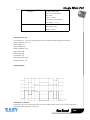
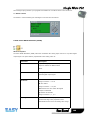
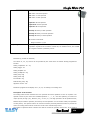
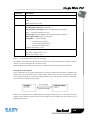
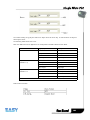
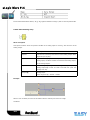
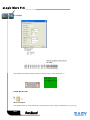
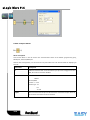
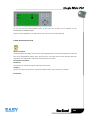
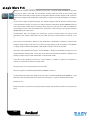
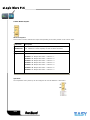
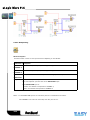
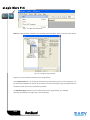
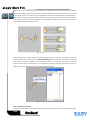
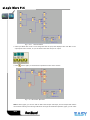
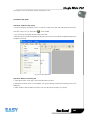
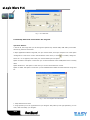
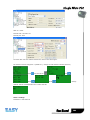
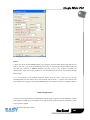
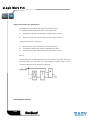
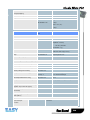
The display should now show:
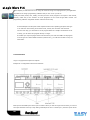
3. Confirm your entries with: OK
83
or
or