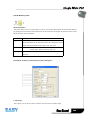
1
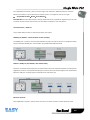
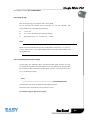
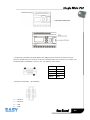
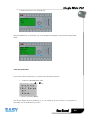
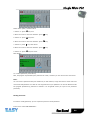
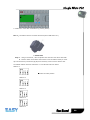
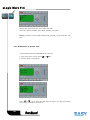
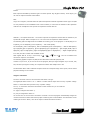
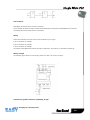
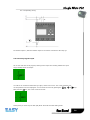
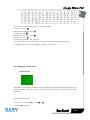
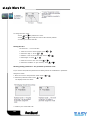
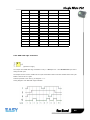
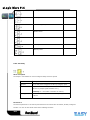
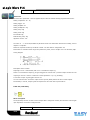
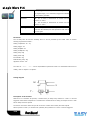
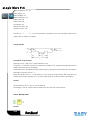
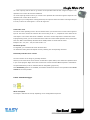
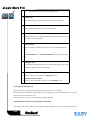
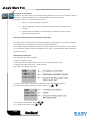
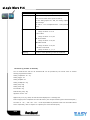
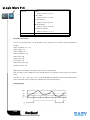
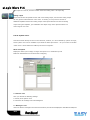
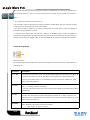
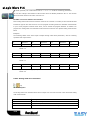
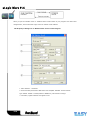
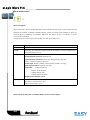
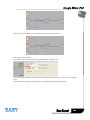
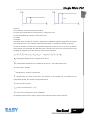
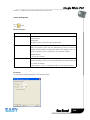
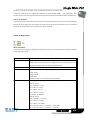
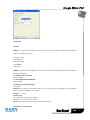
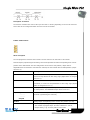
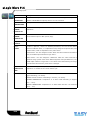
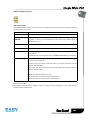
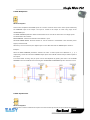
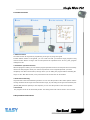
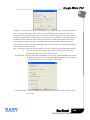
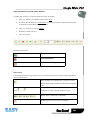
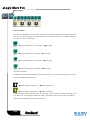
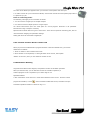
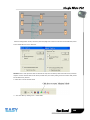
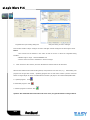
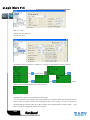
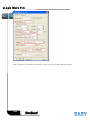
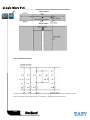
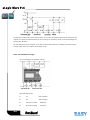
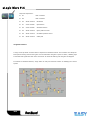
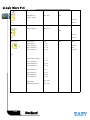
1. Move the cursor to “Password”: Press
or
key.
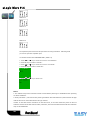
2. Confirm “Password”: Press OK key.
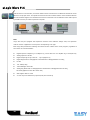
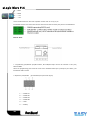
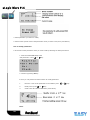
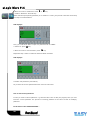
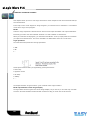
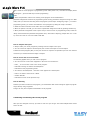
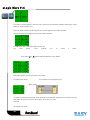
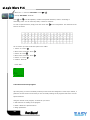
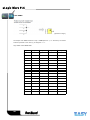
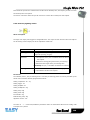
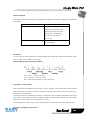
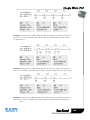
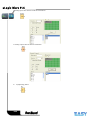
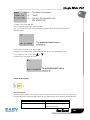
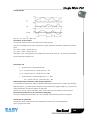
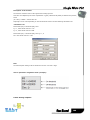
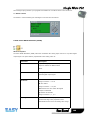
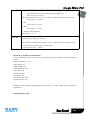
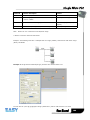
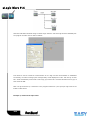
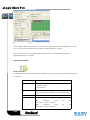
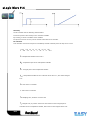
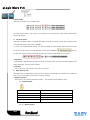
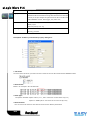
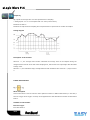
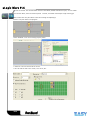
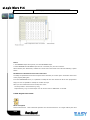
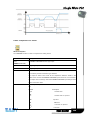
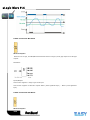
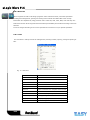
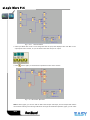
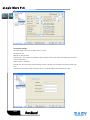
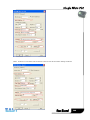
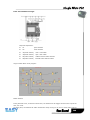
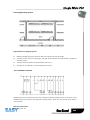
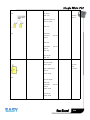
Select “Old” and input primary password (in our instance is “1234”), the process is the same as the step
3 to step 10 mentioned above.
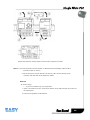
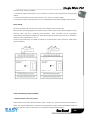
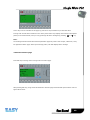
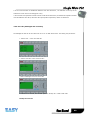
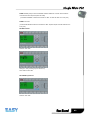
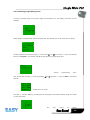
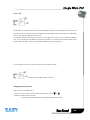
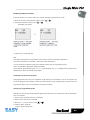
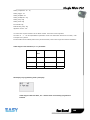
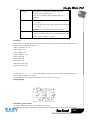
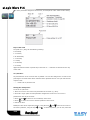
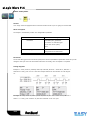
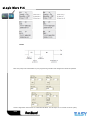
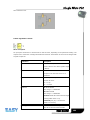
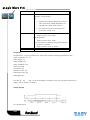
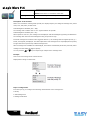
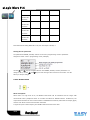
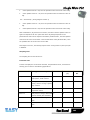
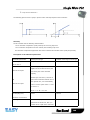
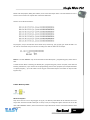
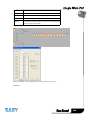
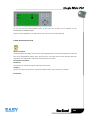
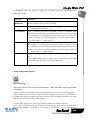
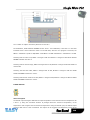
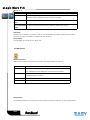
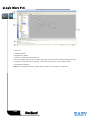
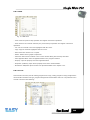
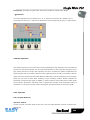
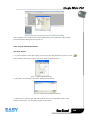
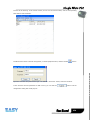
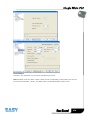
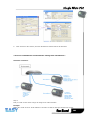
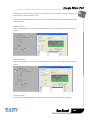
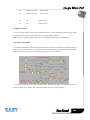
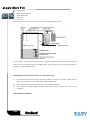
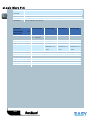
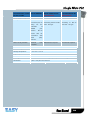
LCD displays as follows:
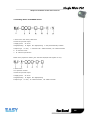
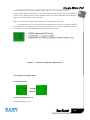
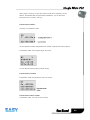
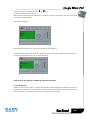
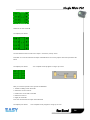
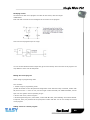
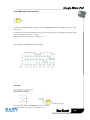
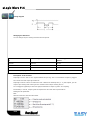
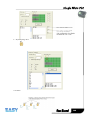
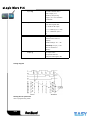
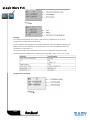
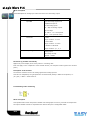
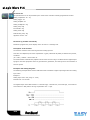
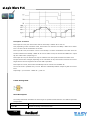
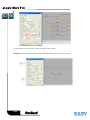
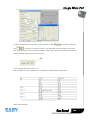
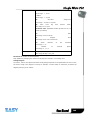
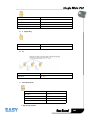
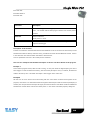
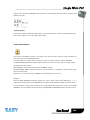
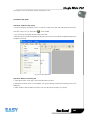
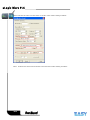
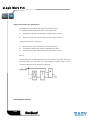
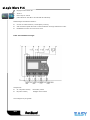
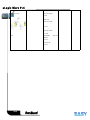
Input nothing under the “New”, and let it keep blank to clear password.
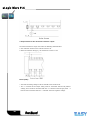
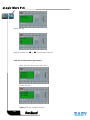
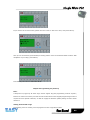
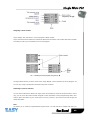
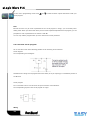
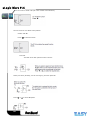
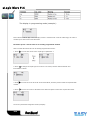
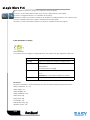
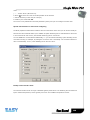
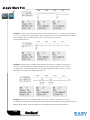
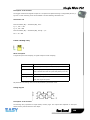
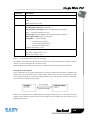
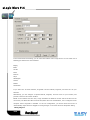
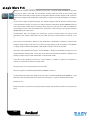
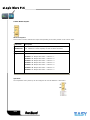
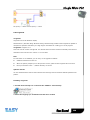
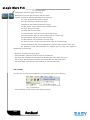
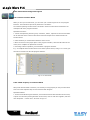
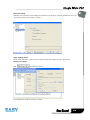
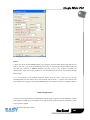
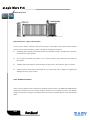
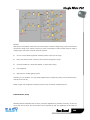
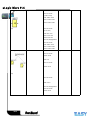
4.Confirm “blank” password: press OK key. Now you have cleared password and return to main menu. If
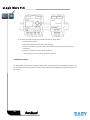
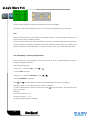
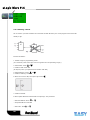
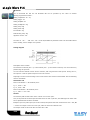
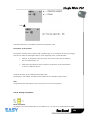
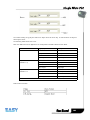
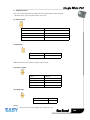
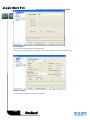
you want to set password next time, the LCD will display:
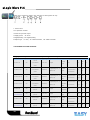
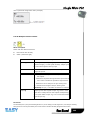
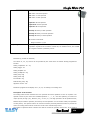
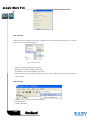
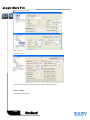
4.3.4 How to set address of CPU and expansion module
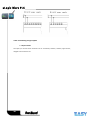
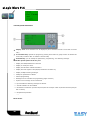
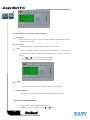
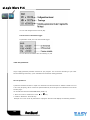
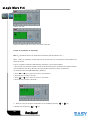
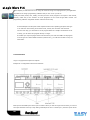
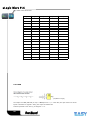
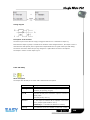
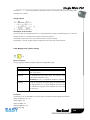
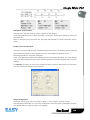
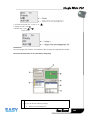
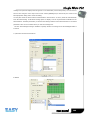
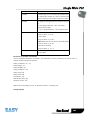
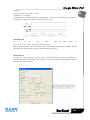
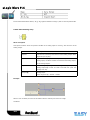
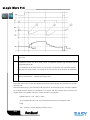
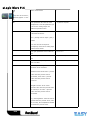
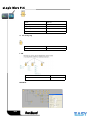
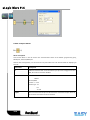
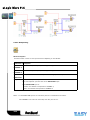
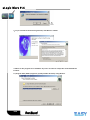
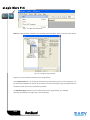
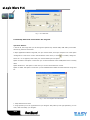
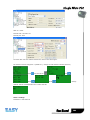
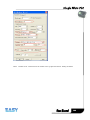
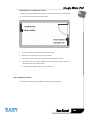
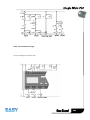
A. Set CPU address
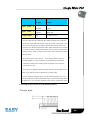
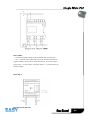
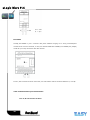
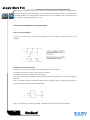
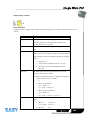
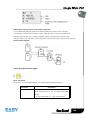
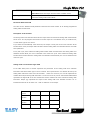
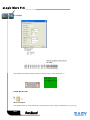
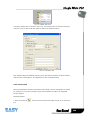
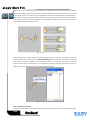
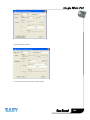
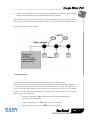
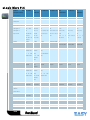
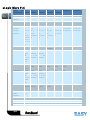
If there are more than one CPU in a certain communication network,well then the address of CPU must
be set differently each other. You can change the address of CPU via xLogicsoft, or via the panel key if the
CPU with LCD panel. The address range is from 1 to 247 for ELC series CPU
56