1
DevCom2000 Mobile User Manual
Step
Action
3
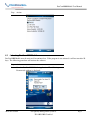
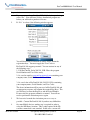
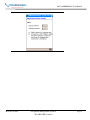
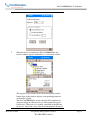
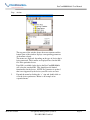
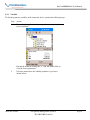
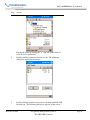
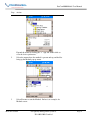
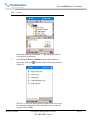
When the device is connected to DevCom2000 Mobile, the
browser window appears with online (i.e. root menu) selected.
The top pane of the window shows the menu structure and the
bottom pane of the window displays corresponding parameters
of the menu selected.
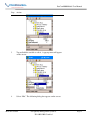
The DevCom2000 Mobile screens shown in this document are
only an example of what you may see when connected to your
field device. What you see is actually controlled by the DD and
the device. The menus, data, status and configurations displayed
MAN-1017 8/9/2011
Our Quality Management System is
ISO 9001:2008 Certified
Page 18