1
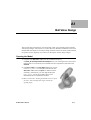
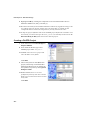
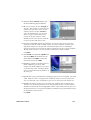
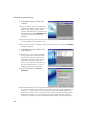
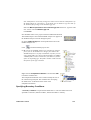
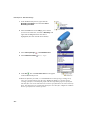
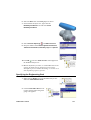
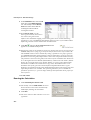
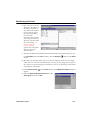
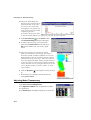
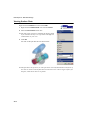
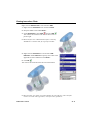
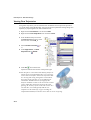
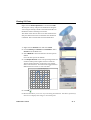
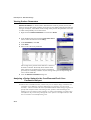
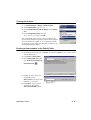
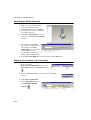
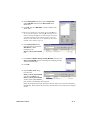
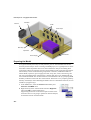
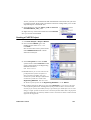
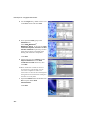
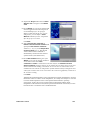
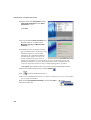
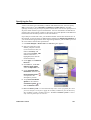
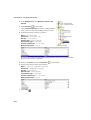
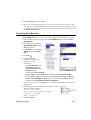
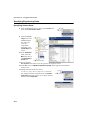
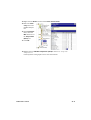
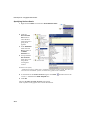
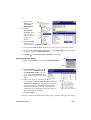
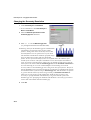
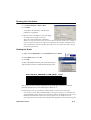
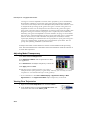
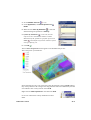
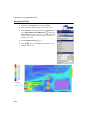
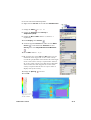
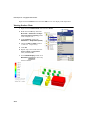
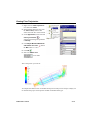
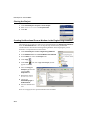
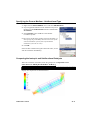
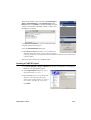
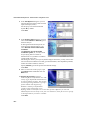
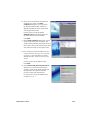
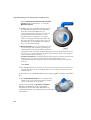
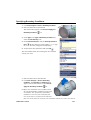
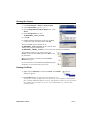
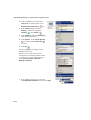
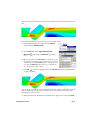
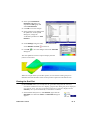
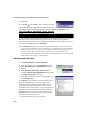
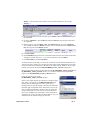
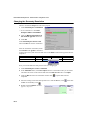
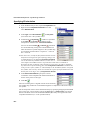
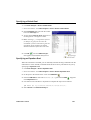
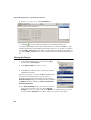
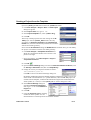
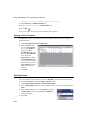
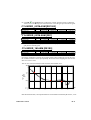
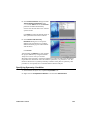
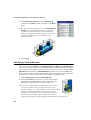
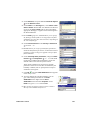
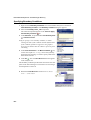
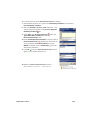
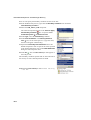
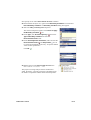
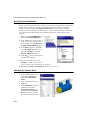
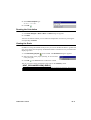
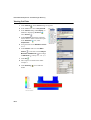
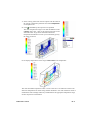
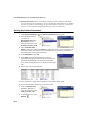
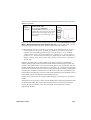
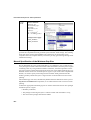
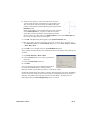
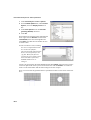
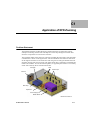
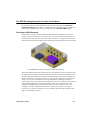
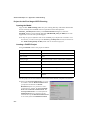
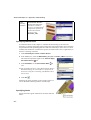
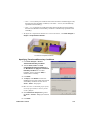
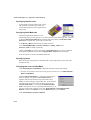
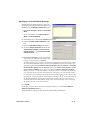
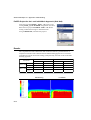
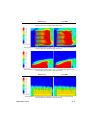
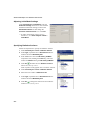
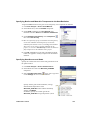
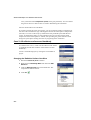
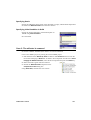
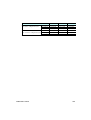
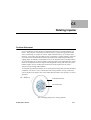
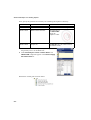
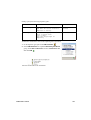
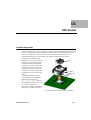
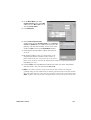
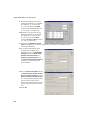
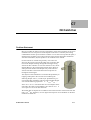
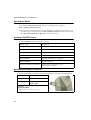
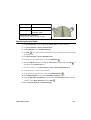
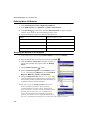
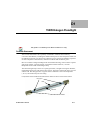
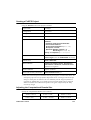
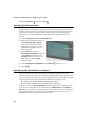
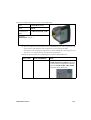
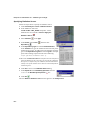
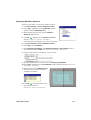
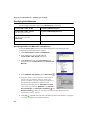
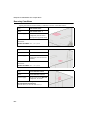
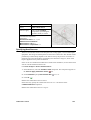
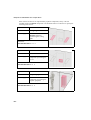
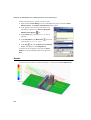
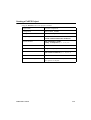
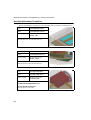
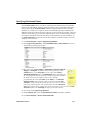
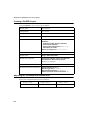
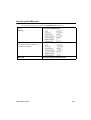
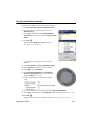
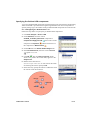
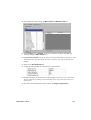
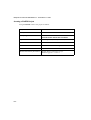
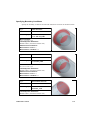
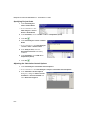
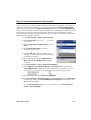
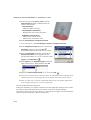
Advanced Examples: C7 - Oil Catch Can Opening the Model Copy the C7 - Oil Catch Can folder into your working directory. Open the OIL_CATCH_CAN.asm assembly. To skip the project definition and run the FloEFD project defined in accordance with the tutorial, you will need to open the OIL_CATCH_CAN.asm assembly located in the C7 - Oil Catch Can\Ready To Run folder and run the project. Creating a FloEFD Project Using the Wizard create a new project as follows: Project name Oil particles Configuration Use current Unit system SI Analysis type Internal Default fluid Gases / Air Wall Conditions Adiabatic wall with zero roughness Initial Conditions Default conditions Result and Geometry Resolution Default Result resolution level of 3; other options are default Specifying Boundary Conditions Specify the boundary conditions for inlet and outlet flows as shown in the tables below: Type Inlet Volume Flow Name Inlet Air Volume Flow Faces to apply the inner face of the INLET_LID Parameters: Volume Flow Rate of 100 l/min (0.00167 m^3/s) C7-2