1
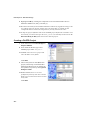
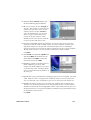
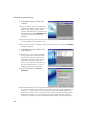
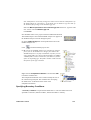
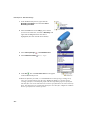
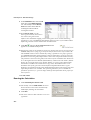
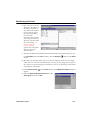
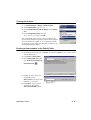
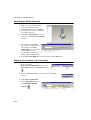
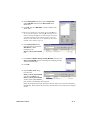
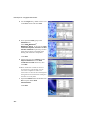
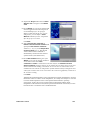
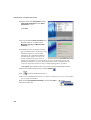
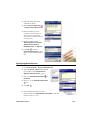
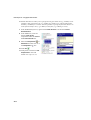
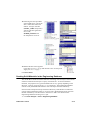
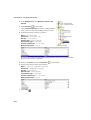
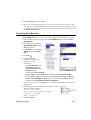
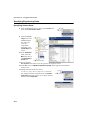
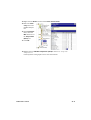
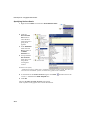
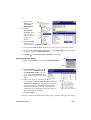
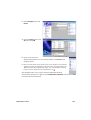
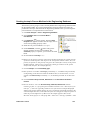
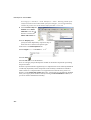
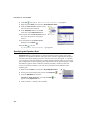
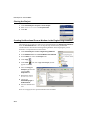
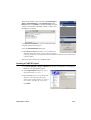
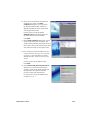
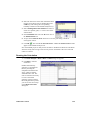
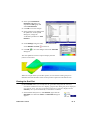
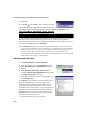
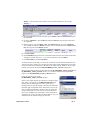
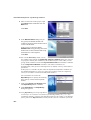
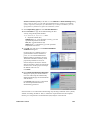
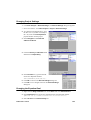
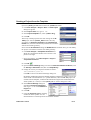
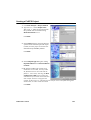
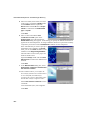
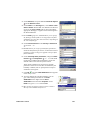
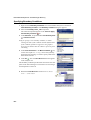
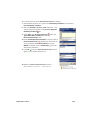
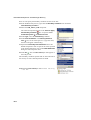
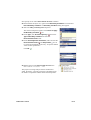
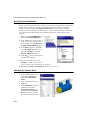
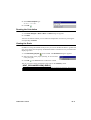
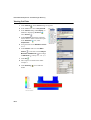
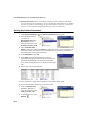
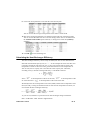
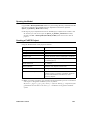
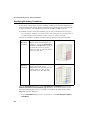
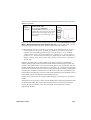
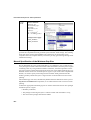
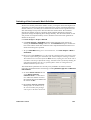
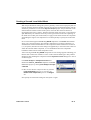
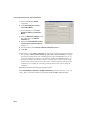
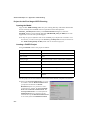
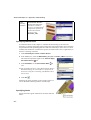
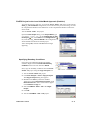
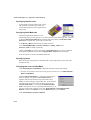
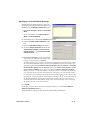
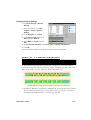
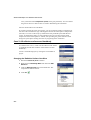
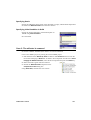
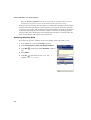
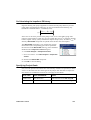
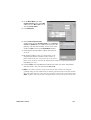
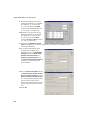
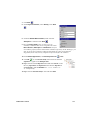
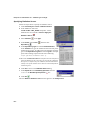
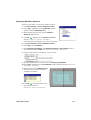
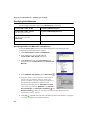
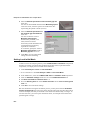
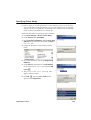
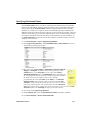
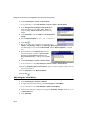
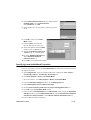
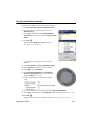
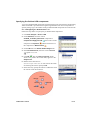
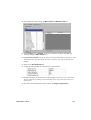
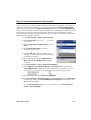
Intermediate Examples: B3 - Heat Exchanger Efficiency 5 Since two fluids (water and air) are used in this project, expand the Liquids folder and add Water and then expand the Gases folder and add Air to the Project Fluids list. Check that the Default fluid type is Liquids. Click Next. 6 Since we have selected the Heat conduction in solids option at the Analysis Type step of the Wizard, the Default Solid dialog box appears. In this dialog you specify the default solid material applied to all solid components. To assign a different material to a particular assembly component you need to create a Solid Material condition for this component. If the solid material you wish to specify as the default is not available in the Solids table, you can click New and define a new substance in the Engineering Database. The tube and its cooler in this project are made of stainless steel. Expand the Alloys folder and click Steel Stainless 321 to make it the default solid material. Click Next. 7 In the Wall Condition dialog box, select Heat transfer coefficient as Default outer wall thermal condition. This condition allows you to define the heat transfer from the outer model walls to an external fluid (not modeled) by specifying the reference fluid temperature and the heat transfer coefficient value. Set the Heat transfer coefficient value to 5 W/m2/K. Leave the default (zero) wall roughness. Click Next. B3-4