1
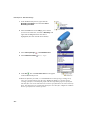
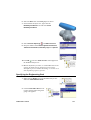
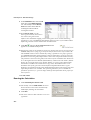
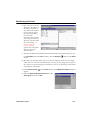
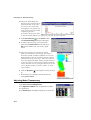
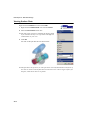
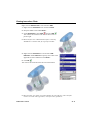
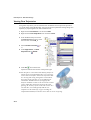
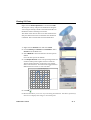
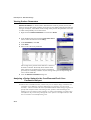
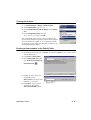
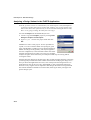
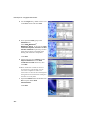
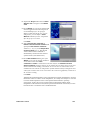
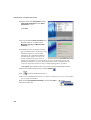
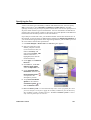
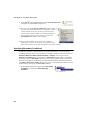
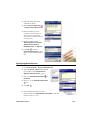
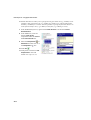
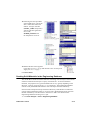
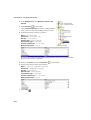
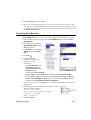
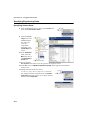
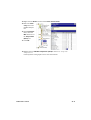
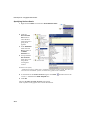
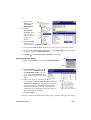
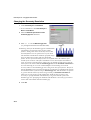
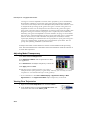
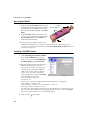
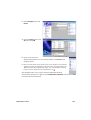
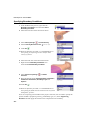
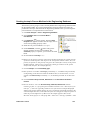
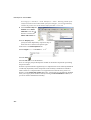
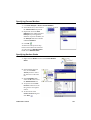
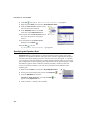
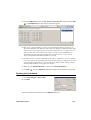
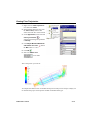
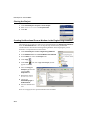
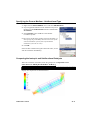
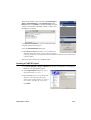
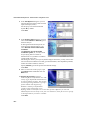
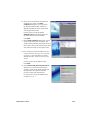
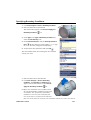
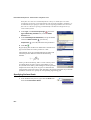
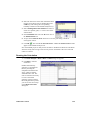
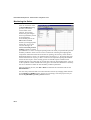
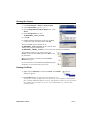
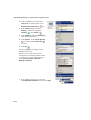
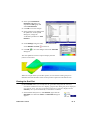
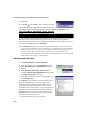
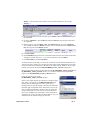
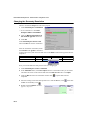
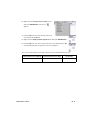
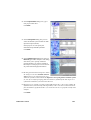
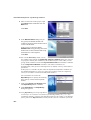
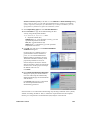
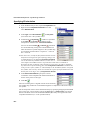
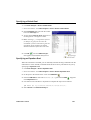
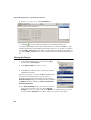
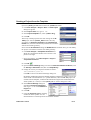
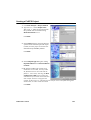
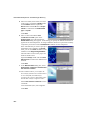
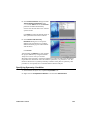
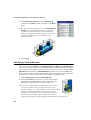
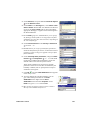
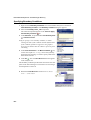
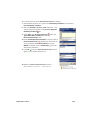
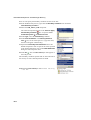
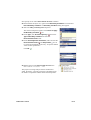
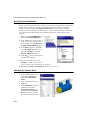
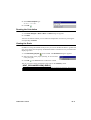
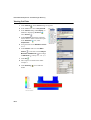
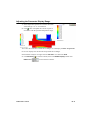
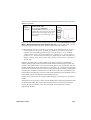
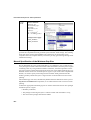
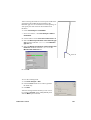
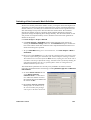
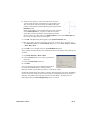
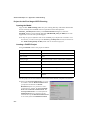
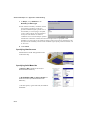
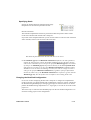
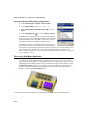
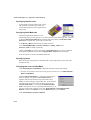
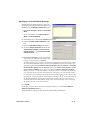
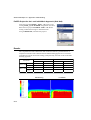
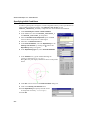
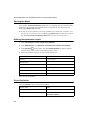
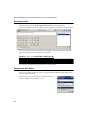
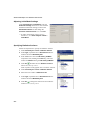
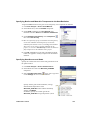
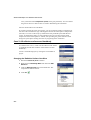
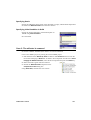
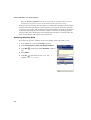
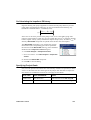
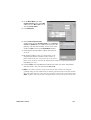
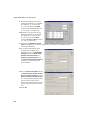
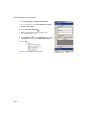
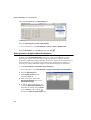
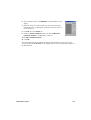
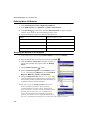
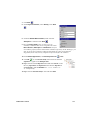
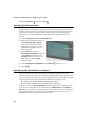
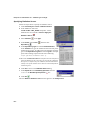
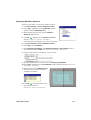
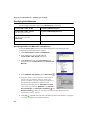
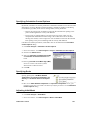
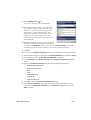
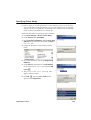
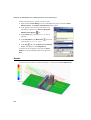
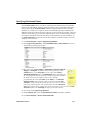
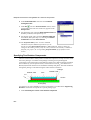
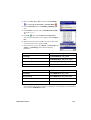
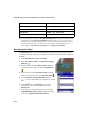
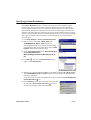
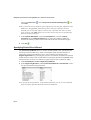
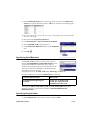
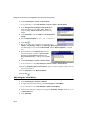
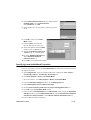
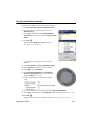
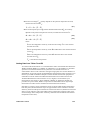
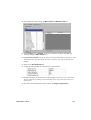
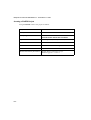
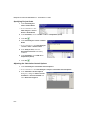
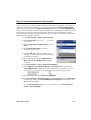
Specifying Calculation Control Options By default, calculation of comfort parameters is disabled in FloEFD to save the CPU time and memory resources. Besides comfort parameters, FloEFD is capable of calculating Local Mean Age (LMA) and Local Air Change Index (LACI) parameters: • LMA is the average time for fluid to travel from the selected inlet opening to the point considering both the velocity and diffusion. • LACI (Local Air Change Index) is the ratio of the V/Q value, where V is the computational domain fluid volume and Q is the volume flow rate of the fluid entering this volume, to the average time for the fluid to travel from the selected inlet opening to the point considering both the velocity and diffusion. Calculation of comfort parameters, LMA and LACI can be enabled in the Calculation Control Options dialog. 1 Click Flow Analysis > Calculation Control Options. In Creo Parametric click Flow Analysis > Project > Calculation Control Options. 2 Switch to the Advanced tab. 3 Select the Calculate Local Mean Age (LMA) and Calculate Comfort Parameters check boxes. Selecting Calculate Local Mean Age (LMA) check box enables calculation of LMA, Dimensionless LMA and LACI. 4 Click OK. Specifying Goals Specify global goals of Av Mean Radiant Temperature, Av Operative Temperature, Av Velocity and Av Volume Fraction of Expired Air. You can use Mean Radiant Temperature and Operative Temperature as the goal parameters only after you enable calculation of comfort parameters in the Calculation Control Options dialog. Adjusting Initial Mesh 1 Click Flow Analysis > Initial Mesh. In Creo Parametric click Flow Analysis > Mesh > Initial Mesh. FloEFD FEP13 Tutorial D2-7