1
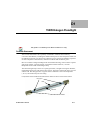
Examples for HVAC Module: D1 - 150W Halogen Floodlight
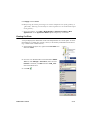
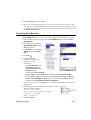
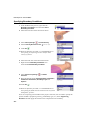
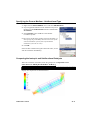
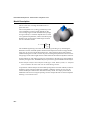
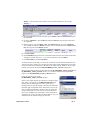
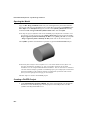
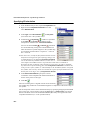
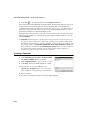
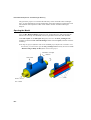
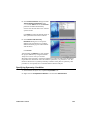
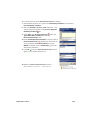
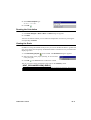
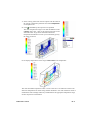
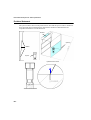
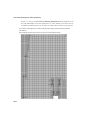
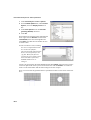
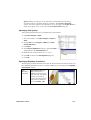
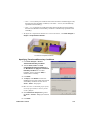
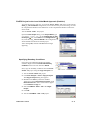
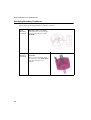
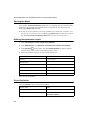
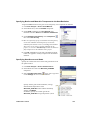
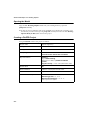
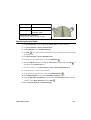
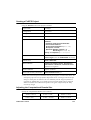
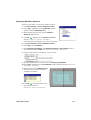
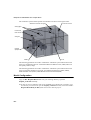
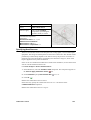
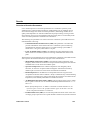
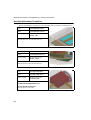
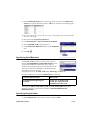
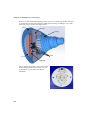
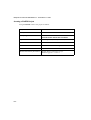
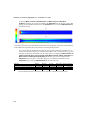
Specify the Symmetry
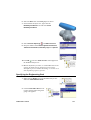
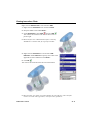
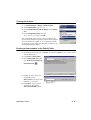
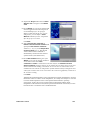
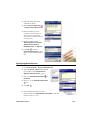
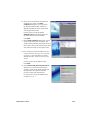
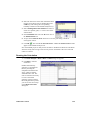
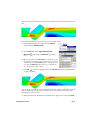
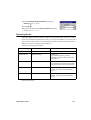
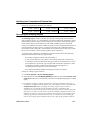
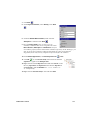
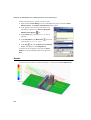
condition at X min
.
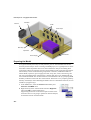
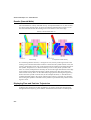
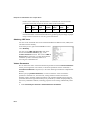
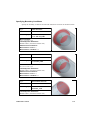
Specifying Fluid Subdomain
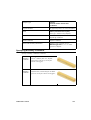
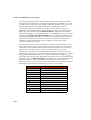
Halogen lamps are filled with an inert gas and some small amount of halogen (iodine or
bromine). For the purposes of this simulation we can consider the lamp as filled with an
inert gas only. The gas in a halogen lamp is at the pressure several times higher than
atmospheric. We use fluid subdomain to define both the gas filling the lamp and its
pressure.
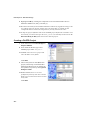
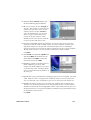
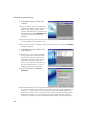
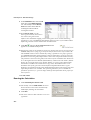
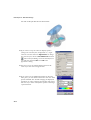
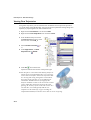
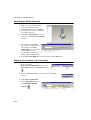
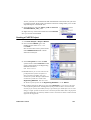
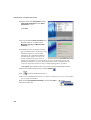
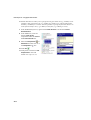
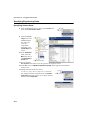
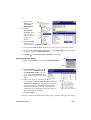
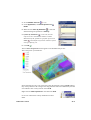
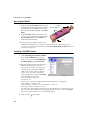
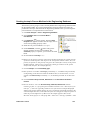
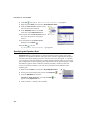
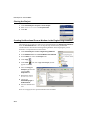
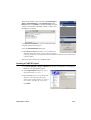
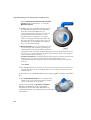
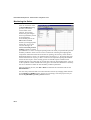
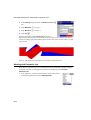
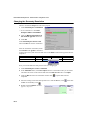
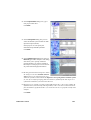
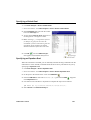
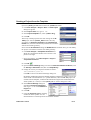
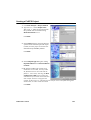
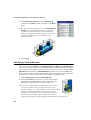
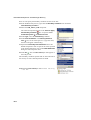
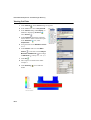
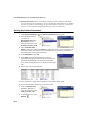
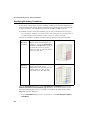
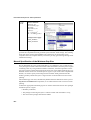
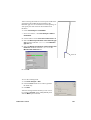
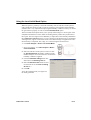
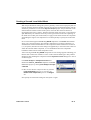
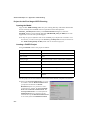
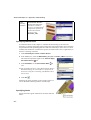
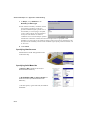
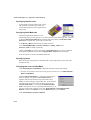
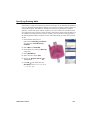
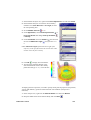
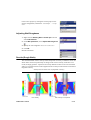
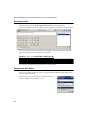
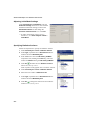
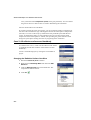
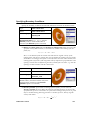
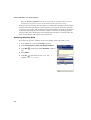
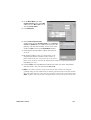
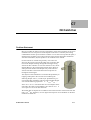
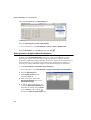
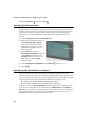
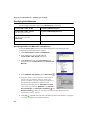
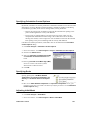
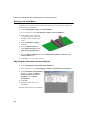
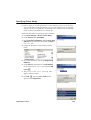
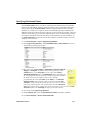
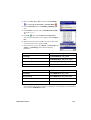
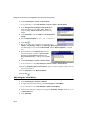
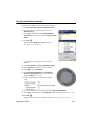
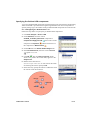
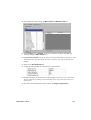
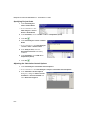
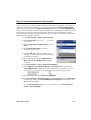
1 Click Flow Analysis > Insert > Fluid Subdomain.
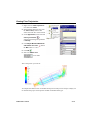
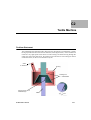
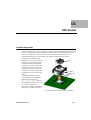
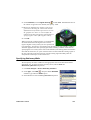
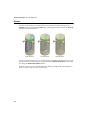
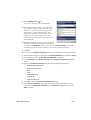
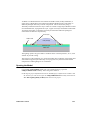
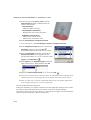
2 Select the inner cylindrical surface of
the LAMP.ASM\LAMP_BULB
component. Immediately the fluid
subdomain you are going to create is
displayed in the graphics area as a
body of blue color.
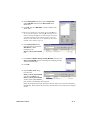
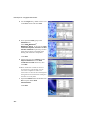
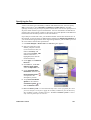
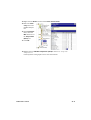
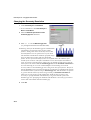
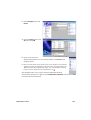
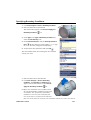
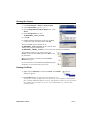
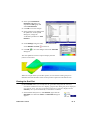
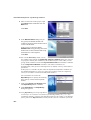
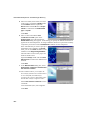
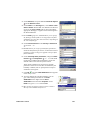
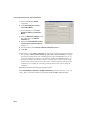
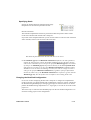
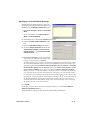
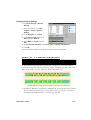
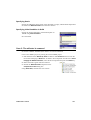
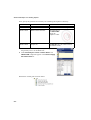
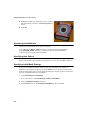
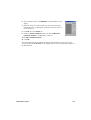
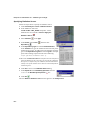
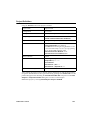
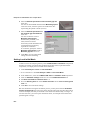
3 Under Fluids make sure that
Gases/Real Gases/Steam is selected
in the Fluid type list and clear the
Air (Gases) check box in the list of
fluids below, so that only Argon
remains selected.
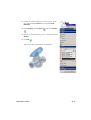
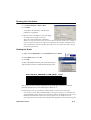
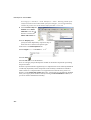
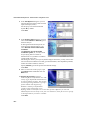
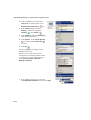
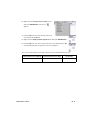
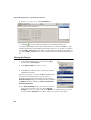
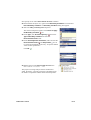
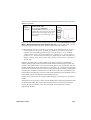
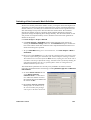
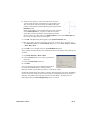
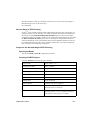
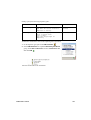
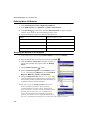
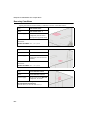
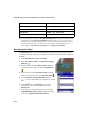
4 Under Thermodynamic parameters in the Pressure
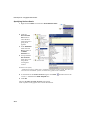
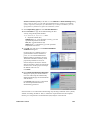
5 Click OK
box type 2 atm.
.
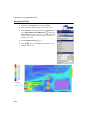
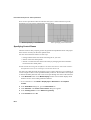
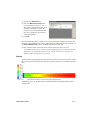
Specifying Heat and Radiation Conditions
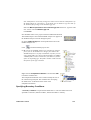
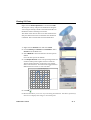
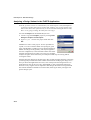
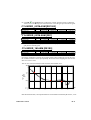
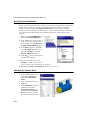
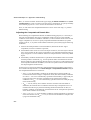
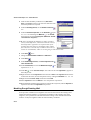
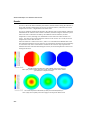
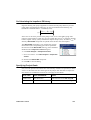
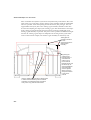
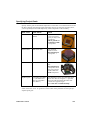
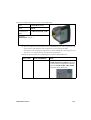
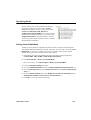
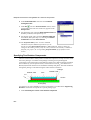
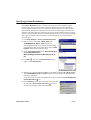
There are several ways to define a heat source in FloEFD. The surface area of the
cylindrical straight-line filament can substantially differ from the actual surface area of the
coil. If you specify a heat source by its power, this difference must be considered. To avoid
discrepancy between the actual and specified radiation heat transfer you can:
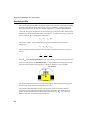
a)
b)
define a heat source with the temperature specified,
then define a radiation source with the power specified.
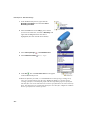
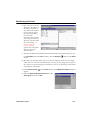
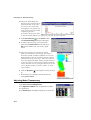
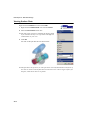
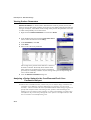
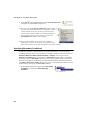
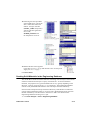
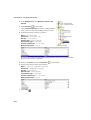
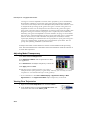
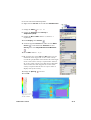
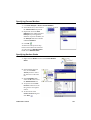
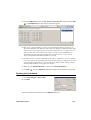
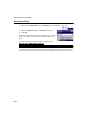
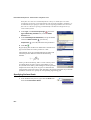
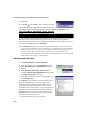
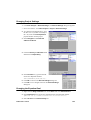
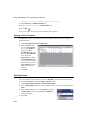
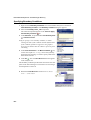
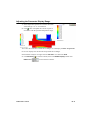
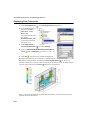
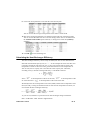
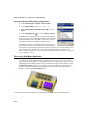
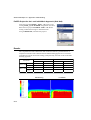
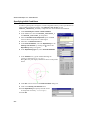
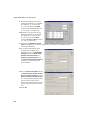
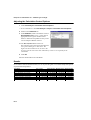
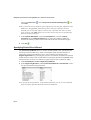
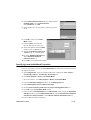
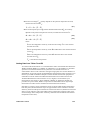
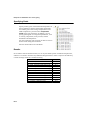
To do this, we specify a Volume Heat Source with the temperature of 2900K. The value
of the convective heat transfer rate is determined as a Surface Goal and the Radiation
Source power is defined as 150 Watt minus the convective heat transfer rate. And finally,
the outgoing radiation by the filament must be excluded from the calculation, so the
filament surface must be defined as a whitebody surface.
D1-4