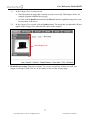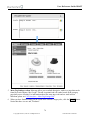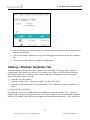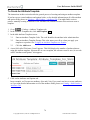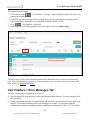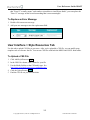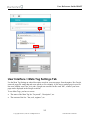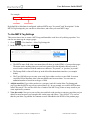
1
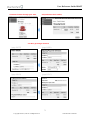
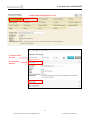
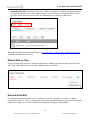
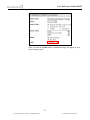
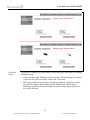
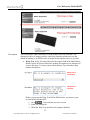
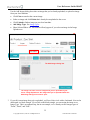
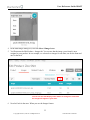
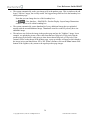
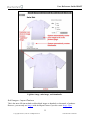
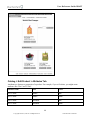
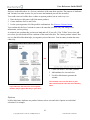
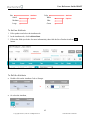
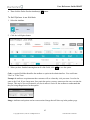
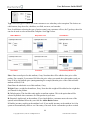
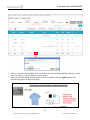
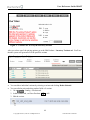
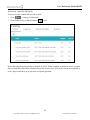
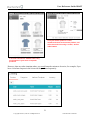
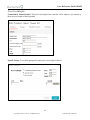
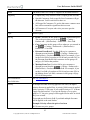
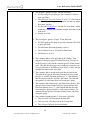
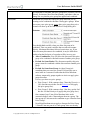
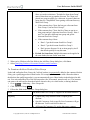
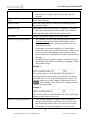
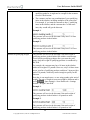
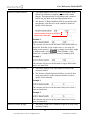
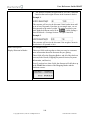
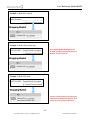
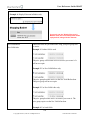
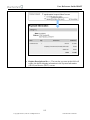
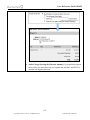
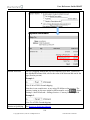
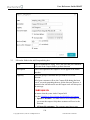
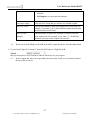
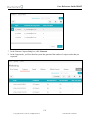
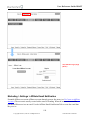
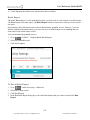
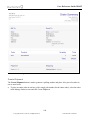
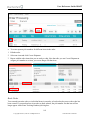
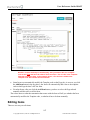
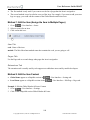
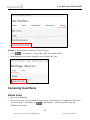
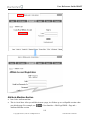
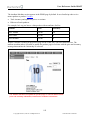
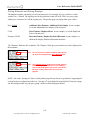
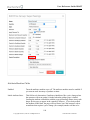
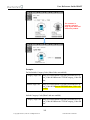
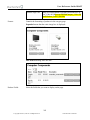
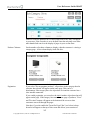
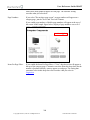
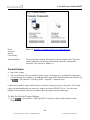
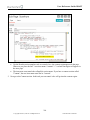
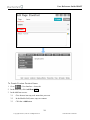
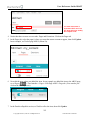
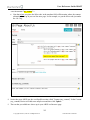
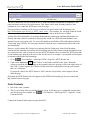
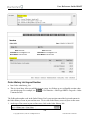
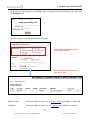
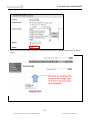
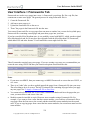
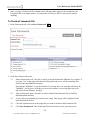
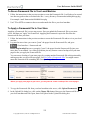
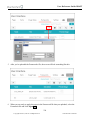
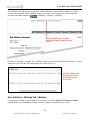
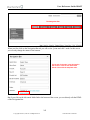
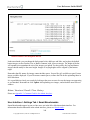
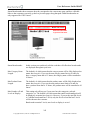
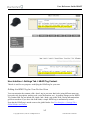
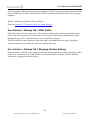
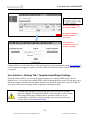
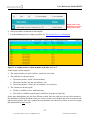
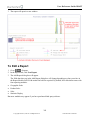
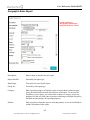
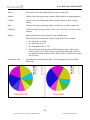
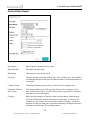
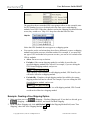
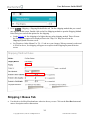
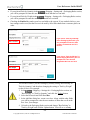
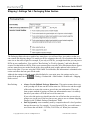
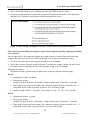
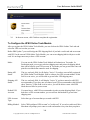
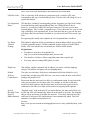
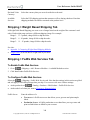
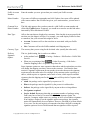
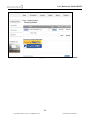
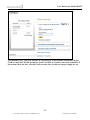
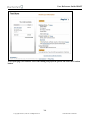
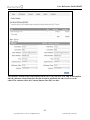
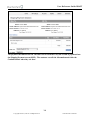
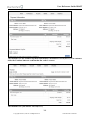
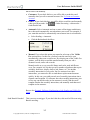
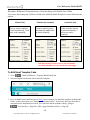
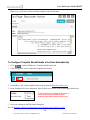
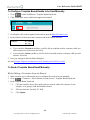
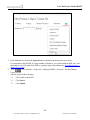
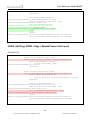
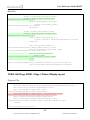
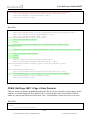
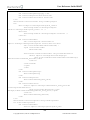
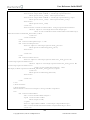
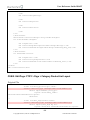
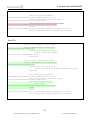
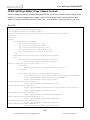
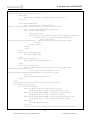
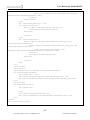
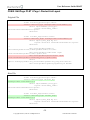
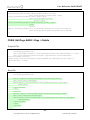
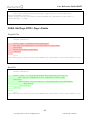
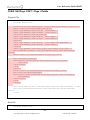
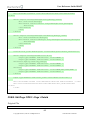
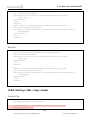
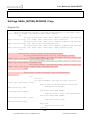
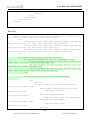
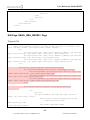
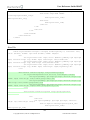
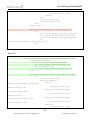
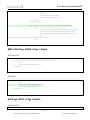
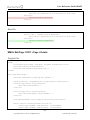
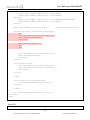
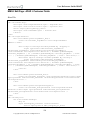
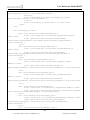
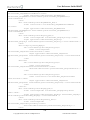
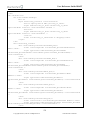
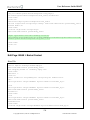
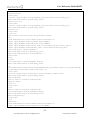
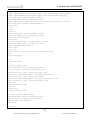
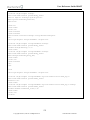
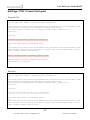
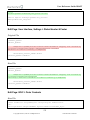
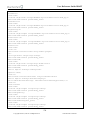
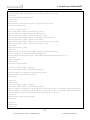
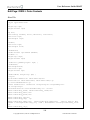
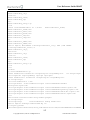
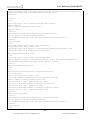
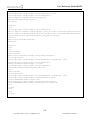
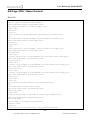
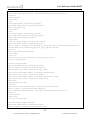
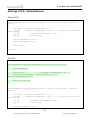
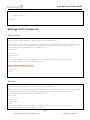
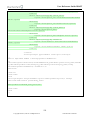
User Reference Guide DRAFT The Attribute Machine section appears in the PROD page by default. It uses JavaScript code to tie a master product to product Variants: Track inventory and update the prices on variants Hide out of stock products For example, let's say you have a t-shirt product with an attributes for Size. Variant Price Inventory Size: XSmall $10.00 20 Size: Small $15.00 4 Size: Medium $20.00 0 When a customer is looking at the product page for the t-shirt, they can select different sizes. The attribute machine makes it possible to update the product page in real time with the price and inventory message that matches the variant they've selected. The attribute machine can update the product page in real time with accurate price and inventory information, based on the customer's selections. 192 Copyright 2005-2015, Miva Inc. All Rights Reserved. Publication Date: 02/28/2015