1
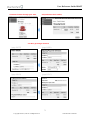
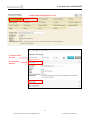
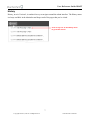
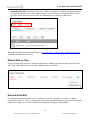
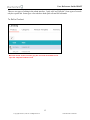
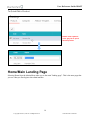
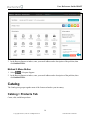
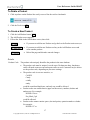
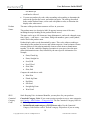
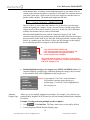
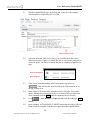
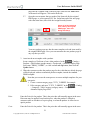
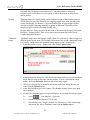
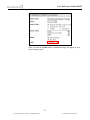
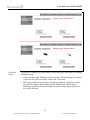
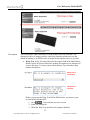
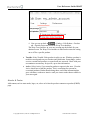
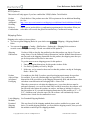
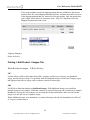
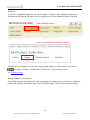
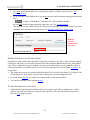
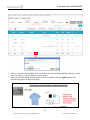
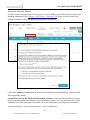
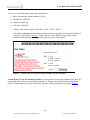
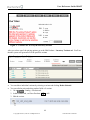
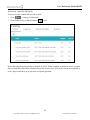
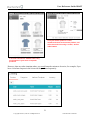
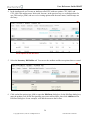
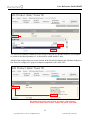
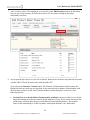
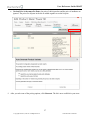
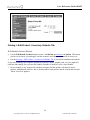
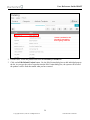
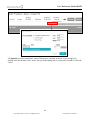
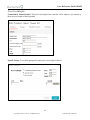
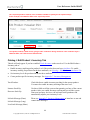
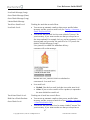
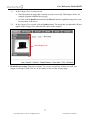
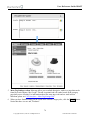
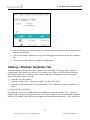
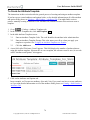
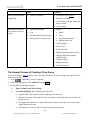
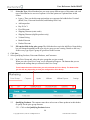
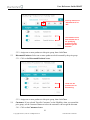
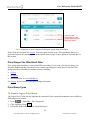
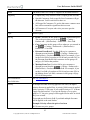
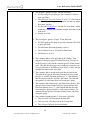
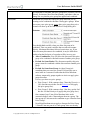
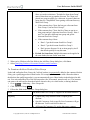
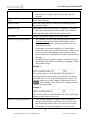
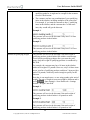
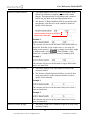
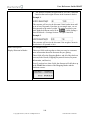
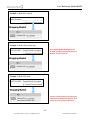
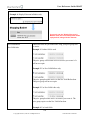
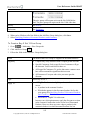
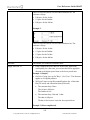
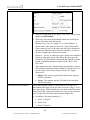
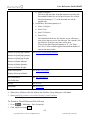
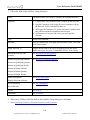
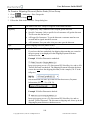
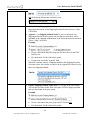
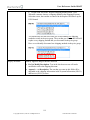
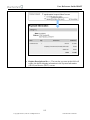
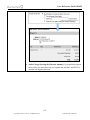
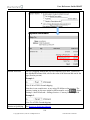
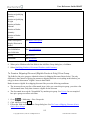
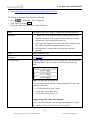
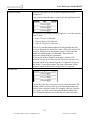
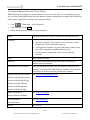
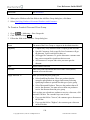
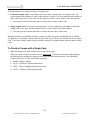
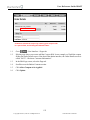
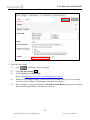
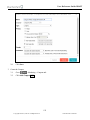
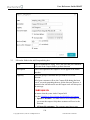
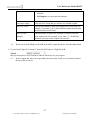
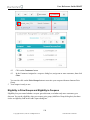
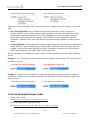
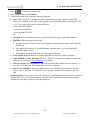
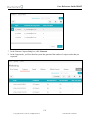
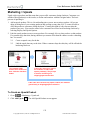
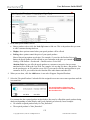
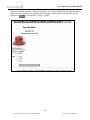
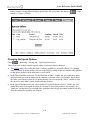
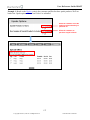
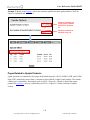
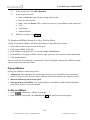
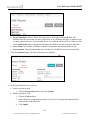
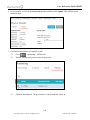
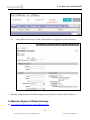
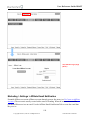
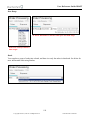
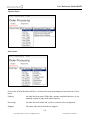
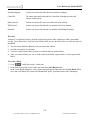
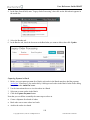
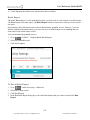
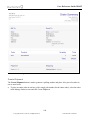
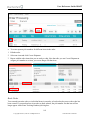
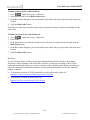
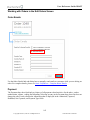
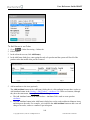
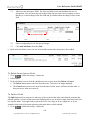
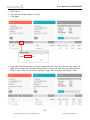
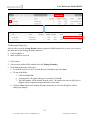
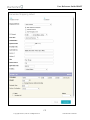
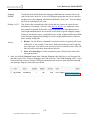
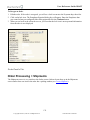
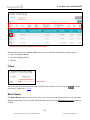
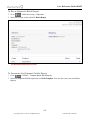
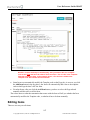
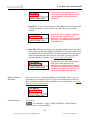
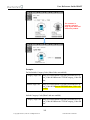
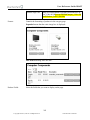
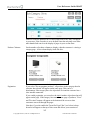
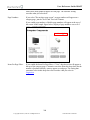
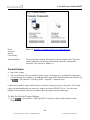
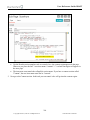
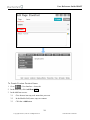
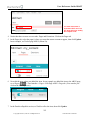
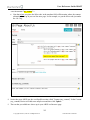
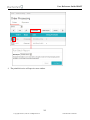
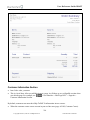
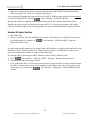
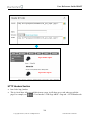
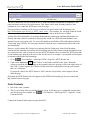
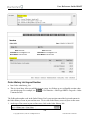
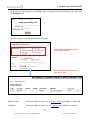
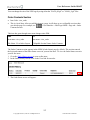
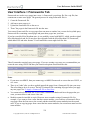
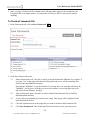
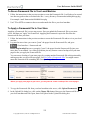
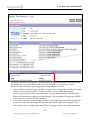
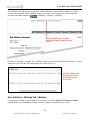
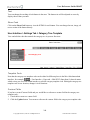
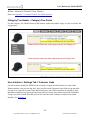
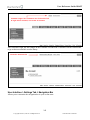
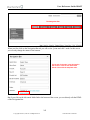
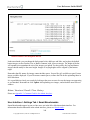
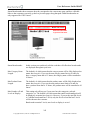
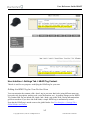
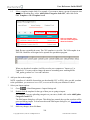
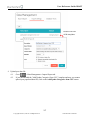
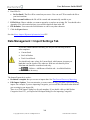
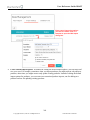
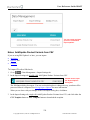
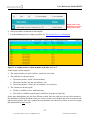
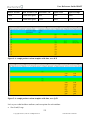
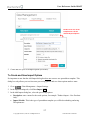
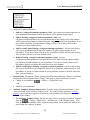
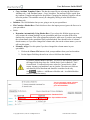
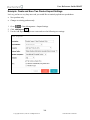
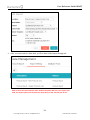
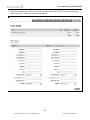
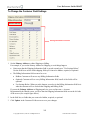
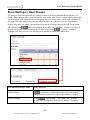
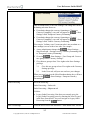
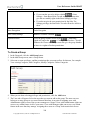
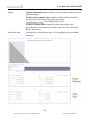
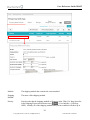
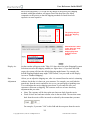
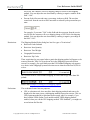
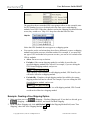
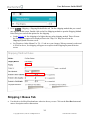
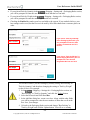
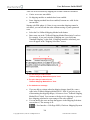
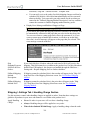
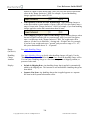
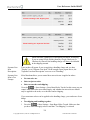
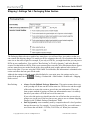
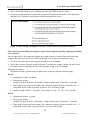
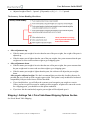
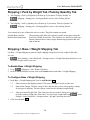
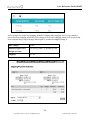
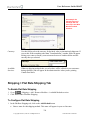
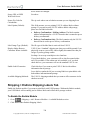
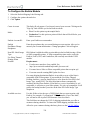
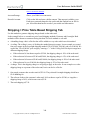
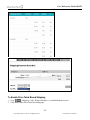
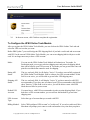
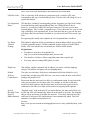
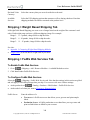
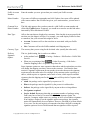
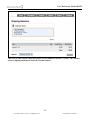
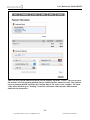
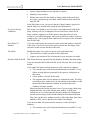
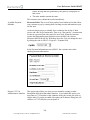
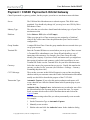
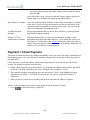
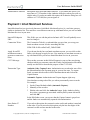
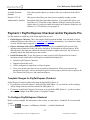
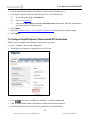
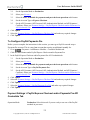
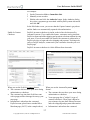
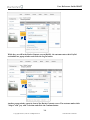
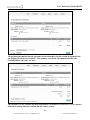
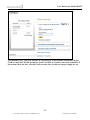
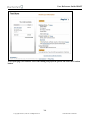
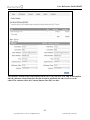
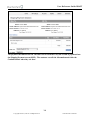
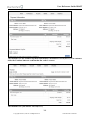
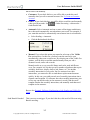
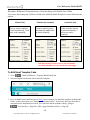
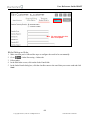
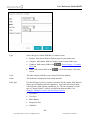
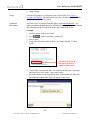
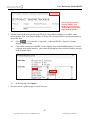
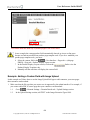
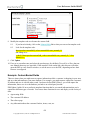
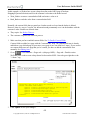
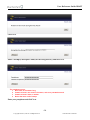
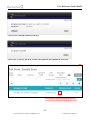
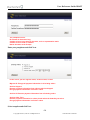
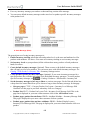
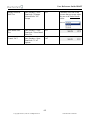
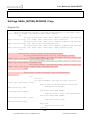
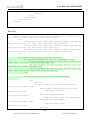
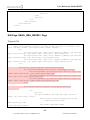
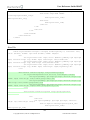
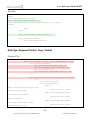
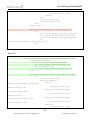
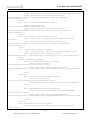
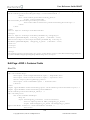
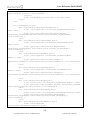
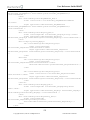
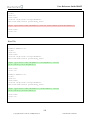
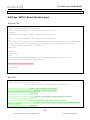
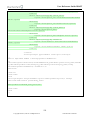
User Reference Guide DRAFT Rate Calculation module. Account Postage: Shows your Endicia account status. Recredit Account: Click on the link and enter a dollar amount. That amount is added to your Endicia account and charged to the credit card that Endicia has on file for you. Miva Merchant has no record of your credit card information. Shipping > Price Table Based Shipping Tab Use this module to generate shipping charges based on the order total. In the example below we created two price based shipping methods: Economy and Overnight. Both methods will be shown to customers during checkout. For each method we can add: A handling charge: this is a flat fee that will be added to every order which uses this method. A ceiling: The ceiling is a way of dividing the method into price ranges. In our example we created four price ranges in the Overnight shipping method: $25.00, $50.00, $100.00, and over $100.00. We created the "Over $100.00" price range by entering a "+" in the Ceiling field. Each price range has a different shipping charge. If the order total is less than or equal to $25.00, the shipping charge is 10% of the order total. If the order total is between $25.00 and $50.00, the shipping charge is 15% of the order total. If the order total is between $50.00 and $100.00, the shipping charge is 20% of the order total. If the order total is over $100.00, the shipping charge is 25% of the order total. A charge: This is the shipping charge we are going to apply to the order. In our example we set the shipping charge as a percent of the order total, but it can also be a flat fee. 1 Our sample customer has an order total of $25.00. They selected Overnight shipping which has a $5.00 handling fee. 2 The software looks at the customer's order total. It's less than or equal to $25.00, so it applies a shipping charge of 10%, which comes out to $2.50. The total shipping is $7.50. 3 340 Copyright 2005-2015, Miva Inc. All Rights Reserved. Publication Date: 02/28/2015