1
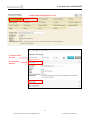
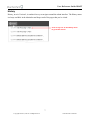
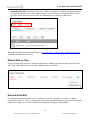
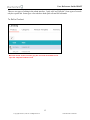
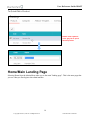
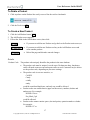
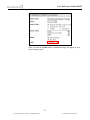
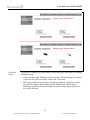
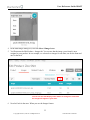
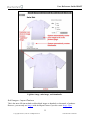
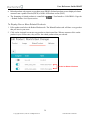
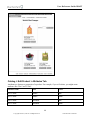
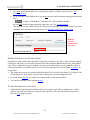
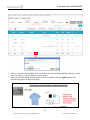
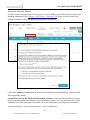
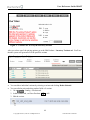
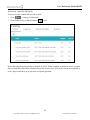
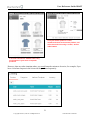
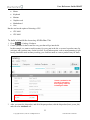
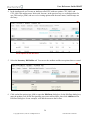
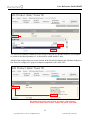
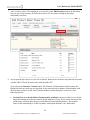
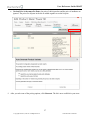
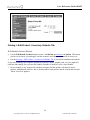
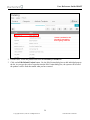
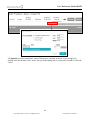
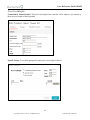
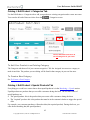
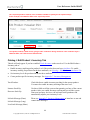
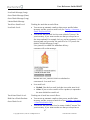
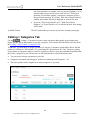
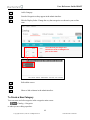
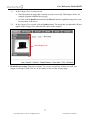
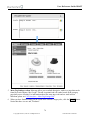
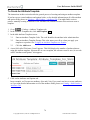
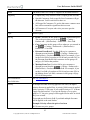
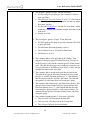
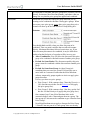
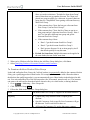
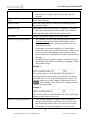
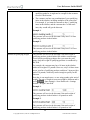
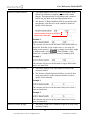
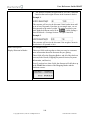
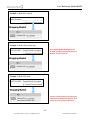
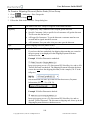
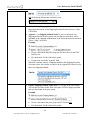
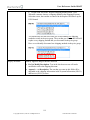
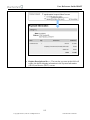
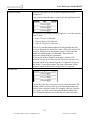
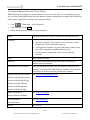
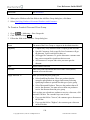
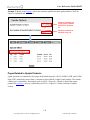
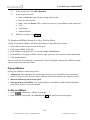
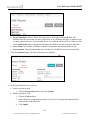
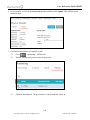
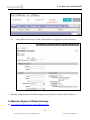
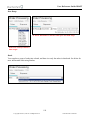
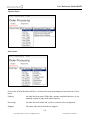
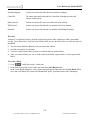
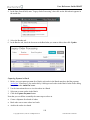
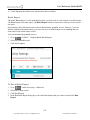
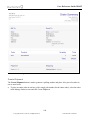
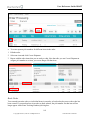
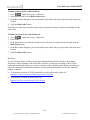
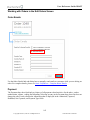
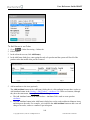
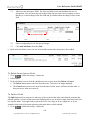
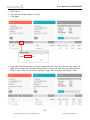
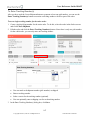
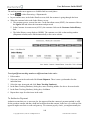
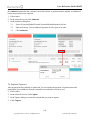
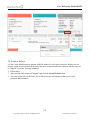
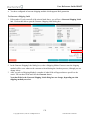
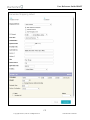
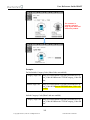
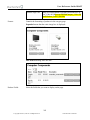
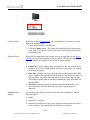
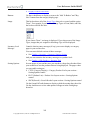
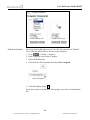
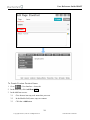
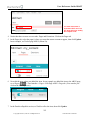
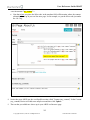
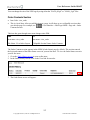
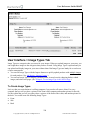
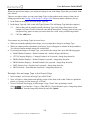
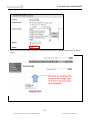
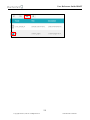
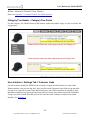
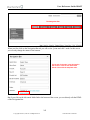
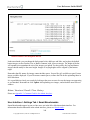
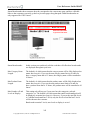
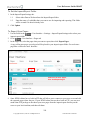
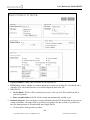
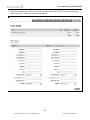
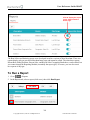
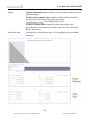
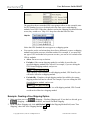
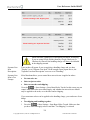
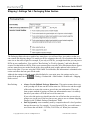
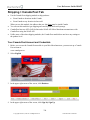
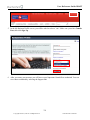
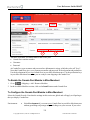
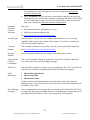
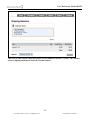
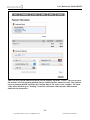
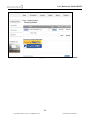
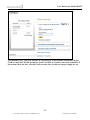
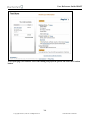
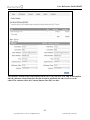
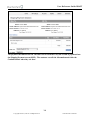
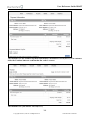
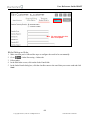
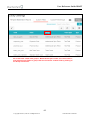
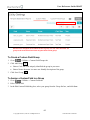
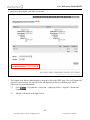
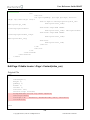
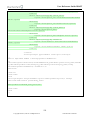
User Reference Guide DRAFT Catalog > Edit Product > Categories Tab Use the Edit Product > Categories tab to add your products to existing categories and to create new ones. You can also do both of these activities from the > Categories screen. Use the Show Records menu to see all categories in your store. To Add Your Product to an Existing Category The Categories tab shows all of your current categories. Click the Assigned icon next to a category to make it turn blue. The product you are editing will be listed in that category in your on- line store. To Create a New Category See To Create a New Category. Catalog > Edit Product > Upsold Products Tab Everything you would ever want to know about upsold products is in the Marketing > Upsale section. Upsold products are products that you can offer customers during checkout. The two main ideas of upsold products are: The upsold product: this is the product that you want to offer customers during checkout. The "required" product: this is the product that must be in the customer's basket to trigger the special offer. For example, your customer purchases a Hawaiian shirt (the required product). During checkout, you offer them a matching hat (the upsold product). 65 Copyright 2005-2015, Miva Inc. All Rights Reserved. Publication Date: 02/28/2015