1
Chapter 8. Performing Operations on Chromatograms
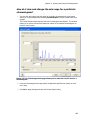
How do I modify the parameters that are used to calculate
Peak Purity?
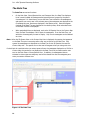
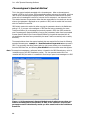
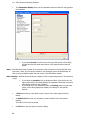
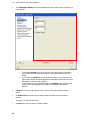
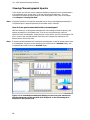
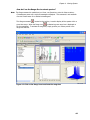
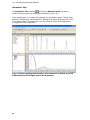
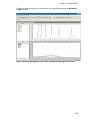
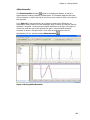
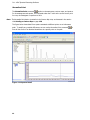
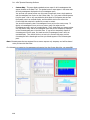
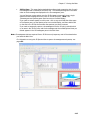
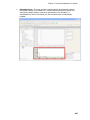
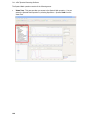
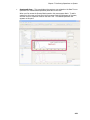
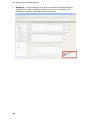
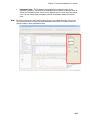
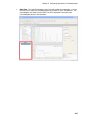
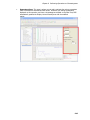
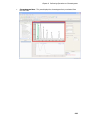
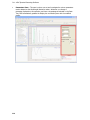
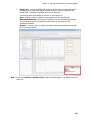
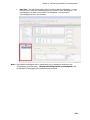
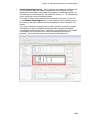
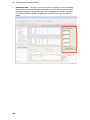
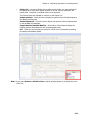
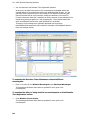
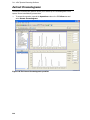
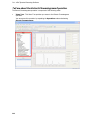
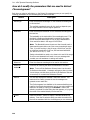
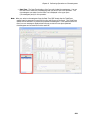
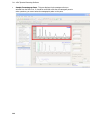
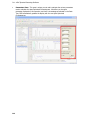
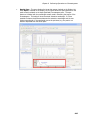
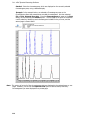
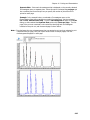
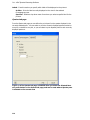
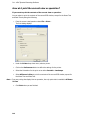
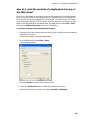
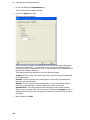
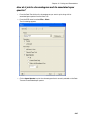
The Parameters pane is where you set and investigate the various parameters for calculating
Peak Purity. At any time you can optimize/adjust the parameters that are listed on the Peak
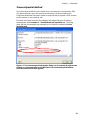
Purity operation; and the Peak Purity value labels are updated for every peak in the
chromatogram.
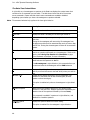
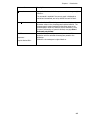
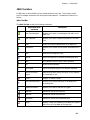
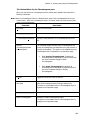
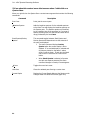
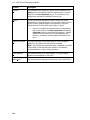
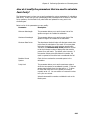
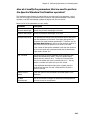
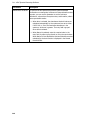
Below is a list of the parameters you can modify:
Parameter
Description
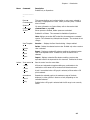
Minimum Wavelength
This parameter allows you to set the lower limit of the
spectrum range to be included in calculation.
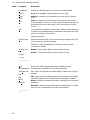
Maximum Wavelength
This parameter allows you to set the upper limit of the
spectrum range to be included in the calculation.
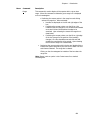
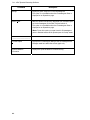
Minimum Data Points
The absorbance threshold value will eliminate certain data
points from the calculation of the result. If too many data
points are eliminated, the result becomes questionable.
Therefore, the Minimum Data Points parameter is used
to set the minimum number of data points that must be
present for a valid result. The default value is twenty. If
the number of data points falls below this number, the
result is reported as 0 and the test is considered as a fail.
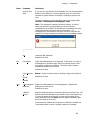
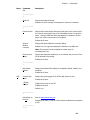
Baseline Correct
Spectra
Check this box use baseline corrected spectra in the
calculation.
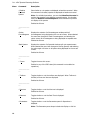
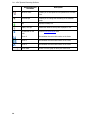
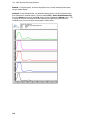
Purity Limit
This parameter allows you to set the maximum value at
which the two spectra are considered to match. If the two
spectra match exactly then the value will be 1. To allow
for noise and other errors in the system, this value is
normally set at 1.5. You can reduce or increase this value
to fit your own criteria.
Values that exceed this number are labeled in red on the
Results pane.
209