1
Iris - HPLC Spectral Processing Software
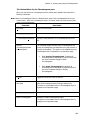
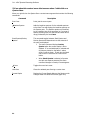
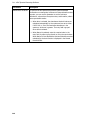
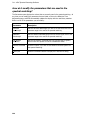
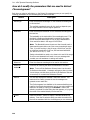
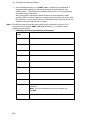
Command
Range
Description
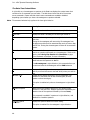
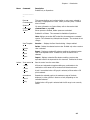
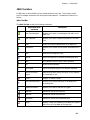
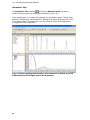
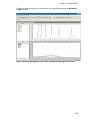
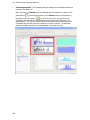
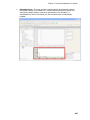
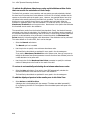
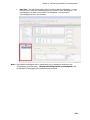
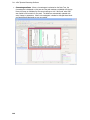
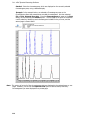
Displays a green range box on the chromatogram.
This option is not available when the Chromatogram Pane is
displayed on an Operations page.
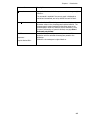
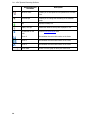
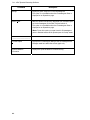
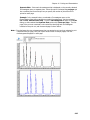
Add to View…
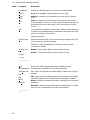
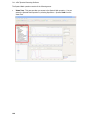
Adds the spectrum temporarily displayed from a selected point
on the chromatogram to the Data Tree and selects it.
This option is not available when the Chromatogram Pane is
displayed on an Operations page.
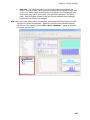
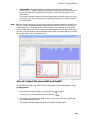
Note: To use this option you must have the Chromatogram
pane in Stacked mode and the Spectra pane in Overlay mode.
--------------------------------Format Graphs
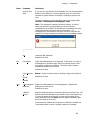
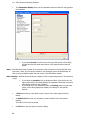
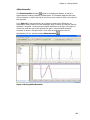
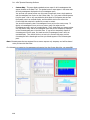
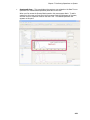
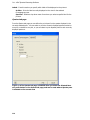
Displays the Format Graphs dialog at the Chromatogram tab.
Changes made here effect the current graph only.
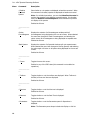
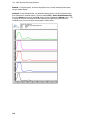
Spectral Baseline
Correction
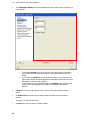
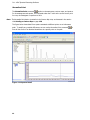
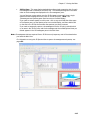
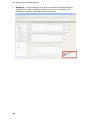
Displays the Spectral Baseline Correction dialog.
62