1
126
Espera Administration Manual
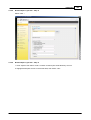
3.3.3.8
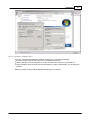
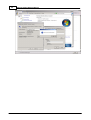
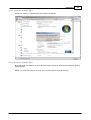
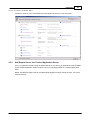
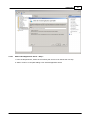
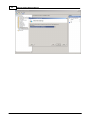
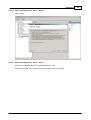
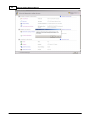
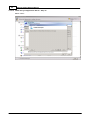
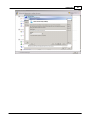
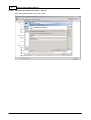
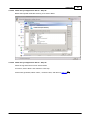
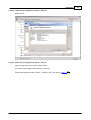
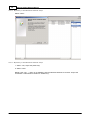
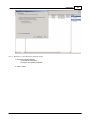
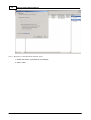
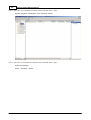
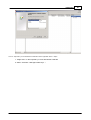
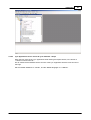
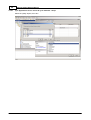
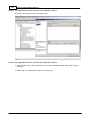
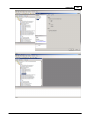
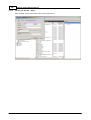
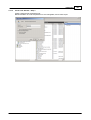
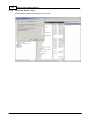
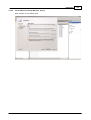
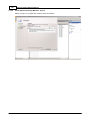
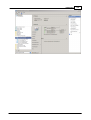
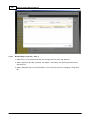
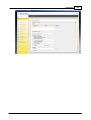
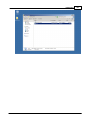
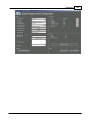
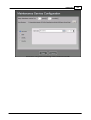
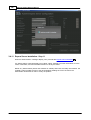
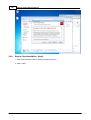
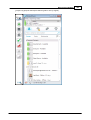
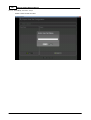
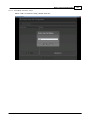
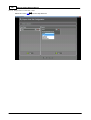
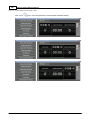
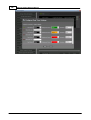
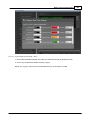
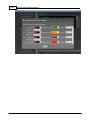
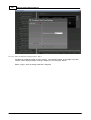
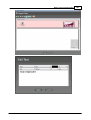
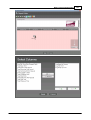
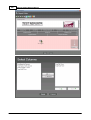
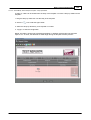
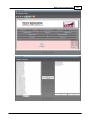
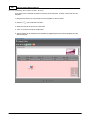
Enable Espera Lync User - Step 8
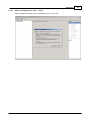
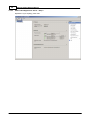
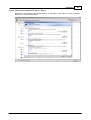
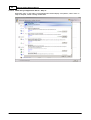
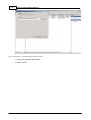
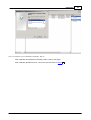
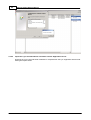
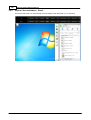
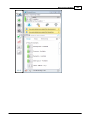
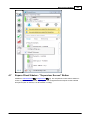
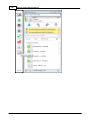
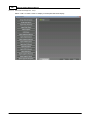
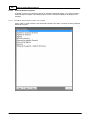
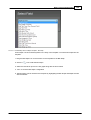
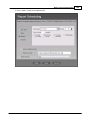
Confirm the Espera user is <Enabled> Enabled for Lync
3.4
Espera Server Installation
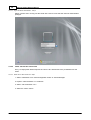
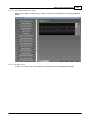
The Espera Server is implemented as a Windows service and is run as the "Network Service"
account by default. The Windows service name is "EsperaServer". Post installation, the service is
started automatically, however the administrator should check that this service has started
successfully.
3.4.1
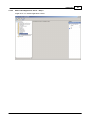
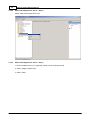
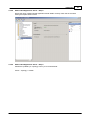
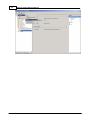
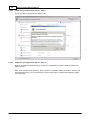
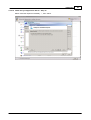
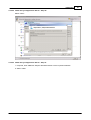
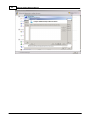
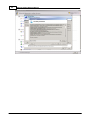
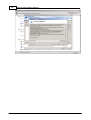
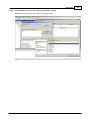
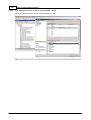
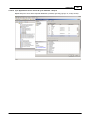
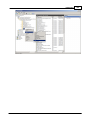
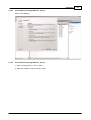
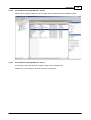
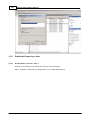
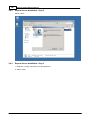
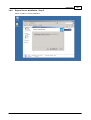
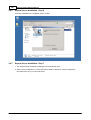
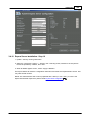
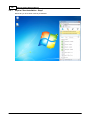
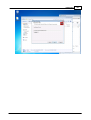
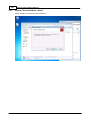
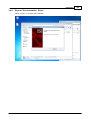
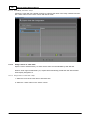
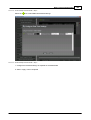
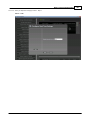
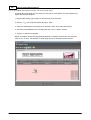
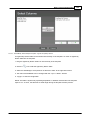
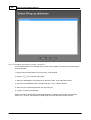
Espera Server Installation - Step 1
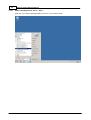
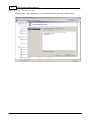
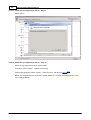
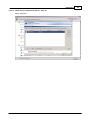
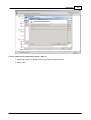
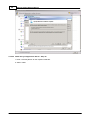
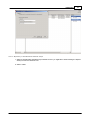
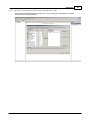
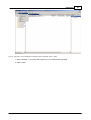
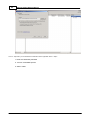
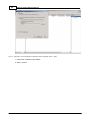
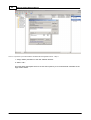
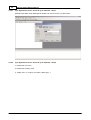
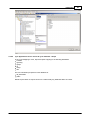
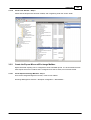
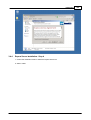
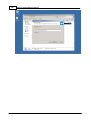
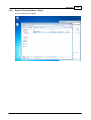
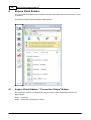
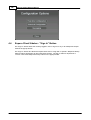
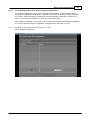
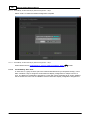
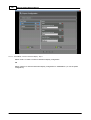
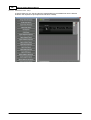
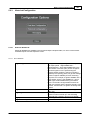
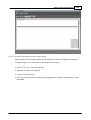
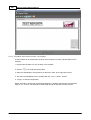
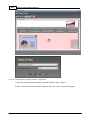
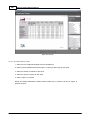
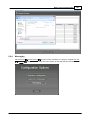
1. Open the folder containing the Espera Server Setup files
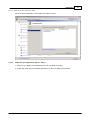
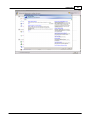
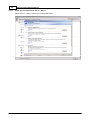
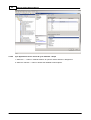
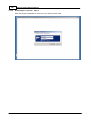
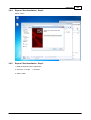
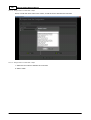
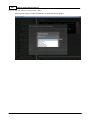
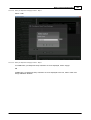
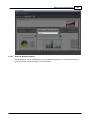
2. Run the Espera Server Setup exactable. If displayed, accept any Windows security warning
relating to the installation of the Espera Server setup.
© 2013 AdvaTel