1
212
Espera Administration Manual
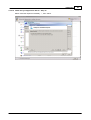
5.2.3.2.6 Create/Modify Historical Report Template - Queues Grouped By Agents
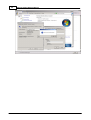
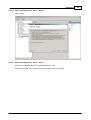
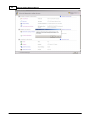
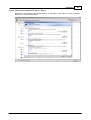
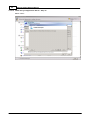
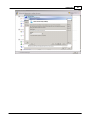
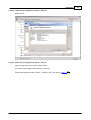
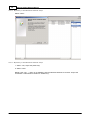
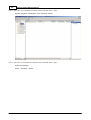
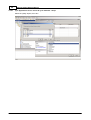
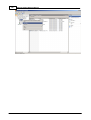
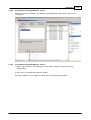
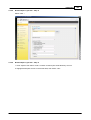
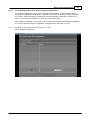
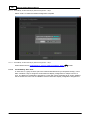
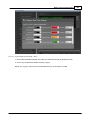
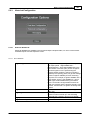
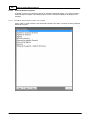
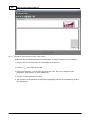
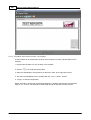
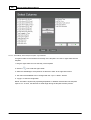
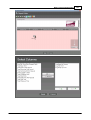
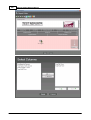
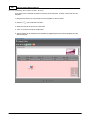
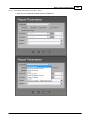
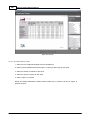
A Queues By Agent Table can be inserted into the body of the template. To insert a Queues By
Agent Table into the template:
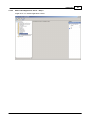
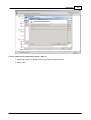
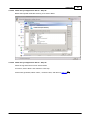
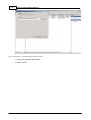
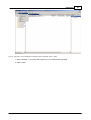
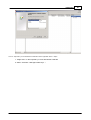
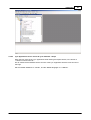
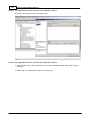
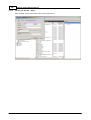
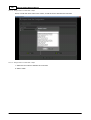
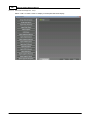
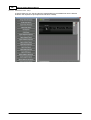
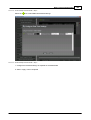
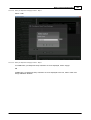
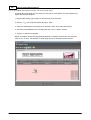
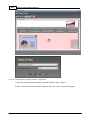
1. Drag the Queues By Agent Table icon into the body of the template
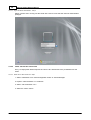
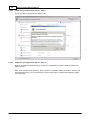
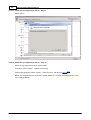
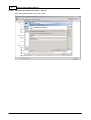
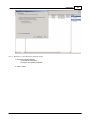
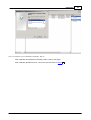
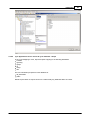
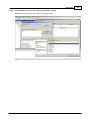
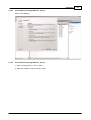
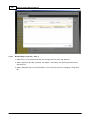
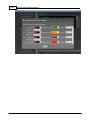
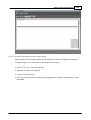
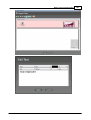
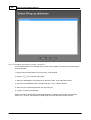
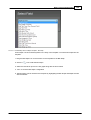
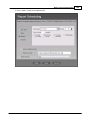
2. Click the
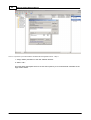
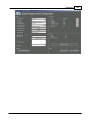
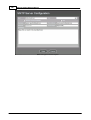
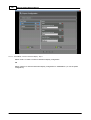
icon to edit the Queues By Agent Table
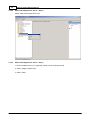
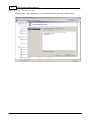
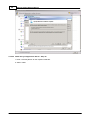
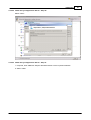
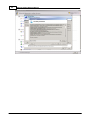
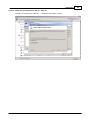
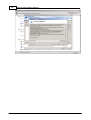
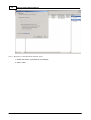
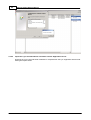
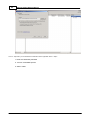
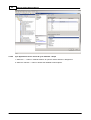
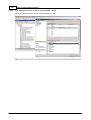
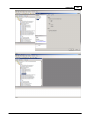
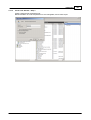
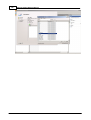
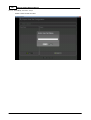
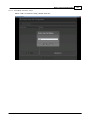
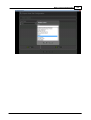
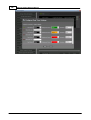
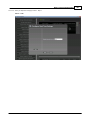
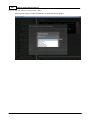
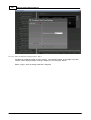
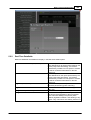
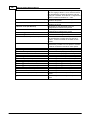
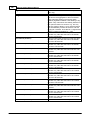
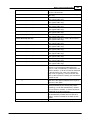
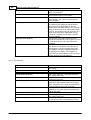
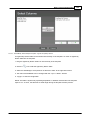
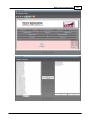
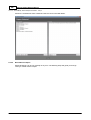
3. Select the datafield(s) to be reported on in table and <Add> to the right-hand column
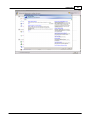
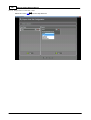
4. The order of the datafields can be changed with the <Up> & <Down> buttons
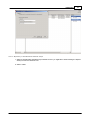
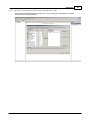
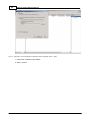
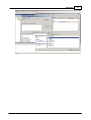
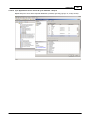
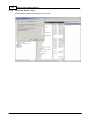
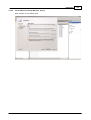
5. <Apply> to save the configuration
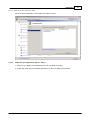
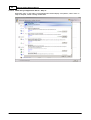
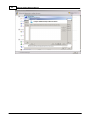
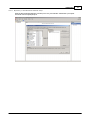
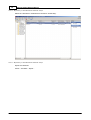
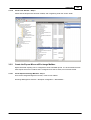
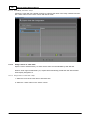
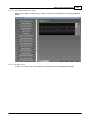
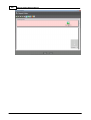
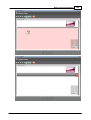
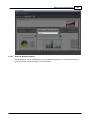
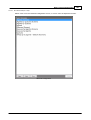
NOTE: The table is dynamically expanding dependant on variables selected when the template
report is run. As such, the table has no fixed length during the template creation process.
© 2013 AdvaTel