1
ADAPT-BUILDER
SOG Model Generation
Chapter 2
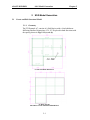
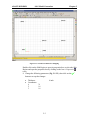
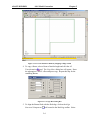
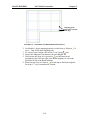
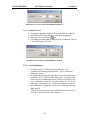
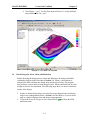
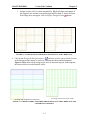
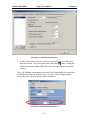
Figure 2.1.3-1 Modifications to Slab Region
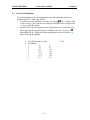
2. Set Modeler’s object snapping properties so that Snap to Intersection
button is active (the icon will be highlighted after clicking the mouse).
Turn off all other snapping tools.
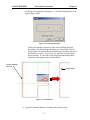
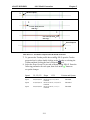
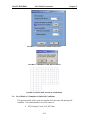
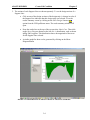
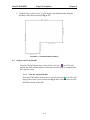
3. Create the perimeter Beams by snapping to the Slab edge as shown in
Fig. 2.1.3-2. Only create the Beams shown; the rest of the Beams will
be generated using the All Transformations tool in the Copy/Move
Toolbar.
2-5