1
9
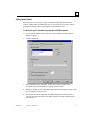
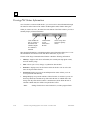
Using the Local Logic Variable Table
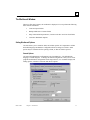
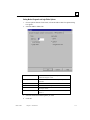
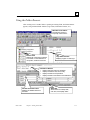
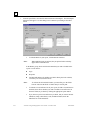
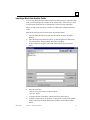
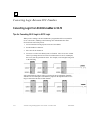
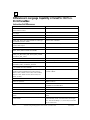
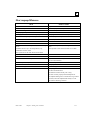
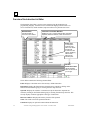
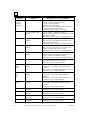
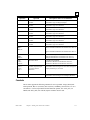
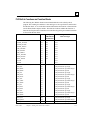
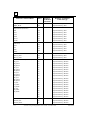
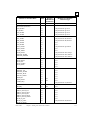
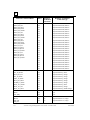
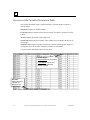
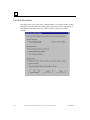
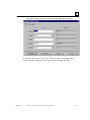
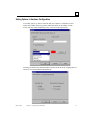
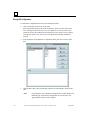
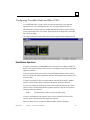
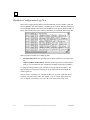
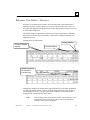
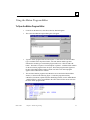
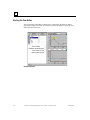
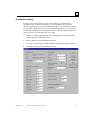
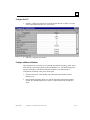
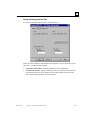
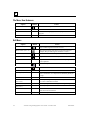
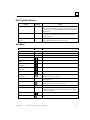
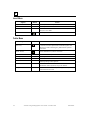
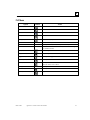
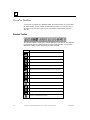
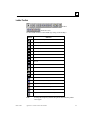
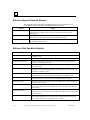
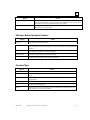
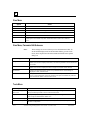
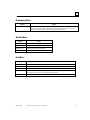
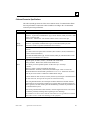
Local Logic accesses the DSM314 motion controller variables and parameter registers
using pre-defined variable names. The Local Logic Variable Table (LLVT) displays these
variables, which are organized into six tabs: Axis 1 – 4, Global, CTL Bits, and Parameter
Registers.
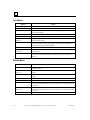
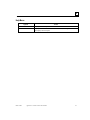
Each set of Axis variables contains Control variables, Status variables and
Faceplate I/0.
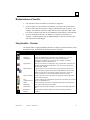
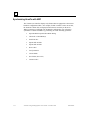
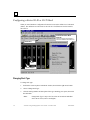
Tips for working in the LLVT
•
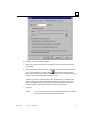
To change the width of a column, select and drag the divider on the right side of the
column head.
•
To copy the contents of a selected area in the LLVT to the Clipboard, press Ctrl + C
or choose Copy from the CSM. To select a single cell, simply click in it. To select a
block of adjacent cells, click and drag, or click, hold the Shift key, and click again.
You can select rows or columns by clicking or clicking and dragging the border at the
top or left side of the table. Select the entire table by clicking the upper left corner.
•
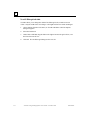
To sort the LLVT, click in the column you want to sort by, then choose Sort from the
CSM or from the View menu. Choose Ascending or Descending from the submenu
that appears.
•
To print the LLVT, select the LLVT and choose Print from the File menu or press
Ctrl + P.
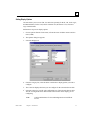
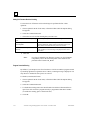
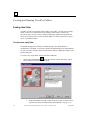
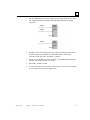
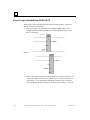
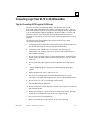
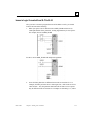
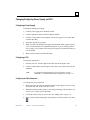
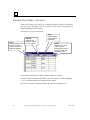
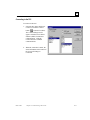
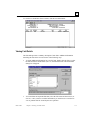
To open the Local Logic Variable Table
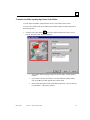
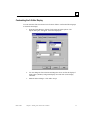
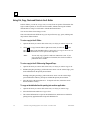
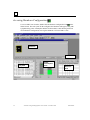
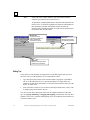
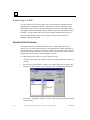
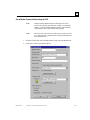
To open the LLVT, select Local Logic Variable Table from the View menu, press Alt + 6,
or click the Toggle Local Logic Variable Table button on the toolbar.
GFK-1670D
Chapter 9 Motion Programming
9-7