1
3
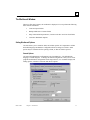
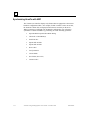
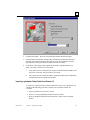
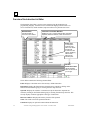
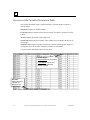
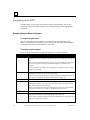
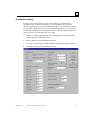
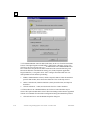
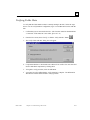
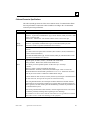
LD Instruction: Searches for a Ladder Diagram instruction.
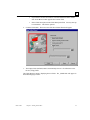
Name: Select Name to search for a variable name. Note that Find by Name
only searches for Global and System variables. All other Search By categories
will search for Local, as well as Global and System variables.
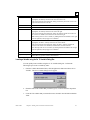
Search For Sets the address, block name, instruction, or variable name to be
used in the search.
Blocks: Establishes the scope of the search. Choose All blocks or Selected
blocks (searches all blocks currently selected in the Folder Browser)
Outputs Only: Limits the scope of the search to references used as outputs only
(coils). To limit the search to outputs only, check this box.
Implicit Addresses: Allows you to locate logic where an address is used, but is
not referenced explicitly in the function block. To search for implicit addresses,
check this box.
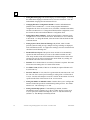
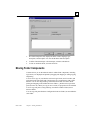
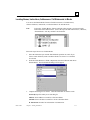
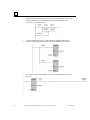
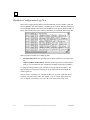
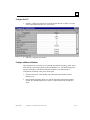
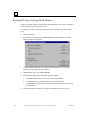
The search is performed, and the results of the search appear in the Information
Window. Found items are listed by block, rung or row, and instruction. Doubleclicking an item in the Information window opens the appropriate block and selects
the matching element.
Using Search and Replace
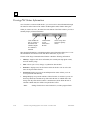
VersaPro allows you to search for and replace elements in block logic. You can
search for variable names, reference addresses and other elements in block logic and
replace the search item with a new name or address.
Note:
Search and Replace only works on a individual block by block basis. This
feature does not operate across the entire program.
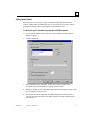
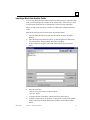
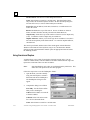
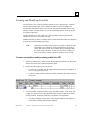
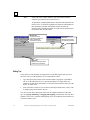
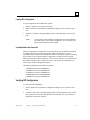
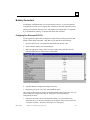
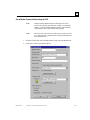
Follow the steps below to use the Find/Replace feature.
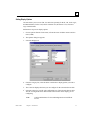
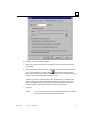
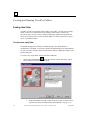
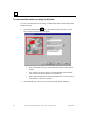
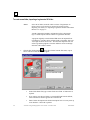
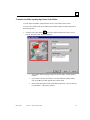
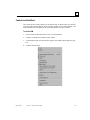
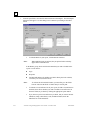
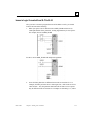
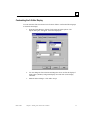
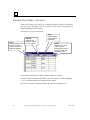
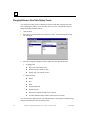
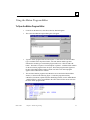
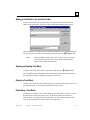
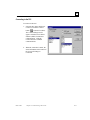
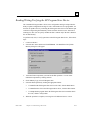
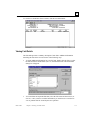
1.
Open the block you want to modify
using search and replace. Select the
Edit menu and choose Find/Replace.
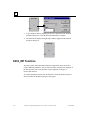
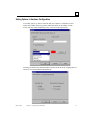
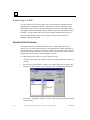
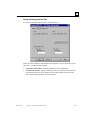
The Find/Replace dialog box will
appear
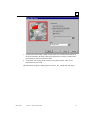
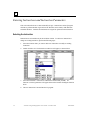
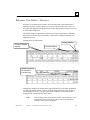
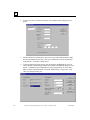
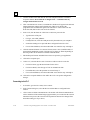
2.
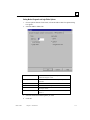
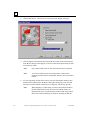
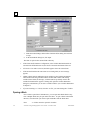
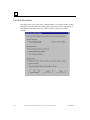
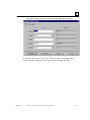
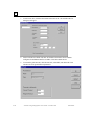
Complete the dialog box as follows
Search By: Use this field to define
what you are searching for.
Address: Select address to search for
a reference address.
Call Sub: Select Call Sub to search
for a call to a subroutine block.
Name: Select Name to search for a variable name.
3-18
VersaPro™ Programming Software User's Guide – November 2004
GFK-1670D