1
2
•
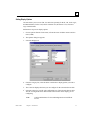
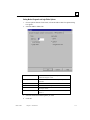
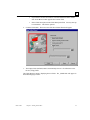
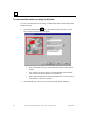
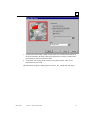
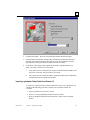
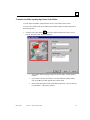
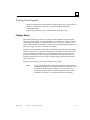
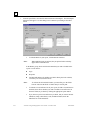
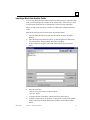
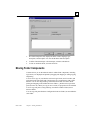
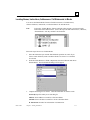
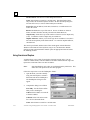
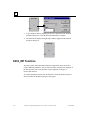
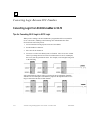
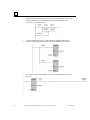
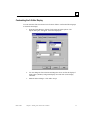
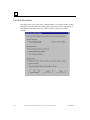
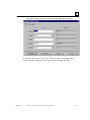
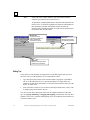
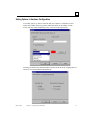
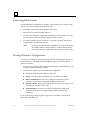
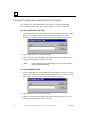
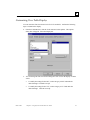
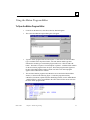
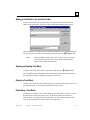
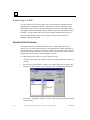
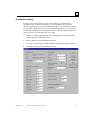
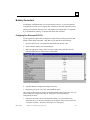
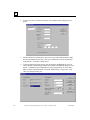
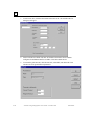
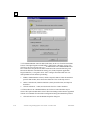
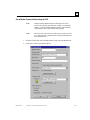
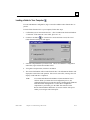
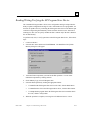
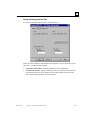
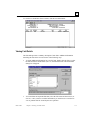
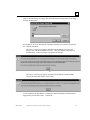
To lock the folder with password protection, check the Lock with Password
checkbox. Enter the password in both the Enter Password and Verify Password
fields. The password is case sensitive.
•
A password must be eight characters or less.
•
Valid password characters are digits (0-9), uppercase (A-Z) and lowercase (a-z)
letters, and the underscore (_).
3.
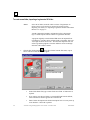
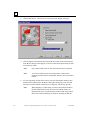
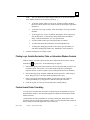
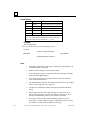
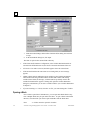
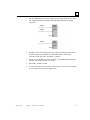
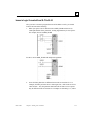
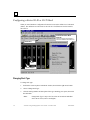
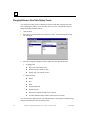
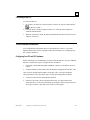
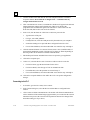
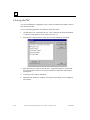
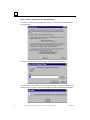
Once the folder is successfully locked, the folder title bar will display READ_ONLY,
indicating that the folder is protected. You cannot edit any portions of the folder,
except for temporarily adding variables to existing view tables.
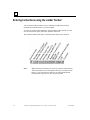
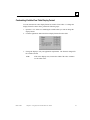
Note:
2-20
Once a folder is locked with a password, that password cannot be
changed. To assign a new password, unlock the folder, then lock it
with a new password.
VersaPro™ Programming Software User's Guide – November 2004
GFK-1670D