1
2
Printing Your Program
Hardware Configuration is not included in any printed report. If you want to print out
Hardware Configuration, you must do so using the Stand Alone Hardware
Configuration utility.
Reports and printouts can only be generated for the folder that is open.
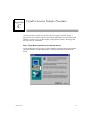
Printing a Report
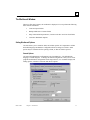
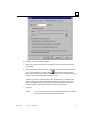
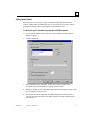
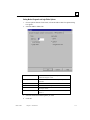
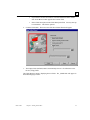
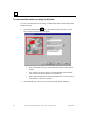
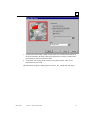
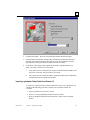
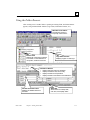
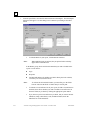
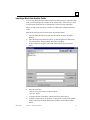
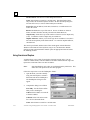
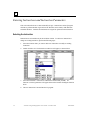
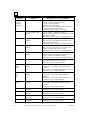
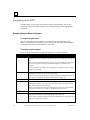
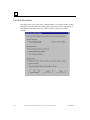
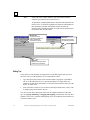
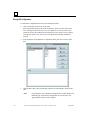
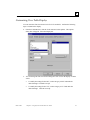
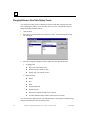
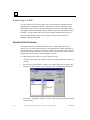
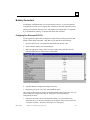
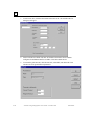
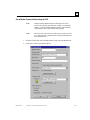
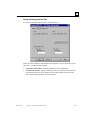
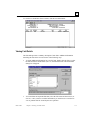
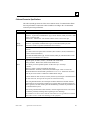
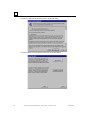
The Print Report dialog box allows you to define which components should be printed
when you generate a report. You can print Blocks, a Cross Reference, a Table of Contents,
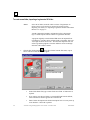
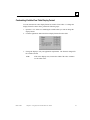
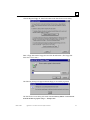
a Header Page, and Variables. The Print dialog box allows you to choose printers, print
ranges, and the number of copies that you want to print. The Page Setup dialog box allows
you to select paper size, source, orientation, and margins.
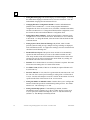
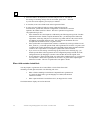
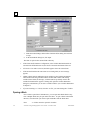
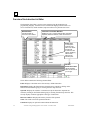
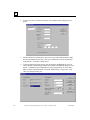
Information about which Print Components, which Blocks and which details about blocks,
whether or not a Table of Contents or a Header page, and whether Cross References and
the associated Reference Addresses are to be included in printing, is retained after you
generate your first report. You can change this information as desired, but you need not
reset the specifications every time you print. All other settings require input each time a
report is generated.
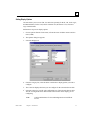
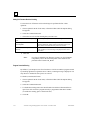
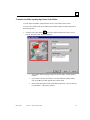
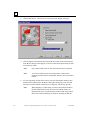
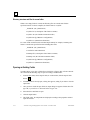
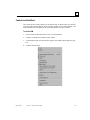
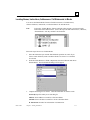
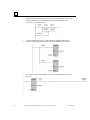
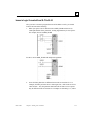
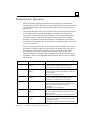
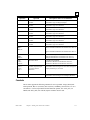
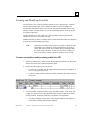
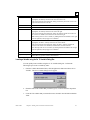
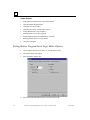
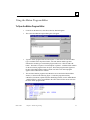
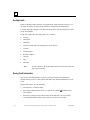
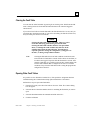
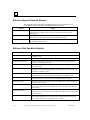
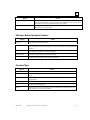
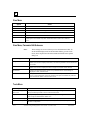
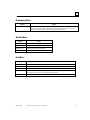
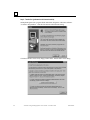
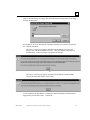
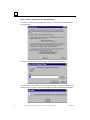
Perform the following steps to customize and print your program:
Note:
GFK-1670D
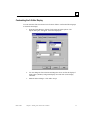
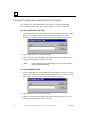
To add custom header and/or footer text to reports and folder printouts,
edit the Folder Properties. (Go to the Edit menu, choose Properties, and
Folder.) In the Folder Properties dialog box, you can specify a text
string using format switches to control the appearance of the custom
information. For details, see "Custom Header/Footer Formatting."
Chapter 2 Working With Folders
2-23