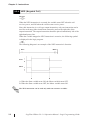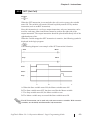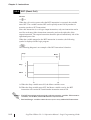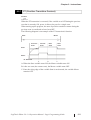
1
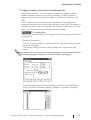
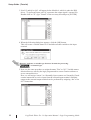
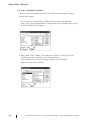
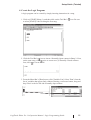
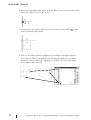
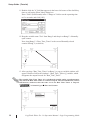
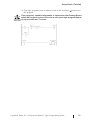
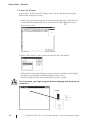
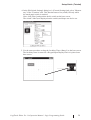
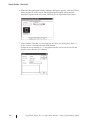
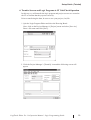
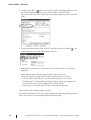
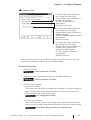
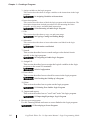
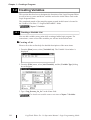
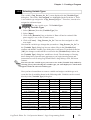
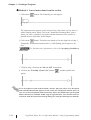
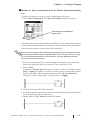
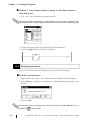
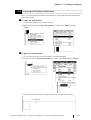
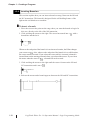
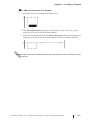
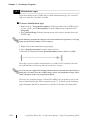
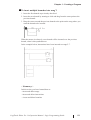
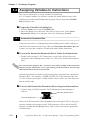
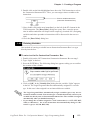
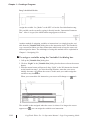
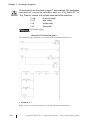
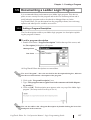
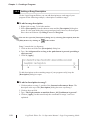
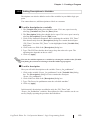
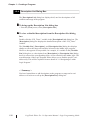
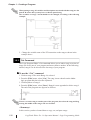
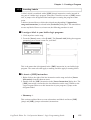
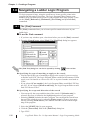
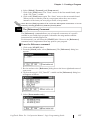
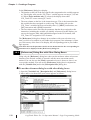
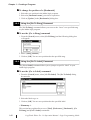
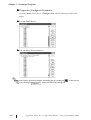
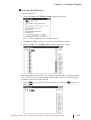
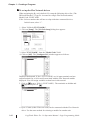
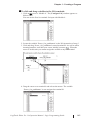
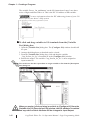
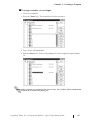
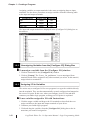
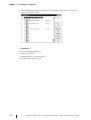
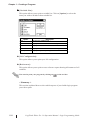
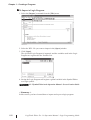
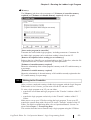
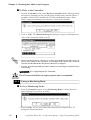
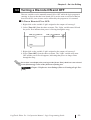
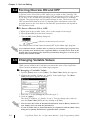
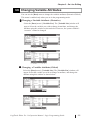
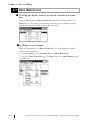
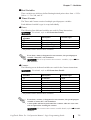
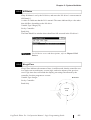
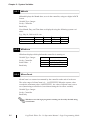
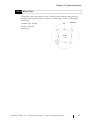
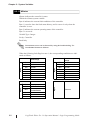
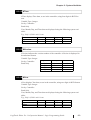
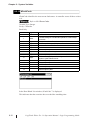
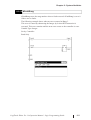
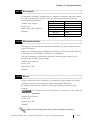
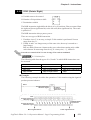
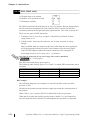
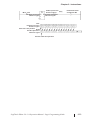
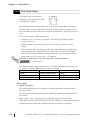
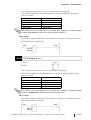
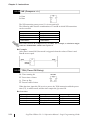
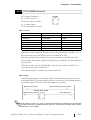
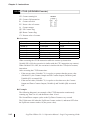
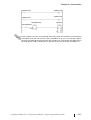
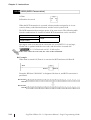
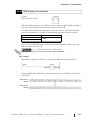
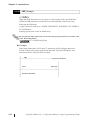
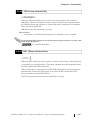
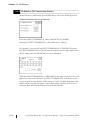
Chapter 1 - Creating a Program To change the position of a [Bookmark] 1. Select the new position in the ladder logic program. 2. Select the [Bookmark name] you wish to reposition. 3. Click on [Update] in the [Bookmarks] dialog box. 1.8.5 Using the [Go To Rung] Command The [Go To Rung] command allows you to move the “focus” to a specified rung in your ladder logic program. To use the [Go to Rung] command 1. From the [Search] menu, select [Go To Rung] and the following dialog box will appear: 2. Enter a [Rung Number]. 3. Click on [OK]. You are now positioned at the specified rung. 1.8.6 Using the [Go To Label] Command The [Go to Label] command allows you to jump to a specific “label” in your ladder logic program. To use the [Go to Label] command: 1. From the [Search] menu, select [Go TO Label]. The [Go To Label] dialog box appears: 2. Select the label to go to. 3. Click on [OK]. You are now positioned at the specified label. < Summary > This section has explained how to use [Find], [References], [Bookmark], [Go To Rung] and [Go To Label] commands. 1-40 LogiTouch Editor Ver. 1.0 Operation Manual - Logic Programming Guide