1
Section 3 - Configuration
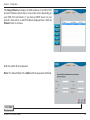
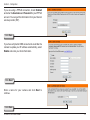
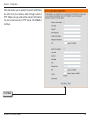
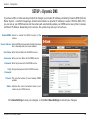
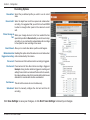
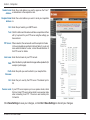
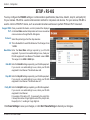
RTSP URL: This setting allows you to set a suffix for your
camera’s RTSP URL so you can view your
camera’s video with this video profile’s settings.
For example, if you enter “mpeg4” as your RTSP
URL setting and your camera’s IP is 192.160.0.20,
you can view your camera’s video with these
settings through 192.160.0.20/mpeg4.
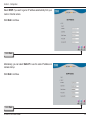
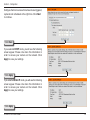
Enable Speaker: Checking this box will enable you to send audio
to an external speaker (not included) attached to
the external speaker jack of your camera. This will
allow you to speak with another person through
your camera.
Volume: This sets the volume level of the external
speaker.
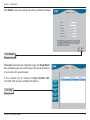
Enable Checking this box will enable you to listen to audio
Microphone: picked up by the microphone. This will allow you
to hear what is happening near your camera.
Volume: This sets the volume level of the incoming
audio.
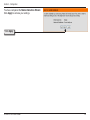
Note: Higher frame size, frame rate and bit rates
will give you better video quality, but they will also
require more network bandwidth. For best viewing
results on a mobile phone, we suggest setting the
Frame Rate to 5 fps and bps to 20 Kbps.
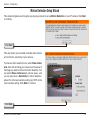
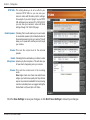
Click the Save Settings to save your changes, or click Don’t Save Settings to discard your changes.
D-Link DCS-7410 User Manual
41