1
Section 4 - D-ViewCam Installation
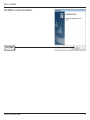
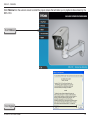
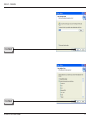
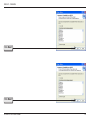
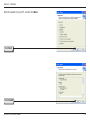
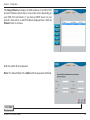
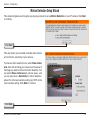
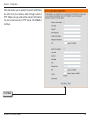
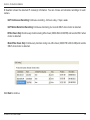
D-ViewCam shows the detected IP camera(s) information. You can choose and schedule recordings for each
camera.
• 24/7 Continuous Recording: Continuous recording - 24 hours a day, 7 days a week.
• 24/7 Motion Detection Recording: Continuous monitoring, but records ONLY when motion is detected.
• Office Hours Only: Continuously monitors during office hours (08:00 AM to 06.00 PM) and records ONLY when
motion is detected.
• Non-Office Hours Only: Continuously monitors during non-office hours (06:00 PM to 08.00 AM) and records
ONLY when motion is detected.
Click Next to continue.
D-Link DCS-7410 User Manual
64