1
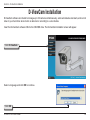
Section 4 - D-ViewCam Installation
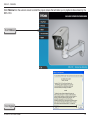
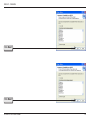
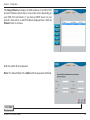
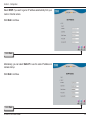
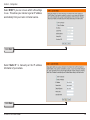
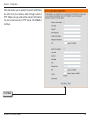
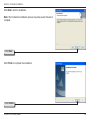
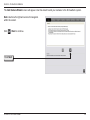
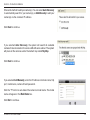
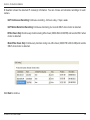
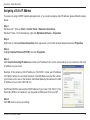
Select Yes to add other camera(s), or select No if you have no additional
camera(s) to be added.
Click Next to continue.
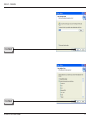
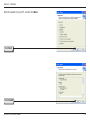
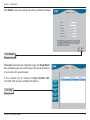
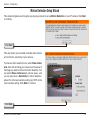
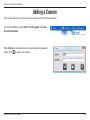
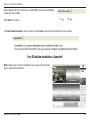
The Add Camera wizard is now complete. Click Close to access the D-ViewCam’s main screen.
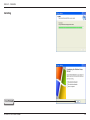
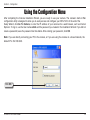
Your D-ViewCam Installation is Complete!
Note: Please refer to the D-ViewCam user manual for information
about using the D-ViewCam.
D-Link DCS-7410 User Manual
65