1
User
Guide
Appendix and Reference Information
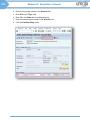
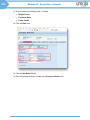
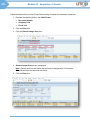
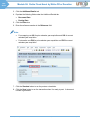
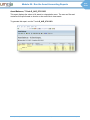
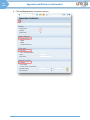
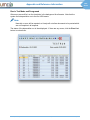
Run in Test Mode and Foreground
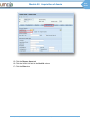
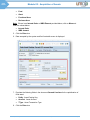
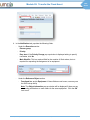
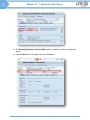
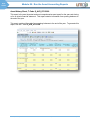
After errors are rectified, run the simulation in the background for all assets. Note that the
system limits depreciation run to the first 1000 assets.
Note:
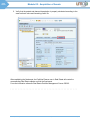
Normally no error will be reported, as Umoja will not allow documents to be posted which
are not complete in all respects.
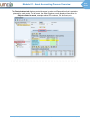
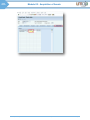
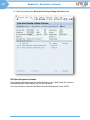
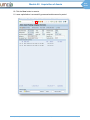
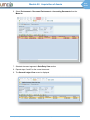
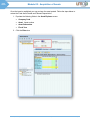
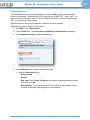
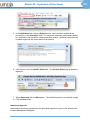
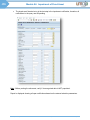
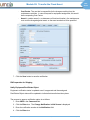
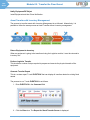
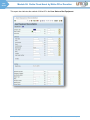
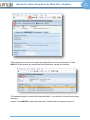
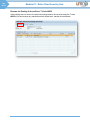
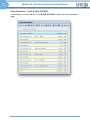
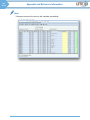
The status of the depreciation run is then displayed. If there are any errors, click the Error List
button to review them.
UN Umoja Training
User Guide: Asset Accounting Process
Page 115