1
UN Athens Training
User Manual: <User Manual Name>
User
Guide
3/124
Module 01: Asset Accounting Process Overview
Asset Master Data Overview
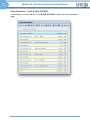
Asset Master Data: T-Codes
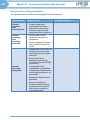
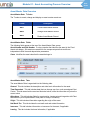
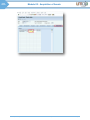
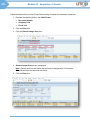
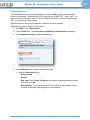
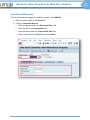
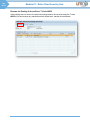
The T-codes to create, change and display an asset master record are:
T-Code
Description
AS01
Create Asset Master Record
AS02
Change Asset Master Record
AS03
Display Asset Master Record
Asset Master Data: Fields
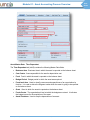
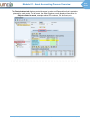
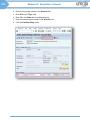
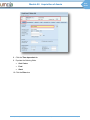
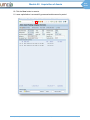
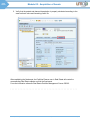
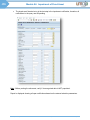
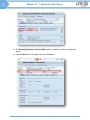
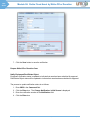
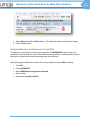
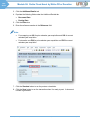
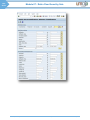
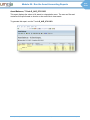
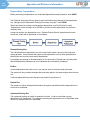
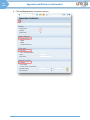
The following fields appear at the top of the Asset Master Data screen:
Asset Number and Sub Number: A unique number that identifies the asset in the Fixed
Assets sub-ledger. Sub assets are created for the component parts that could have
independent useful lives and depreciation parameters
Class: Identifies the asset class that the asset belongs to
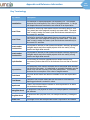
Asset Master Data: Tabs
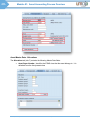
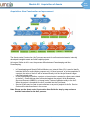
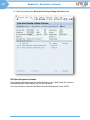
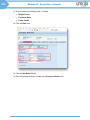
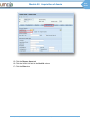
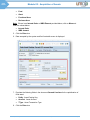
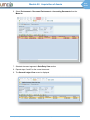
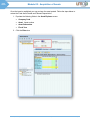
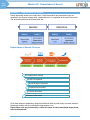
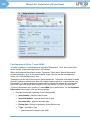
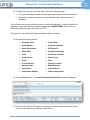
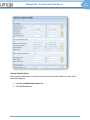
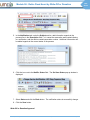
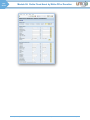
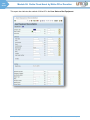
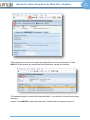
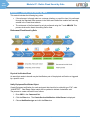
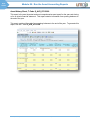
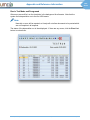
The asset Master Data is organized into the following tabs:
General: This tab includes the description and other basic information for the asset
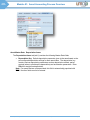
Time-Dependent: This tab includes data that can change over time, such as assigned Cost
Centre. This tab stores both current and historical values, while the other tabs only store the
current value
Allocations: This tab includes fields for report sorting, investment and integration with Plant
Maintenance (to be implemented in later parts of Umoja Foundation)
Origin: This tab includes information regarding the origin of the asset
Net Worth Tax: This tab includes the net worth and real estate information
Insurance: This tab includes information on insurance for the asset, if applicable
Leasing: This tab includes the lease information, if applicable
UN Umoja Training
User Guide: Asset Accounting Process
Page 3