1
RAIN MASTER TM EAGLE PLUS
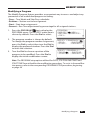
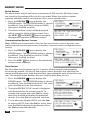
To Copy a Run Time:
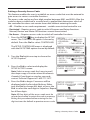
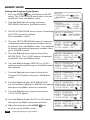
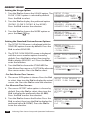
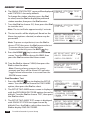
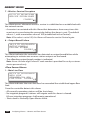
1. Press the PROGRAM
key to display the
PROGRAM menu. Turn the Dial to choose the
COPY option, then press the Dial to select.
PROGRAM:
-MODIFY-REVIEW[COPY]
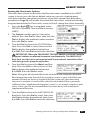
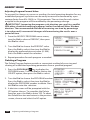
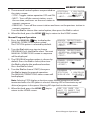
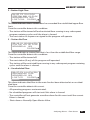
2. Turn the Dial to choose the COPY RUNTIME
option, then press the Dial to select.
COPY FUNCTION:
[COPY PROGRAM]
[COPY RUNTIME]
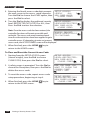
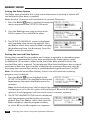
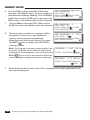
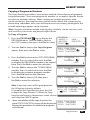
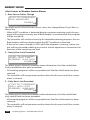
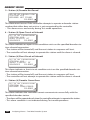
3. The COPY RUN TIME screen is displayed with
the run time value chosen. Press the Dial
to select, then turn the Dial to display the
preferred run time hours (0–23). Repeat to
select the run time minutes (0–59).
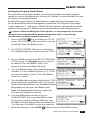
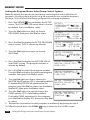
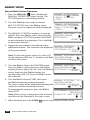
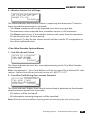
4. Turn the Dial to choose TO PROGRAM. Press
the Dial to select, then turn the Dial to display
the recipient program number. Press the Dial
to enter the selection.
-NEW-DELETE-
COPY RUNTIME[00:15]
TO PROGRAM- 1BEGIN STATION- 1END STATION- 1-OK-
COPY RUNTIME-00:15TO PROGRAM[ 1]
BEGIN STATION- 1END STATION- 1-OK-
Note: All station numbers, inclusive from the
BEGIN and END station numbers entered, will
receive the specified run time assignment.
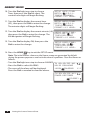
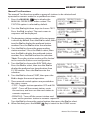
5. Turn the Dial to choose BEGIN STATION. Press
the Dial to select, then turn the Dial to display
the preferred beginning station number. Press
the Dial to enter the selection.
COPY RUNTIME-00:15TO PROGRAM- 1BEGIN STATION[ 9]
END STATION- 1-OK-
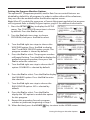
6. Turn the Dial to choose END STATION. Press
the Dial to select, then turn the Dial to display
the preferred station number. Press the Dial to
enter the selection.
COPY RUNTIME-00:15TO PROGRAM- 1BEGIN STATION- 9END STATION[ 18]OK-
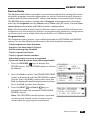
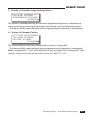
7. Turn the Dial to choose OK, then press Dial to
begin the Copy function.
COPY RUNTIME-00:15TO PROGRAM- 1BEGIN STATION- 9END STATION- 18[OK]
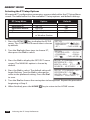
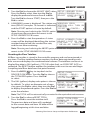
8. Upon completion of the copy function,
COPY FUNCTION:
[COPY PROGRAM]
the initial COPY FUNCTION screen will be
displayed. Repeat the procedure for additional [COPY RUNTIME]
programs as preferred.
44
Copy Functions