1
CHAPTER
8
Multilingual Configuration
MAXCS supports multiple language prompts (8 languages total) for trunk calls and
extension users, letting you configure your system to handle the following types of
scenarios in a multilingual environment:
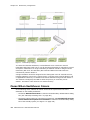
• An auto attendant (AA) may serve callers who speak different languages. MAXCS can
be configured to let the caller select a preferred language in which to hear prompts.
Once a language is selected, the whole call session will use the selected language.
• An internal user may use a feature code to execute a certain action, including logging
into voice mail. Normally the user hears system prompts first. If the user is not fluent
in the default system language, another language can be assigned to his extension.
Whenever that extension user encounters prompts, the system will use the assigned
language to play the prompts.
• DNIS may also be used to select a language for the caller. If your company has
multiple phone numbers, you can configure MAXCS to direct a caller to a language
based on the phone number the caller has dialed. For example, if you give out
different 800 numbers to different countries, and a call comes in from the 800
number you give out to customers in Mexico, you can configure MAXCS to direct that
800 number to the “Mexico Spanish” language prompts or to an extension that uses
the corresponding language in its prompts. This eliminates the caller having to select
a language.
Note: The MAXCS multilingual feature requires the purchase of an AltiGen Multilingual
License.
Configuration Overview
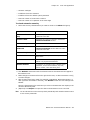
Configuring multilingual features involves most or all of the following actions, which are
discussed in subsequent sections:
• Have the appropriate system and custom phrases recorded in each language that
your company wants to use (in addition to the default language).
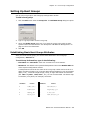
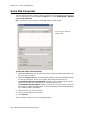
• Store the custom phrases in new directories under the C:\PostOffice\Phrases
directory, using the prescribed naming convention.
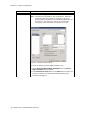
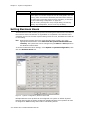
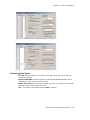
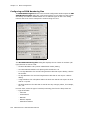
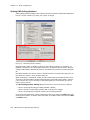
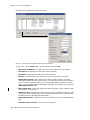
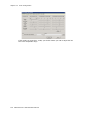
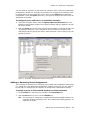
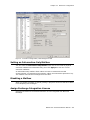
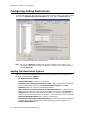
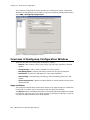
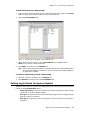
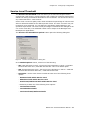
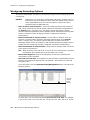
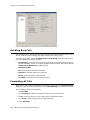
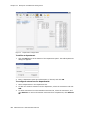
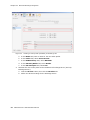
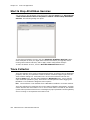
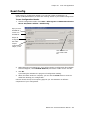
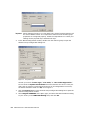
• Add the new languages to the Multilingual Configuration screen.
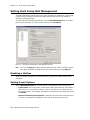
• Enable auto attendant support in the Multilingual Configuration screen, AA tab.
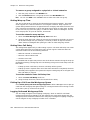
• In the Extension Configuration screen, choose an available language for the internal
user, if desired.
MAXCS ACC 6.5 Administration Manual
99