1
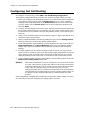
Chapter 12: Trunk Configuration
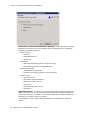
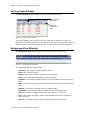
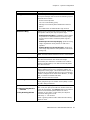
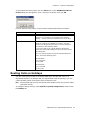
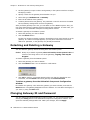
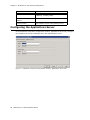
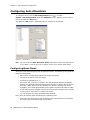
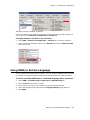
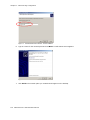
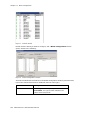
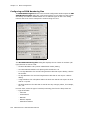
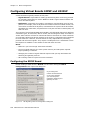
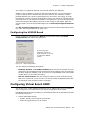
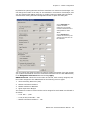
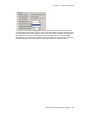
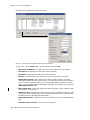
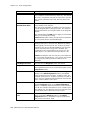
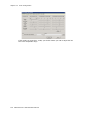
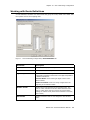
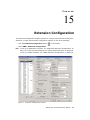
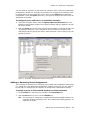
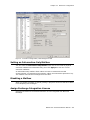
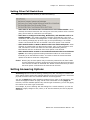
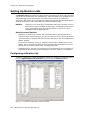
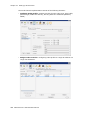
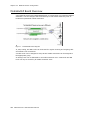
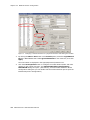
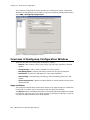
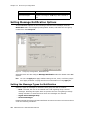
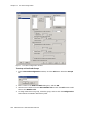
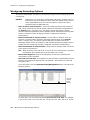
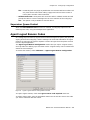
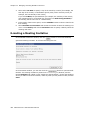
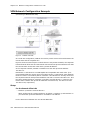
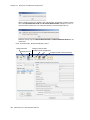
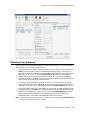
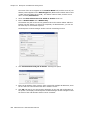
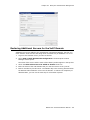
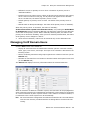
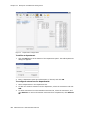
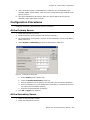
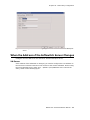
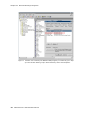
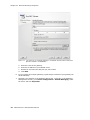
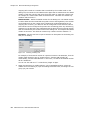
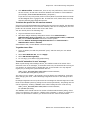
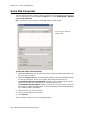
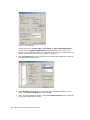
Figure 1.
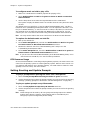
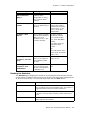
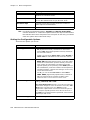
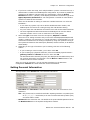
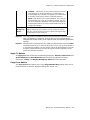
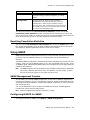
Channel Information box
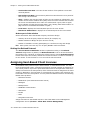
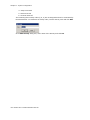
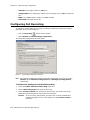
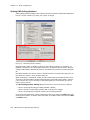
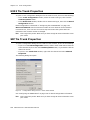
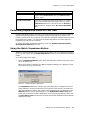
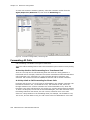
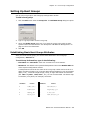
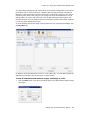
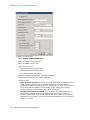
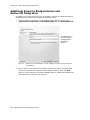
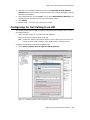
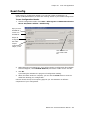
Opening the Trunk Configuration Window
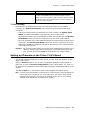
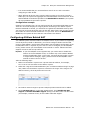
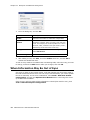
To open the general Trunk Configuration window, do one of the following:
• Click the Trunk Configuration button
in the toolbar.
• Select PBX > Trunk Configuration.
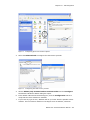
• Double-click a trunk in the Trunk View window.
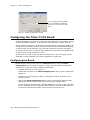
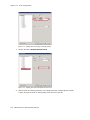
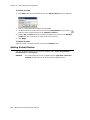
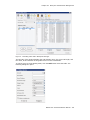
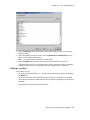
Selecting Channel
Properties from the
right-click menu in Trunk
View bypasses the
general Trunk
Configuration window to
open a trunk properties
window specific to the
selected trunk.
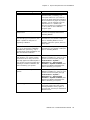
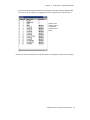
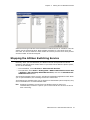
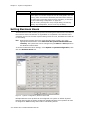
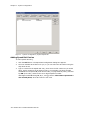
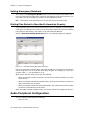
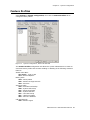
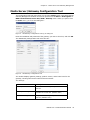
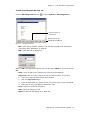
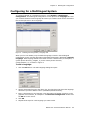
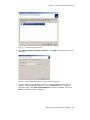
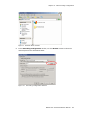
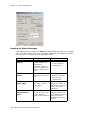
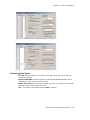
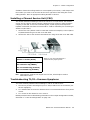
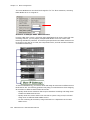
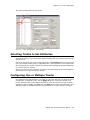
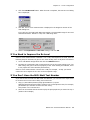
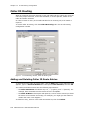
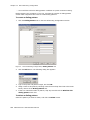
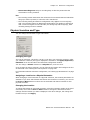
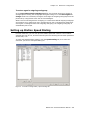
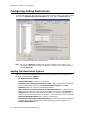
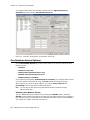
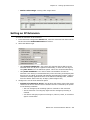
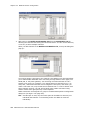
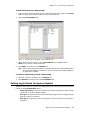
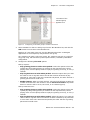
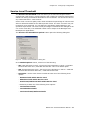
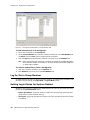
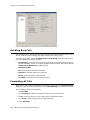
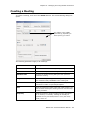
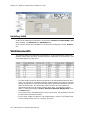
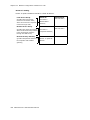
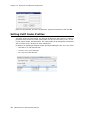
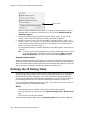
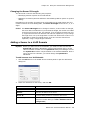
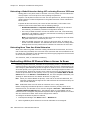
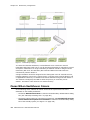
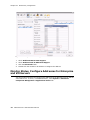
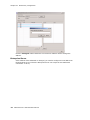
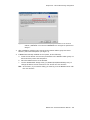
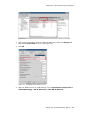
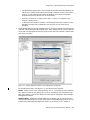
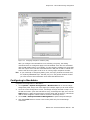
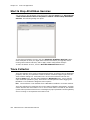
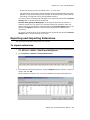
Figure 2.
Trunk View window
150 MAXCS ACC 6.5 Administration Manual