1
Chapter 15: Extension Configuration
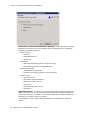
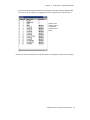
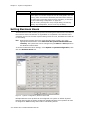
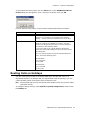
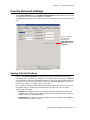
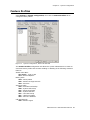
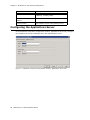
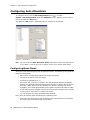
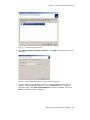
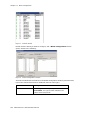
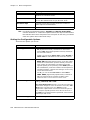
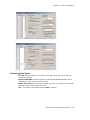
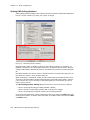
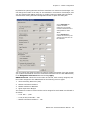
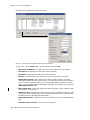
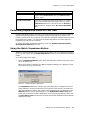
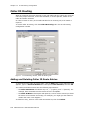
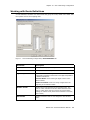
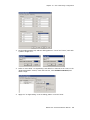
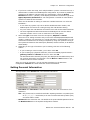
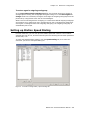
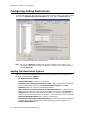
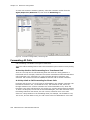
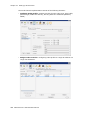
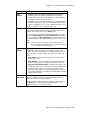
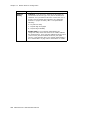
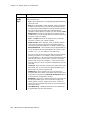
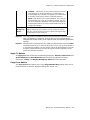
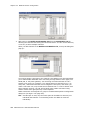
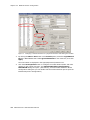
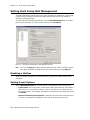
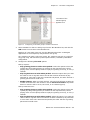
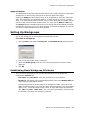
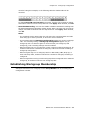
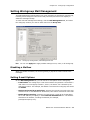
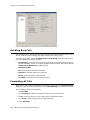
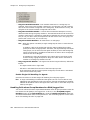
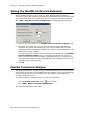
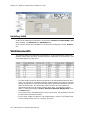
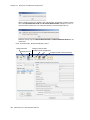
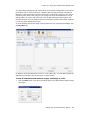
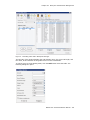
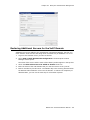
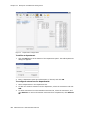
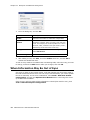
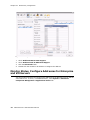
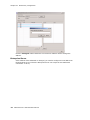
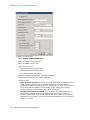
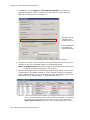
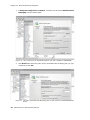
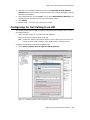
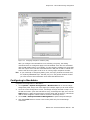
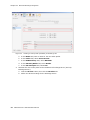
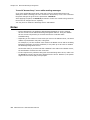
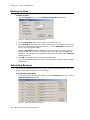
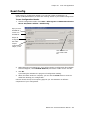
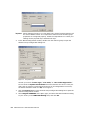
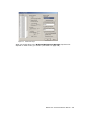
Figure 5.
Extension Configuration, Mail Management tab
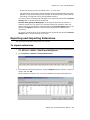
Setting an Information-Only Mailbox
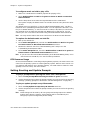
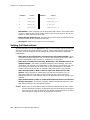
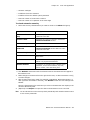
You can select the Information Only Mailbox check box to set virtual or physical
extension mailboxes to Information Only, then click Apply to to set one or more
extension mailboxes.
An Information Only mailbox allows callers to listen to customized recorded
announcements. To repeat the announcement, callers are instructed to press the # key.
This mailbox does not take messages from the caller.
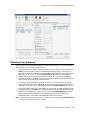
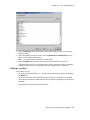
Disabling a Mailbox
When you disable a mailbox, a special greeting is played to announce that this mailbox
is not accepting new messages.
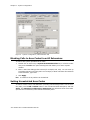
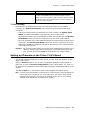
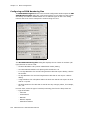
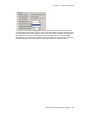
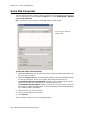
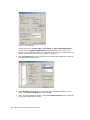
Assign Exchange Integration License
Check this check box if the selected extension is to be integrated with Microsoft
Exchange.
MAXCS ACC 6.5 Administration Manual
207