1
Chapter 18: Mobile Extension Configuration
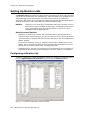
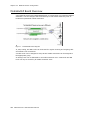
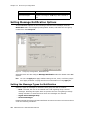
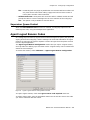
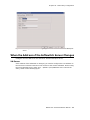
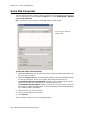
MobileExtSP Board Overview
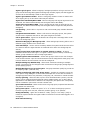
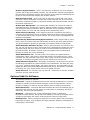
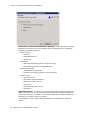
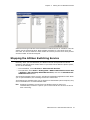
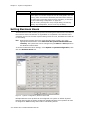
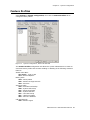
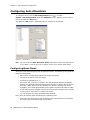
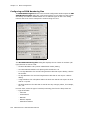
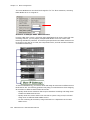
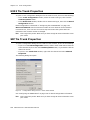
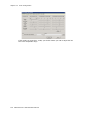
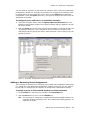
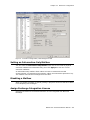
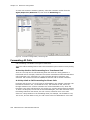
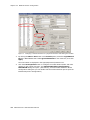
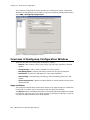
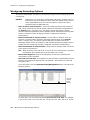
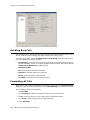
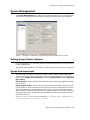
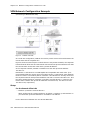
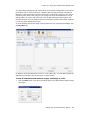
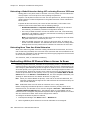
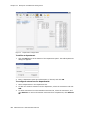
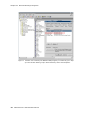
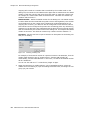
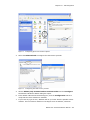
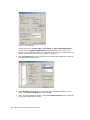
A simulated physical board (MobileExtSP board) is created when you install the MAXCS
Softswitch. You can configure this board with up to 1000 mobile extension ports. It
handles all systemwide mobile extensions.
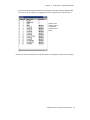
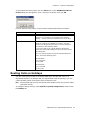
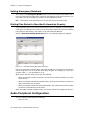
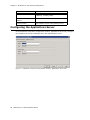
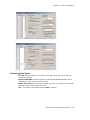
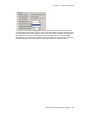
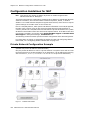
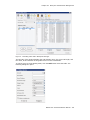
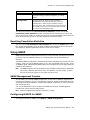
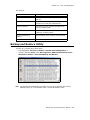
Figure 1.
MobileExtSP board diagram
T1, PRI, analog, and SIP trunks can be shared for regular incoming and outgoing calls
and mobile trunk connections.
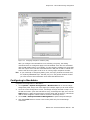
A mobile trunk can be assigned a Group ID and mobile extensions can be assigned to
the appropriate group.
An analog trunk can be dedicated to one mobile extension user. A PRI trunk and SIP
trunk can only be shared by all mobile extension users.
244 MAXCS ACC 6.5 Administration Manual