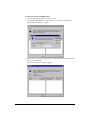
1
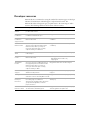
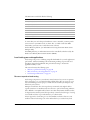
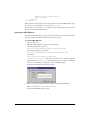
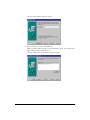
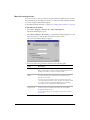
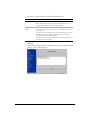
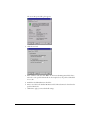
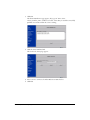
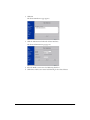
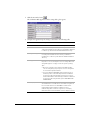
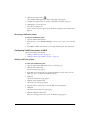
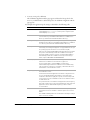
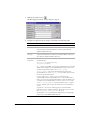
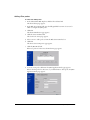
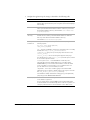
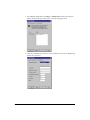
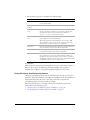
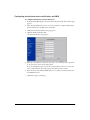
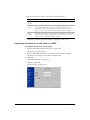
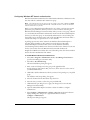
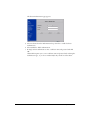
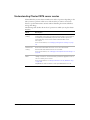
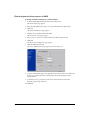
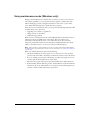
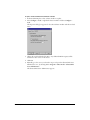
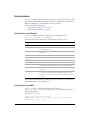
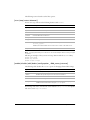
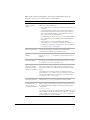
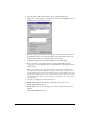
2 Add a cluster using the fields as described in the following table:
Field
Cluster Name
Description
Enter a unique name for the cluster.
Make cluster names logically consistent with their purpose — for
example, Sales Web, or Customer Support Web.
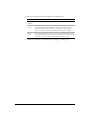
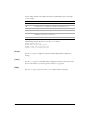
Web Server
Name
Enter the fully qualified host name (for example,
doc.macromedia.com) for the first server you want to be a member
of this cluster.
You cannot create an empty cluster; you must specify a web server
that will be part of the cluster. The first server that you add to a
cluster is known as the Admin Manager.
You cannot create an empty cluster; you must specify a web server
that will be part of the cluster.
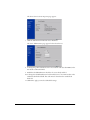
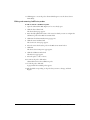
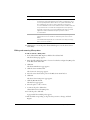
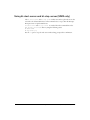
3 Click OK.
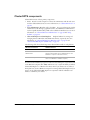
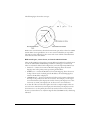
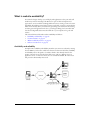
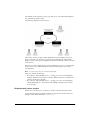
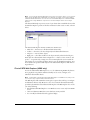
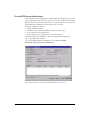
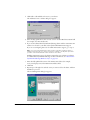
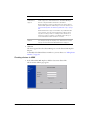
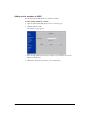
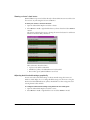
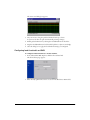
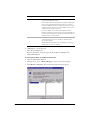
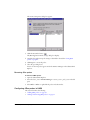
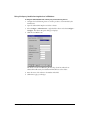
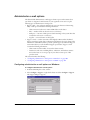
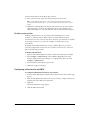
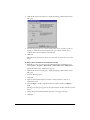
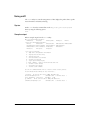
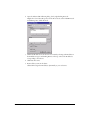
ClusterCATS creates the cluster and displays its members on the Cluster Member
List page, as in the following figure:
Creating clusters
61