1
Adding JRun probes
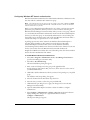
To add a new JRun probe:
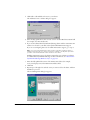
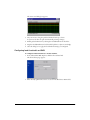
1 In the ClusterCATS Web Explorer, click the Show Cluster link.
The Show Cluster page appears.
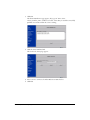
2 In the Web Server Name field, enter the fully qualified host name of a server for
which to configure the JRun probe.
3 Click OK.
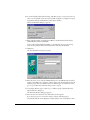
The Cluster Member List page appears.
4 Click the Server Attributes link.
The Connect To Server page appears.
5 Select a server to add a probe to from the Web Server Name list box.
6 Click OK.
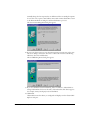
The selected server’s Properties page appears.
7 Click the JRun Probe link.
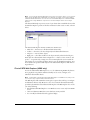
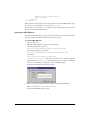
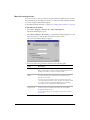
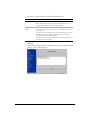
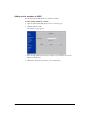
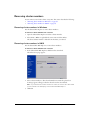
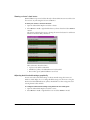
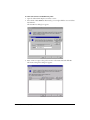
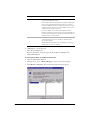
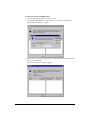
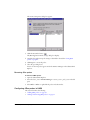
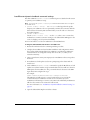
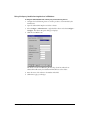
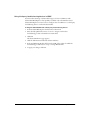
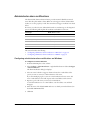
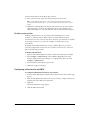
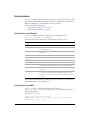
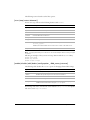
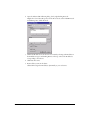
If there are probes for this server, the Probe List page appears:
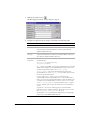
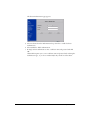
8 To create a new probe, click New. The JRun Application Probe page appears.
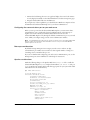
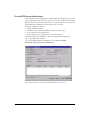
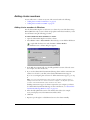
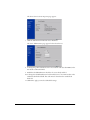
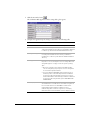
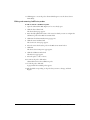
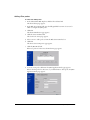
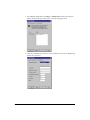
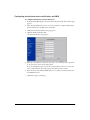
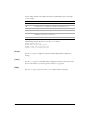
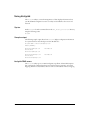
If this is the first probe for this server, or you clicked New to add a probe, the JRun
Application Probe page appears:
Using JRun probes
89