1
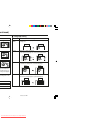
al TV (continued)
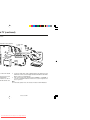
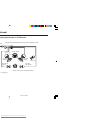
e DVD player with the
cket connection is not
les to the AUDIO OUT
of the TV.
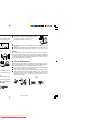
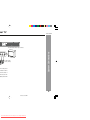
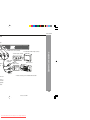
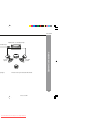
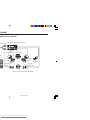
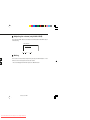
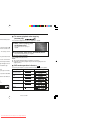
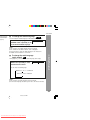
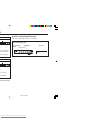
Using the COMPONENT VIDEO OUT sockets
Notes:
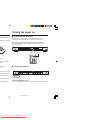
Please follow the steps before turn on the power.
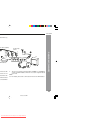
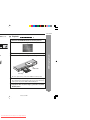
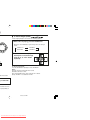
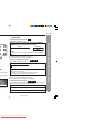
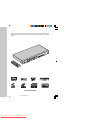
1. If your TV has the component video input sockets, connect the DVD player
to these sockets. (The VIDEO OUT or S-VIDEO OUT socket connection is
not necessary.)
You can enjoy high quality picture playback.
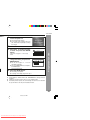
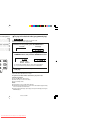
2. You also need to connect the left and right audio cables to the AUDIO OUT
sockets of DVD player and the Audio input sockets of the TV.
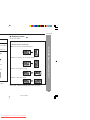
DVD player
TV
V
*Component video cable (not supplied)
11/22/06, 2:33 PM
Downloaded From Disc-Player.com Sharp Manuals
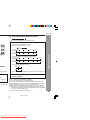
Red
Green
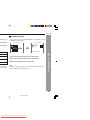
S-video cable
not supplied)
Blue
COMPONENT VIDEO INPUT
Y
PB
PR
Green
Blue
To S-video input
socket
Red
1