1
on (continued)
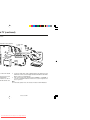
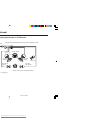
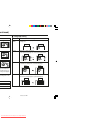
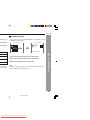
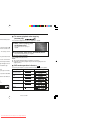
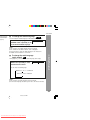
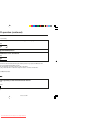
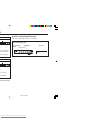
Repeat play on the DivX and JPEG menu screen:
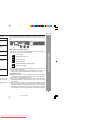
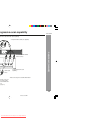
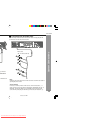
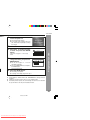
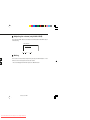
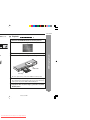
Whilst a disc is playing, press the REPEAT button.
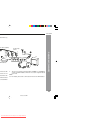
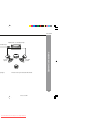
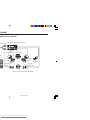
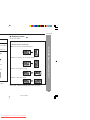
Each time the button is pressed, the repeat play mode changes in the following order.
TV screen
Unit display
“REP 1”
Repeat the currently playing track.
“FOLDER REPEAT”
“REP ALL”
Repeat the currently playing folder
(directory).
“DISC REPEAT”
“REP ALL”
Repeat all the tracks.
“REPEAT OFF”
“No display”
Repeat play is cancelled.
“REP-ONE”
11/22/06, 2:38 PM
Downloaded From Disc-Player.com Sharp Manuals