1
continued)
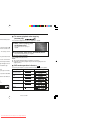
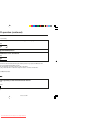
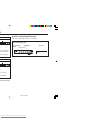
Progressive-Scan
onnect it to the COMPONENT VIDEO OUT sockets of the DVD main unit (see page 9), you can select to
ogressive-scan.”
ates default settings.)
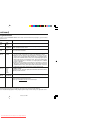
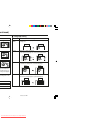
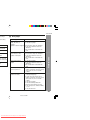
Description
NGLE
ARK
ON*
OFF
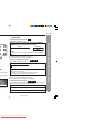
SD LANG
ENGLISH*
CHINESE
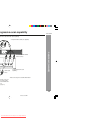
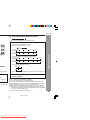
You can select the desired (On TV Screen Display) language for the setup
menu or playback control screen.
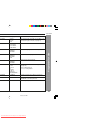
CREEN
AVER
ON*
OFF
A screensaver appears.
The screensaver is disabled.
GITAL
UTPUT
RAW
PCM*
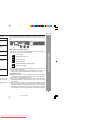
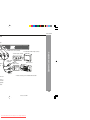
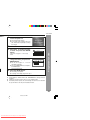
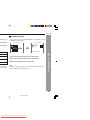
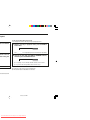
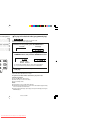
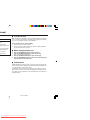
I Highlight the AUDIO OUT option, and press the 1, 2, 5 or 4 button to
choose the audio output mode you prefer. Press ENTER to confirm.
I RAW: Choose this setting if your DVD player is connected to a power
amplifier with a coaxial cable; When playing a disc recorded with Dolby
Digital, DTS and MPEG audio formats, the corresponding digital signals
will be output from the Coaxial Output socket. This Player’s digital output
sockets are designed for a connection to a Dolby Digital, DTS, or MPEG
receiver or decoder.
I PCM: Choose this setting if your DVD player is connected to a 2-channel
digital stereo amplifier; When playing a disc recorded with Dolby Digital
and MPEG audio formats, audio signals will be modulated into 2-Channel
PCM signal, and it will be output from the Coaxial Output socket.
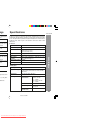
R.C (*1)
FULL
6/8
4/8
2/8
OFF*
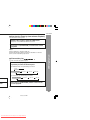
DYNAMIC RANGE:
If adjusting to FULL, the audio signal peak value will be the minimum; whilst
adjusting to OFF, maximum.
PCM
UTPUT
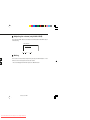
LPCM 48K* Select the sampling frequency at 48 kHz/16 bit or 96 kHz/24 bit capability.
LPCM 96K
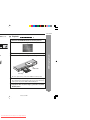
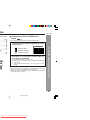
SHARP provide you the DivX registration code that allows you to rent and
purchase videos using the DivX service.
Please go to www.divx.com/vod for more information.
ndividual listening situation of the audience. This function can be used in DVD playback.
oud or inaudible during playback. Dolby Digital's dynamic range control allows you to adjust the sound
11/22/06, 2:31 PM
Downloaded From Disc-Player.com Sharp Manuals