1
7-2
Compaq StorageWorks RAID Array 4000 User Guide
7. Press Enter to go to step 9.
or
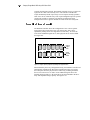
8. If the ROM firmware in the RA4000 Controller is older than that on the
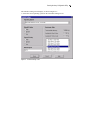
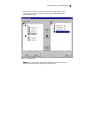
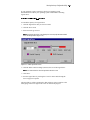
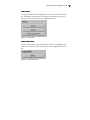
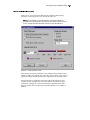
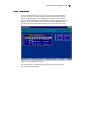
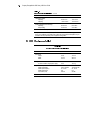
Options ROMPaq diskette, you will get the Select an Image screen:
Device to reprogram:
Current ROM revision:
Select Firmware Images:
ALL COMPAQ RA4000 Controller(s)
COMPAQ RA4000 Controller x.xx
COMPAQ RA4000 Controller y.yy
9. Press Enter.
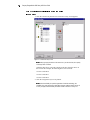
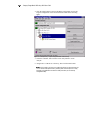
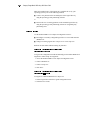
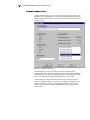
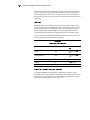
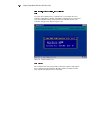
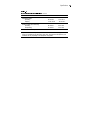
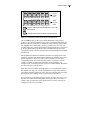
Review the information on the Caution screen:
Device to reprogram:
Current ROM revision:
Selected ROM revision:
ALL COMPAQ RA4000 Controller(s)
COMPAQ RA4000 Controller x.xx
COMPAQ RA4000 Controller y.yy
10. Press Enter to reprogram the RA4000 Controller ROM or Esc to
discontinue the reprogramming and return to the Select an Image screen.
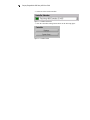
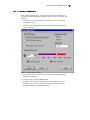
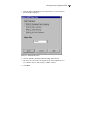
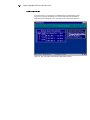
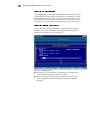
The following screen message displays:
Reprogramming Firmware
This message indicates that the RA4000 Controller ROM is being
reprogrammed. DO NOT INTERRUPT.
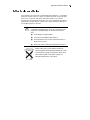
Do not interrupt this cycle. Interrupting the ROM reprogramming will
leave the firmware in an unknown state. If this happens you may not be able to
reprogram the ROM and the RA4000 Array Controller ROM may have to be
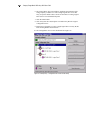
replaced. When reprogramming is completed, the screen will flash the
message, “Programming Completed Successfully.”
CAUTION:
11. When Options ROMPaq is finished reprogramming the RA4000
Controller ROM, press Enter to reprogram another Compaq option.
Repeat steps 5 through 10.
12. If you are finished reprogramming options, press Esc to exit the
ROMPaq Utility.
13. Remove the Options ROMPaq diskette and reboot the server by cycling
the power (cold boot). To upgrade additional options in the server,
repeat steps 1 through 10 by booting from each Options ROMPaq
diskette in succession.
The RA4000 Controller ROM has been updated and you can take advantage of
any new or increased capabilities available with the new firmware.