1
4-14
Compaq StorageWorks RAID Array 4000 User Guide
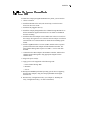
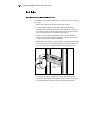
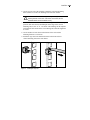
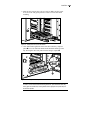
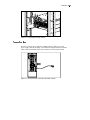
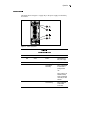
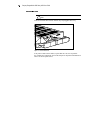
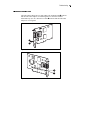
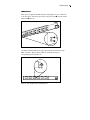
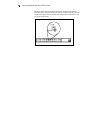
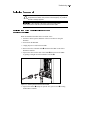
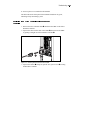
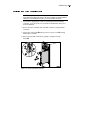
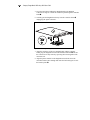
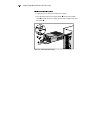
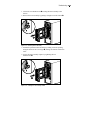
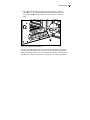
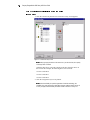
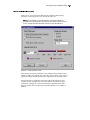
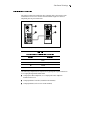
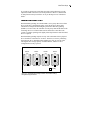
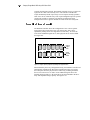
4. Remove the RA4000 Controller by pulling it straight out of the
chassis 3.
1
1
2
3
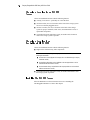
Figure 4-16. Removing the RA4000 Controller
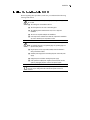
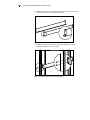
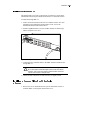
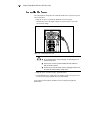
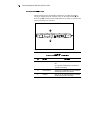
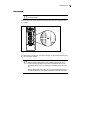
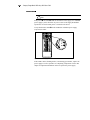
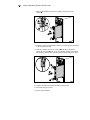
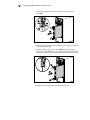
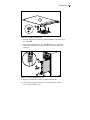
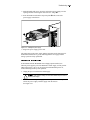
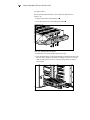
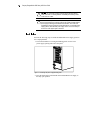
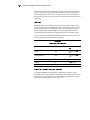
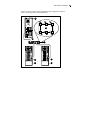
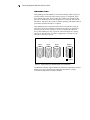
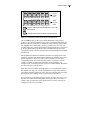
5. Install the replacement RA4000 Controller by inserting it into the tracks
in the rear panel opening.
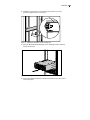
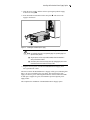
6. Push the controller in as far as it will go 1 and close both latches
against the rear panel 2. The levers on each latch should catch behind
the metal lip, drawing the board into position and securing it into place.
2
1
2
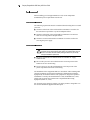
Figure 4-17. Installing the RA4000 Controller
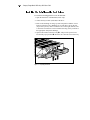
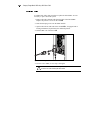
7. Replace the GBIC and connect the Fibre Channel cable.