1
23
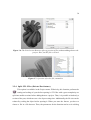
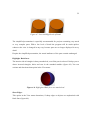
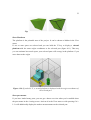
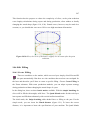
your machine specifications, the six planes forming the platform represent the outer
boundary of your print. The size of the platform can be changed in the settings.
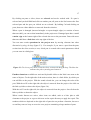
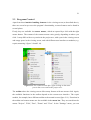
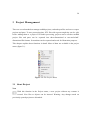
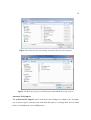
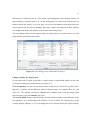
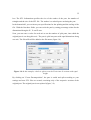
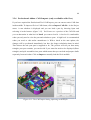
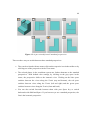
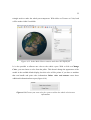
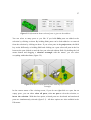
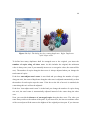
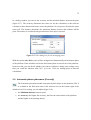
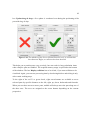
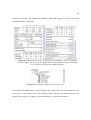
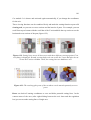
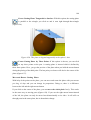
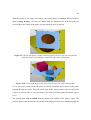
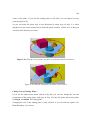
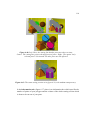
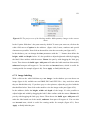
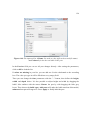
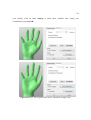
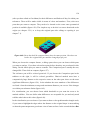
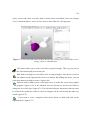
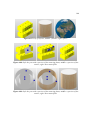
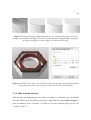
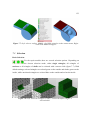
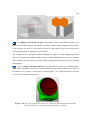
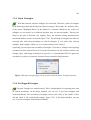
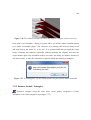
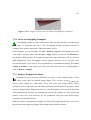
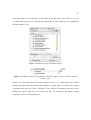
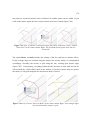
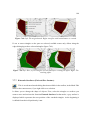
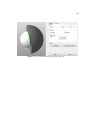
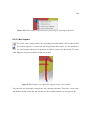
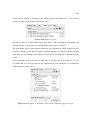
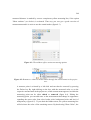
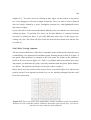
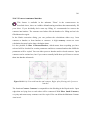
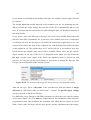
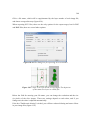
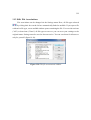
Figure 2.13: Tabsheets of standard interface, repair module and Boolean
Operations module
In the settings, you can also choose, if you want to see the platform at all. If one or more
parts are selected and you can also hold the ’p’-key to display a virtual platform. It has the
same origin coordinates as the selected part(s).
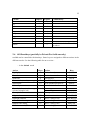
2.5 File Format Overview (partially in Private/Pro only)
In netfabb Professional, there are several file formats available for importing and
exporting parts. With the Professional Tool CAD Import, there are even more possibilities.
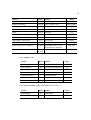
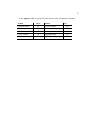
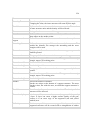
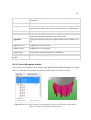
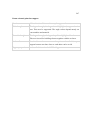
Different formats have different qualities, in the following table you’ll get a short overview:
Format
netfabb intern
netfabb project
3D file formats
STL
STL (Ascii)
color STL
x3d
x3db
Import
Export
Commentary
can contain color/texture
can contain color/texture
can contain color/texture