1
139
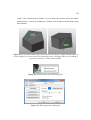
colors, just use the white to overlay them or delete them in the Mesh viewer (see chapter
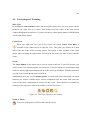
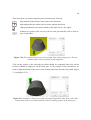
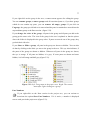
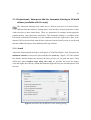
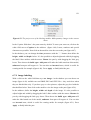
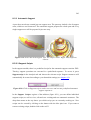
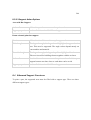
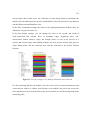
4.4). As mentioned above, there are four icons in the toolbar for coloring a part:
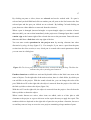
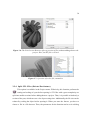
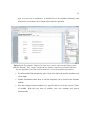
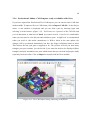
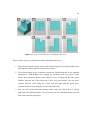
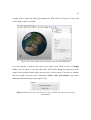
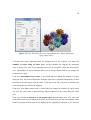
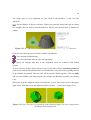
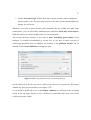
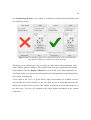
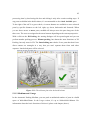
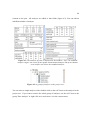
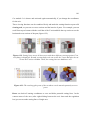
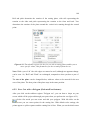
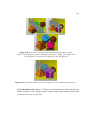
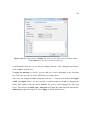
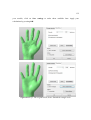
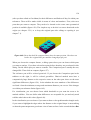
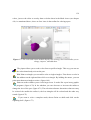
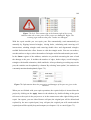
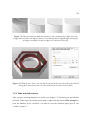
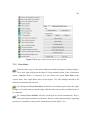
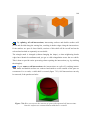
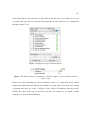
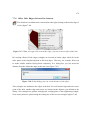
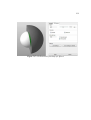
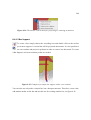
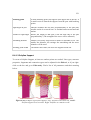
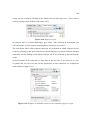
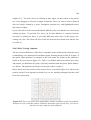
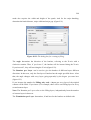
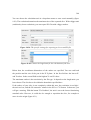
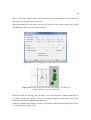
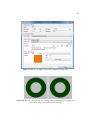
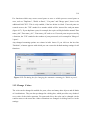
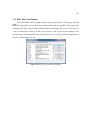
Figure 6.77: The color and texture module displays the existing colors and enables you to
change, improve, and add them.
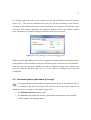
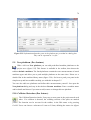
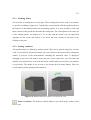
The pipette allows you to read a color from a specific triangle. This way, you can use
the colors that already exist on the part.
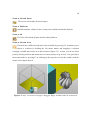
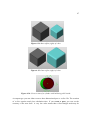
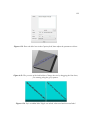
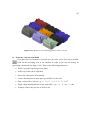
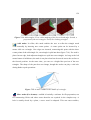
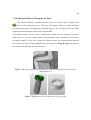
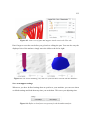
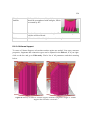
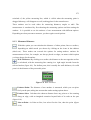
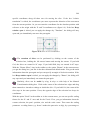
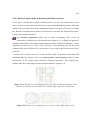
With Paint on triangles you can add a color to single triangles. First choose a color in
the tabsheet on the right and then click on a triangle. By holding the mouse, you can
paint more than one triangle at a time. (figure 6.69)
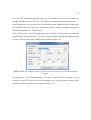
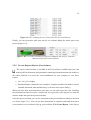
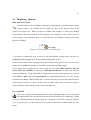
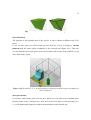
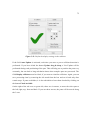
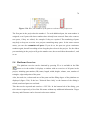
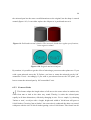
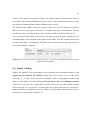
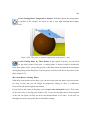
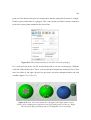
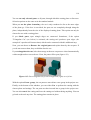
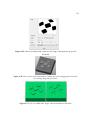
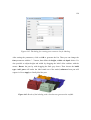
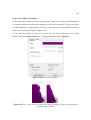
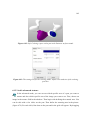
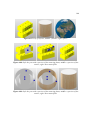
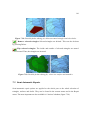
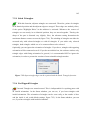
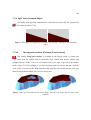
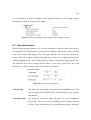
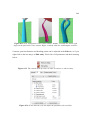
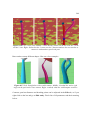
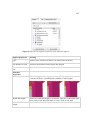
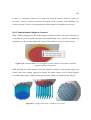
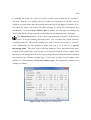
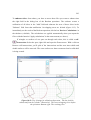
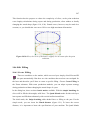
Paint on surface enables you to color larger areas. It works like a pen in any graphic
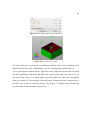
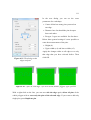
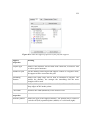
programs. (figure 6.70) In the tabsheet you can decrease or increase the radius to
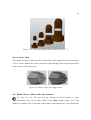
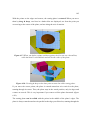
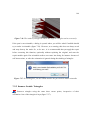
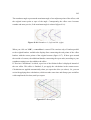
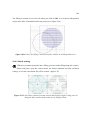
change the size of the pen. (figure 6.71) The selection tolerance determines what area may
be colored: the smaller the radius is, the less triangles will be colored and the other way
round. (figure 6.72)
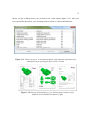
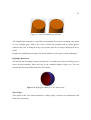
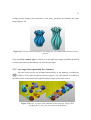
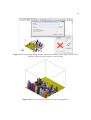
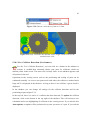
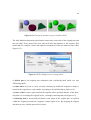
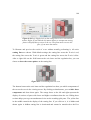
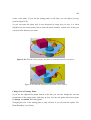
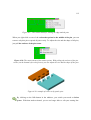
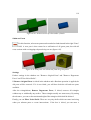
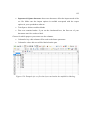
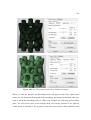
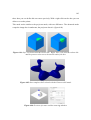
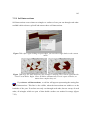
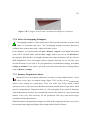
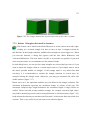
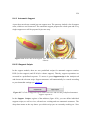
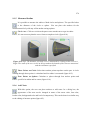
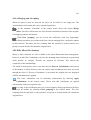
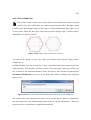
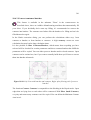
If you want to color a complete mesh, choose Paint on shells and click on the
regarding shell. (figure 6.73)