1
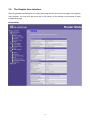
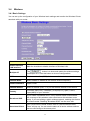
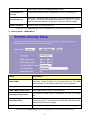
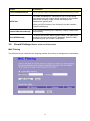
Items
Information
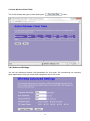
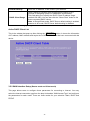
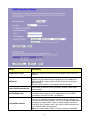
Select SSID
Please choose a SSID you have set for this router in the Wireless >
Basic Settings from the drop-down list. The SSID will be shown on
the wireless network for recognizing.
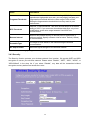
Encryption
There are 5 modes for you to select: Disable, WEP, WPA, WPA2,
and WPA2-Mixed. Please refer to the following description.
Show Password
Select to show the password or not.
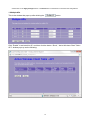
* Please click on the Apply Changes button or the Reset button to save/reset the configurations.
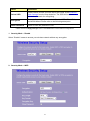
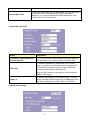
1. Security Mode – Disable
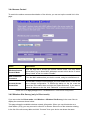
Select “Disable” means to access your wireless network without any encryption.
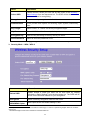
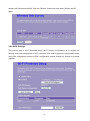
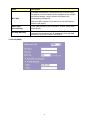
2. Security Mode -- WEP
21