1
PROGRAMMING LINGO
581
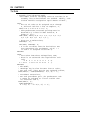
);
);
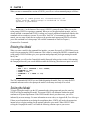
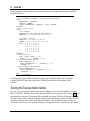
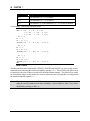
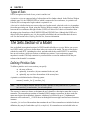
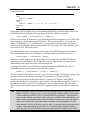
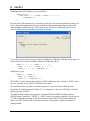
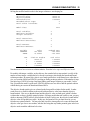
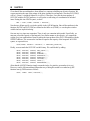
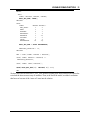
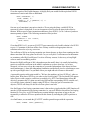
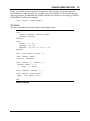
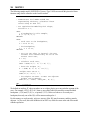
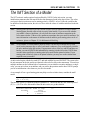
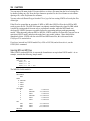
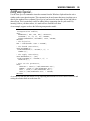
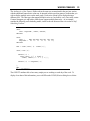
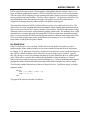
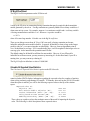
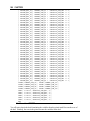
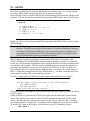
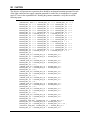
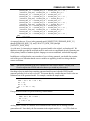
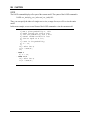
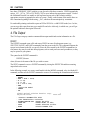
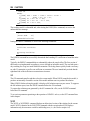
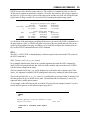
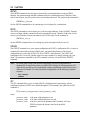
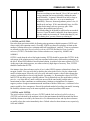
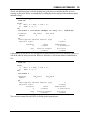
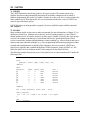
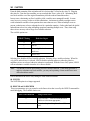
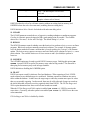
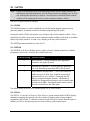
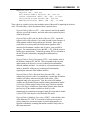
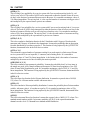
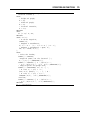
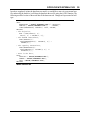
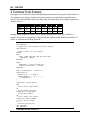
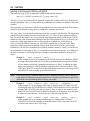
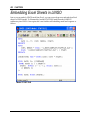
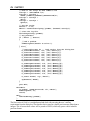
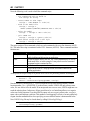
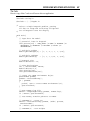
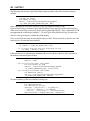
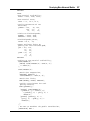
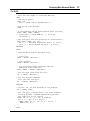
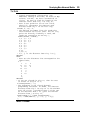
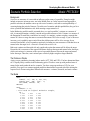
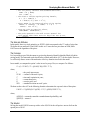
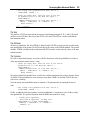
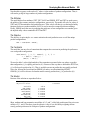
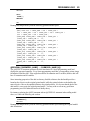
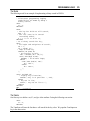
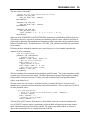
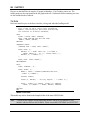
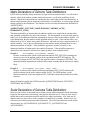
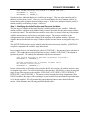
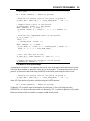
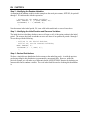
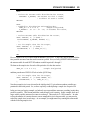
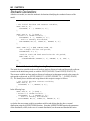
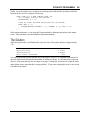
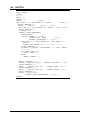
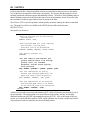
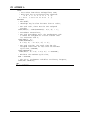
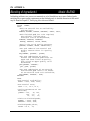
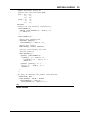
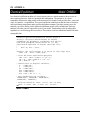
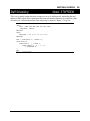
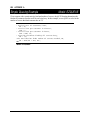
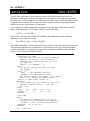
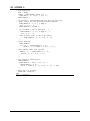
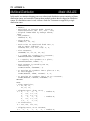
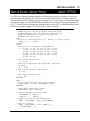
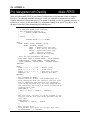
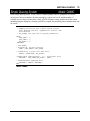
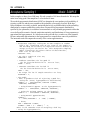
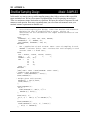
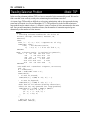
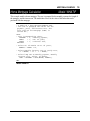
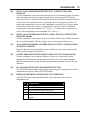
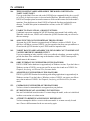
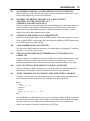
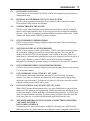
Finally, when we fall out of the @WHILE loop we display the result of our search:
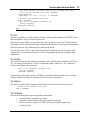
@IFC( IB #LE# IE:
! Display key's location;
@PAUSE( 'Key is at position: ', LOC);
@ELSE
! Key not in list;
@STOP( ' Key not on list!!!');
);
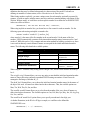
If the eligible range is empty, then we did not find the key. Otherwise, the key was found and report
its location on the list.
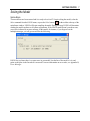
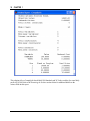
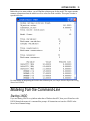
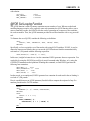
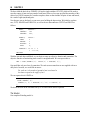
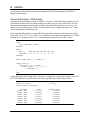
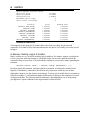
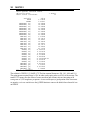
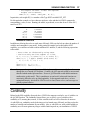
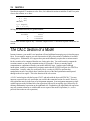
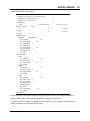
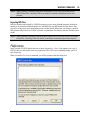
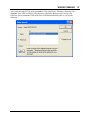
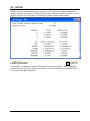
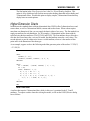
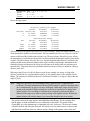
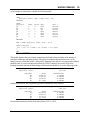
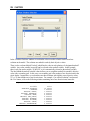
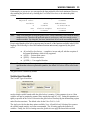
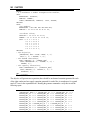
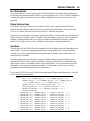
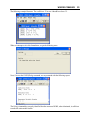
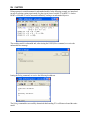
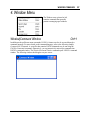
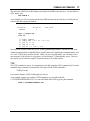
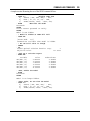
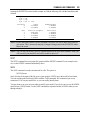
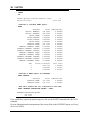
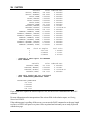
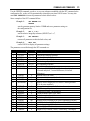
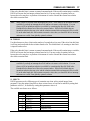
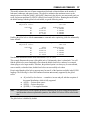
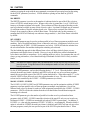
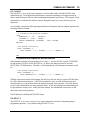
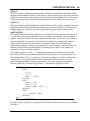
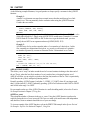
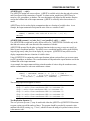
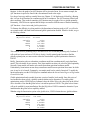
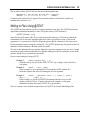
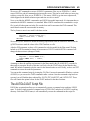
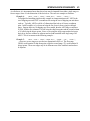
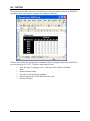
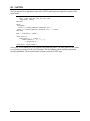
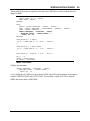
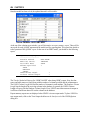
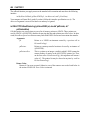
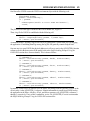
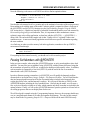
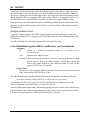
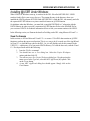
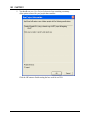
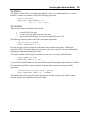
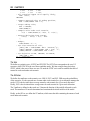
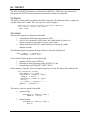
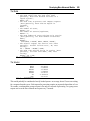
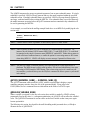
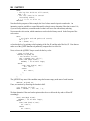
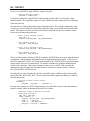
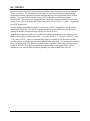
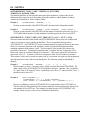
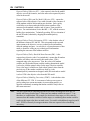
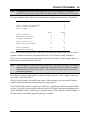
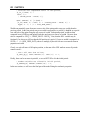
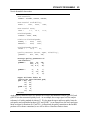
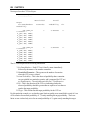
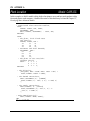
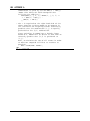
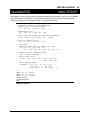
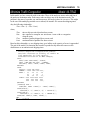
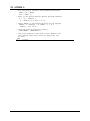
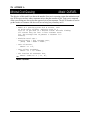
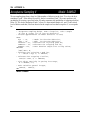
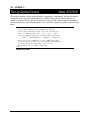
If you run this model, LINGO should successfully find the key and display:
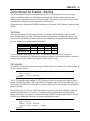
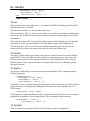
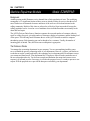
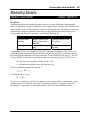
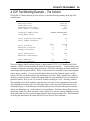
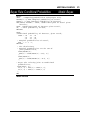
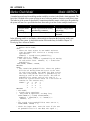
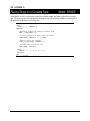
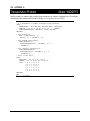
Programming Example: Markowitz Efficient
Frontier
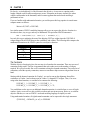
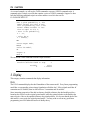
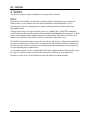
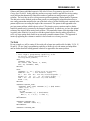
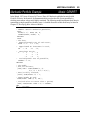
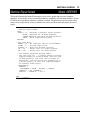
In the March 1952 issue of Journal of Finance, Harry M. Markowitz published an article titled
Portfolio Selection. In the article, he demonstrates how to reduce the risk of asset portfolios by
selecting assets whose values aren't highly correlated. The concepts behind the Markowitz portfolio
model were discussed in detail in the previous chapter in section Markowitz Portfolio Selection Model.
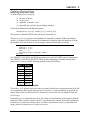
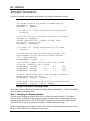
The basic idea is that, given a desired level of expected return, one should select a basket of assets that
minimizes risk (i.e., variance in return). Any other basket of assets would be inefficient in that it
entails taking on extra risk without extra compensation.
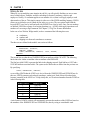
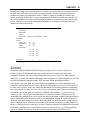
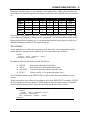
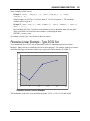
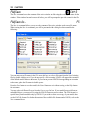
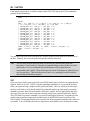
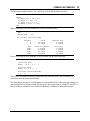
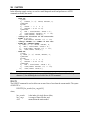
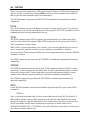
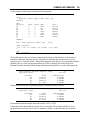
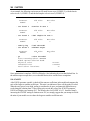
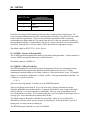
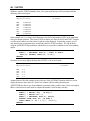
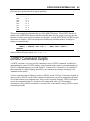
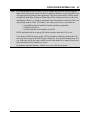
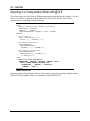
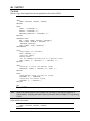
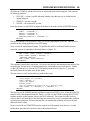
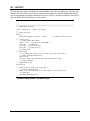
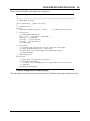
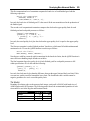
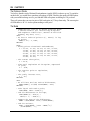
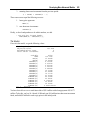
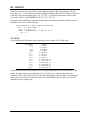
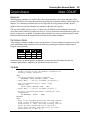
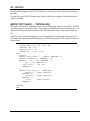
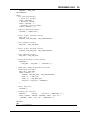
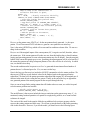
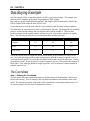
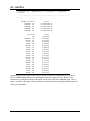
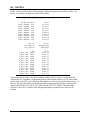
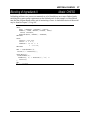
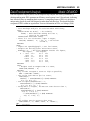
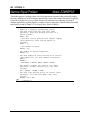
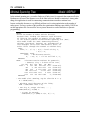
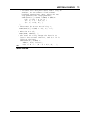
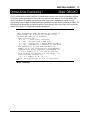
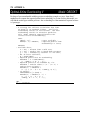
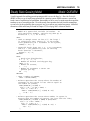
The Markowitz model allows you to evaluate tradeoffs between risk and return. By running the model
for a series of different levels of return, you can see how portfolio risk must increase as desired return
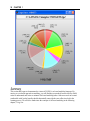
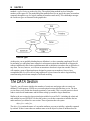
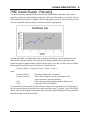
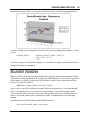
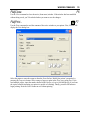
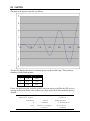
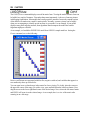
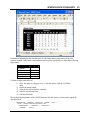
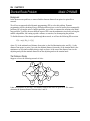
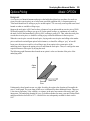
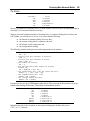
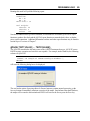
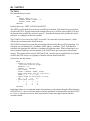
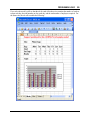
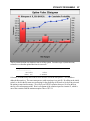
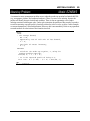
increases. The return/risk tradeoff may be graphed, and this graph is known as the efficient frontier. If
we place risk on the vertical axis and return on the horizontal, then portfolios to the left of the efficient
frontier are inefficient. This is because portfolios exist with the same amount of return but less risk.
Conversely, all (return,risk) pairs that lie to the right of the curve cannot be achieved given the current
available asset pool. Finally, all portfolios with (return,risk) combinations that lie on the curve are
efficient—no portfolio can be found with the same level of return and lower risk.