1
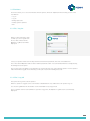
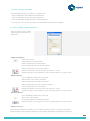
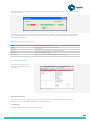
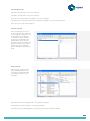
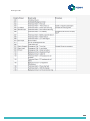
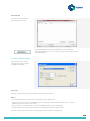
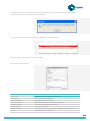
Pressing the ‘Test Modem’ button will check that your modem is connected to the ETR software and provided the
modem has been correctly installed the following will pop up.
If the test fails then there will be an error message displayed on the ETR main screen.
Check all modem settings, cables and run the test again.
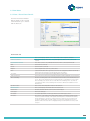
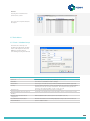
2.5.2 Tools / Email Setup
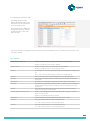
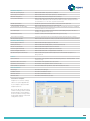
Email Settings
Email Provider:
Templates for some common web email providers
Senders Name
The users name („friendly name‟)
Senders Email Address:
The user‟s email address (for replies)
Email Server (SMTP):
Email server address (contact your IT person if required)
Account User Name:
User name that is required for email settings
Account Password:
Email account password
Show Password Chars
Allow the password characters to be seen as typing (removes password if set)
Use SSL
Set authentication for some providers.
21