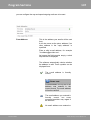
1
97
Tutorial
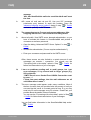
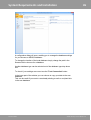
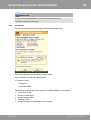
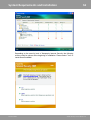
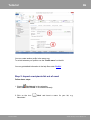
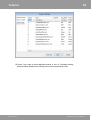
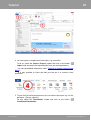
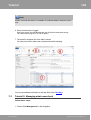
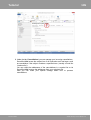
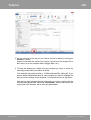
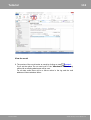
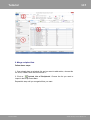
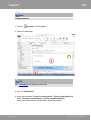
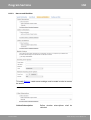
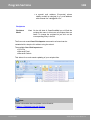
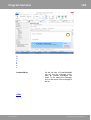
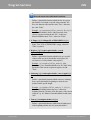
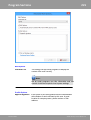
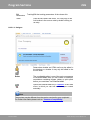
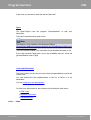
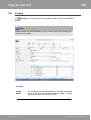
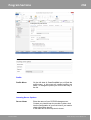
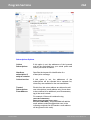
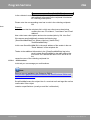
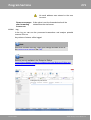
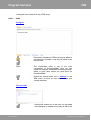
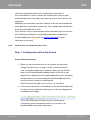
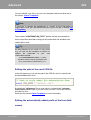
4. You can import a complete text in the editor, e.g. a word-file.
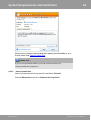
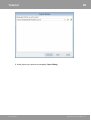
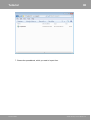
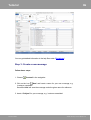
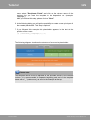
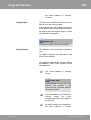
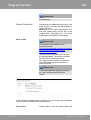
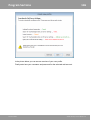
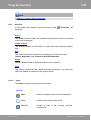
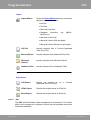
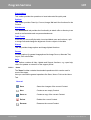
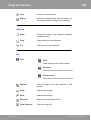
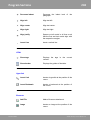
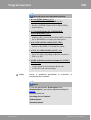
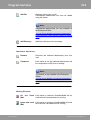
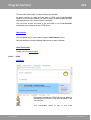
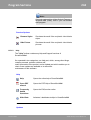
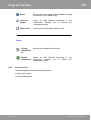
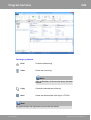
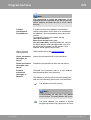
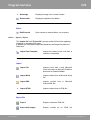
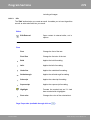
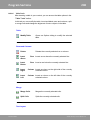
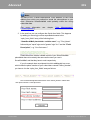
To do so, select the 'Import / Export' toolbar and click on the button '
Import' and choose the corresponding file from your working directory.
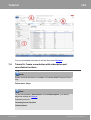
You can get detailed information under 'Tutorial 4: Import content from
Word'.
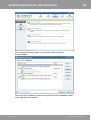
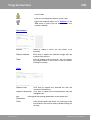
It is also possible to insert and edit your text as in a common word
processor.
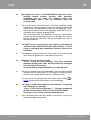
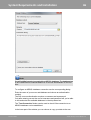
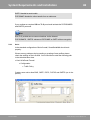
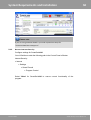
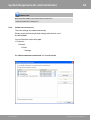
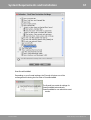
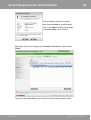
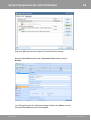
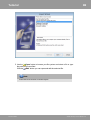
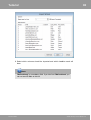
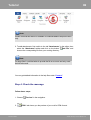
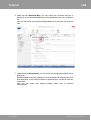
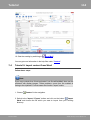
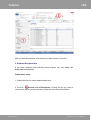
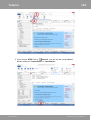
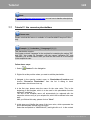
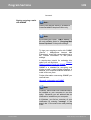
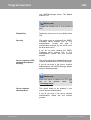
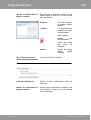
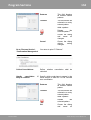
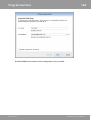
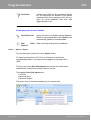
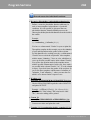
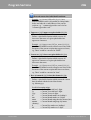
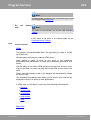
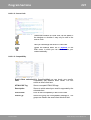
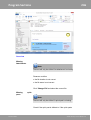
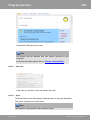
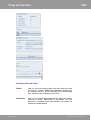
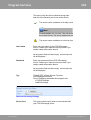
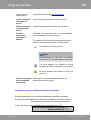
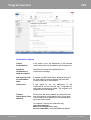
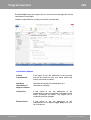
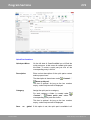
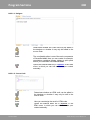
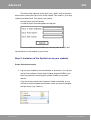
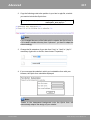
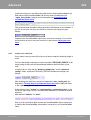
5. To give every e-mail a personal touch you can insert a quick part, e.g. for the
last name ({%Last_name%}).
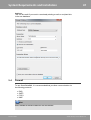
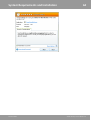
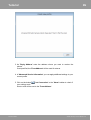
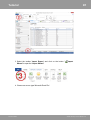
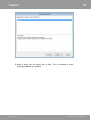
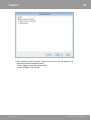
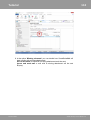
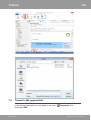
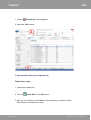
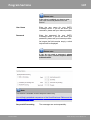
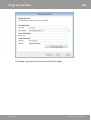
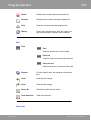
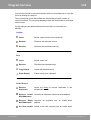
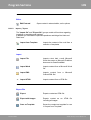
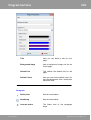
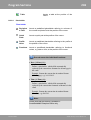
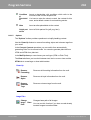
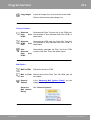
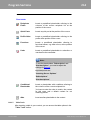
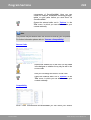
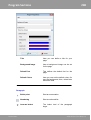
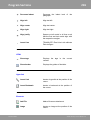
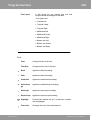
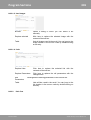
For this select the 'Placeholder' toolbar and click on the button '
Conditional Placeholder'.
SmartSerialMail
©1996-2015 by Joachim Marder e.K.