1
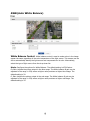
AE (Auto Exposure)
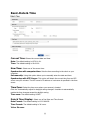
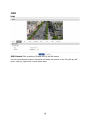
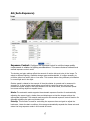
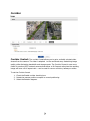
Exposure Control: Configure the exposure control to suit the image quality
requirements in relation to lighting considerations. This camera features automatic and
manual exposure control mode.
The shutter and gain settings affect the amount of motion blur and noise in the image. To
adapt to different lighting, available storage space and bandwidth, it is often necessary to
prioritize either low motion blur or low noise. This camera allows using different prioritization
in normal light and in low light.
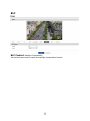
Shutter speed is related to the amount of time the shutter is opened and is measured in
seconds (s). A slow shutter speed allows more light to reach the sensor and can help
produce a brighter image in low light situations. On the other hand, a slow shutter speed
can cause moving objects to appear blurry.
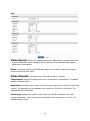
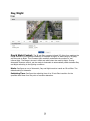
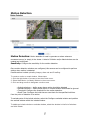
Mode: The automatic mode supports the automatic exposure function for automatically
adjusting the sensor’s gain, shutter time and diaphragm so that the images achieve the
appropriate brightness. The manual mode supports the manual exposure control function for
manually adjusting the gain and shutter time.
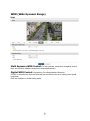
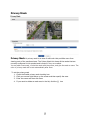
Priority: This function is used for controlling the exposure time and gain to adjust the
luminance. Under the dark conditions, this camera automatically expands the frame rate and
enters the long exposure mode in this normal AE mode.