1
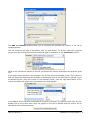
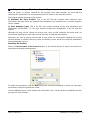
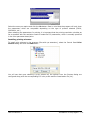
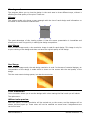
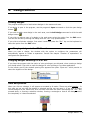
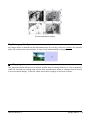
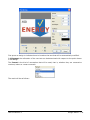
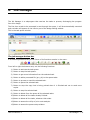
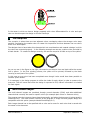
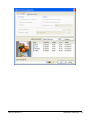
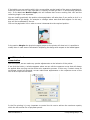
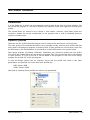
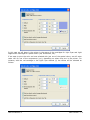
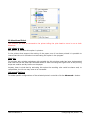
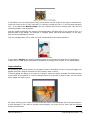
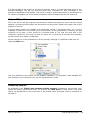
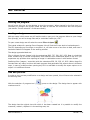
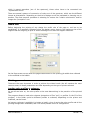
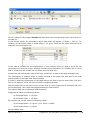
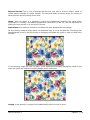
In this image you can see an outside cutting outline
The PostScript clip paths option allows the cutting of areas of image trimming generated
directly in Photoshop®. Consult the Adobe Photoshop® manual to know about how to generate
layouts in a document and include them in a Photoshop EPS together with the image.
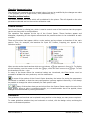
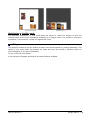
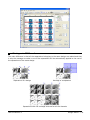
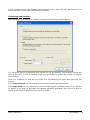
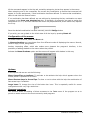
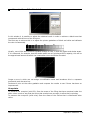
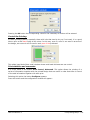
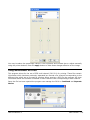
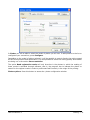
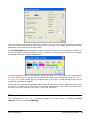
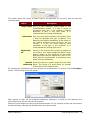
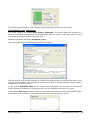
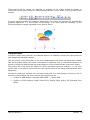
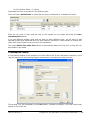
Authomatic outline: Allows the generation of an irregular contour following areas of similar
color.
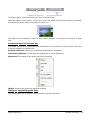
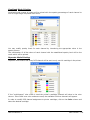
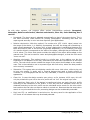
Authomatic contour options:
Distance: distance between the line that marks the zone with similar color and the traject which
will be created.
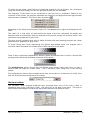
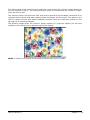
Background color: color selected as a reference in order to select the color area which will be used
to create the cropping traject. From the selected point the program will search the whole area of
the image with a color similar to the one selected and will create a cropping contour in the limits
of the area.
Tolerance: value of similitude of the accepted colors by the area selection. If the value is low and
the area that is to be selected contains colors with similar tones the area may be not selected
correctly as the tones can be different enough from the selected color. If a high tolerance value is
entered the selection can be extended to color zones which are similar although not exactly the
same to the chosen one and thus the result will not be satisfactory.
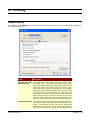
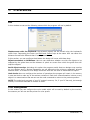
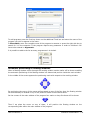
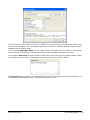
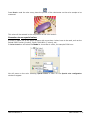
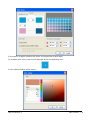
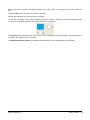
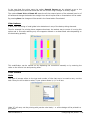
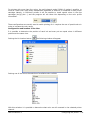
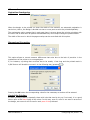
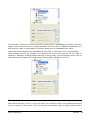
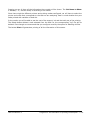
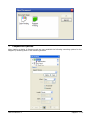
To select the reference color, press the color selection button:
image in a zone with the background color to be selected.
User's manual 5.5
and press directly on the
Cutting • 77