1
Banana PI BPI-G1
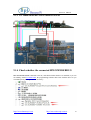
9.3.2 BPI OPENDEBBUG check whether the software and
hardware are connected
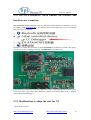
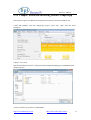
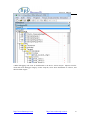
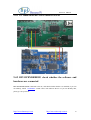
BPI OPENDEBUGGER connected to the PC, and check whether the drive is installed, if you can
not identify, install SmartRF Studio,The software that comes with the driver. If you can identify
that, please give G1 powered。
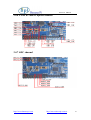
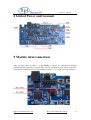
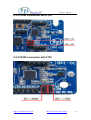
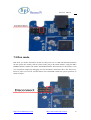
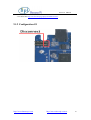
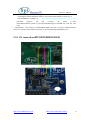
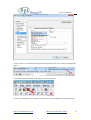
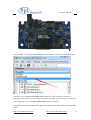
If the drive is normal, then check the G1 and OPENDEBBUG connection is normal. After the G1
to power, press the CC Debugger interface OPENDEBBUG reset button next。
If the connection is normal, then the status light next to the CC Debugger interface will turn green,
if it is red or other colors, please check whether it is normal or electricity on the G1 G1 is properly
connected and OpenDebugger。
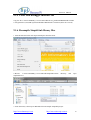
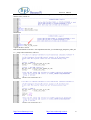
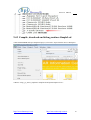
9.3.3 Modifications to adapt the code for G1
1.Open the file C:\Texas
http://www.banana-pi.com
http://www.sinovoip.com.cn
40